Call center simulation and modeling gives leaders a way to test staffing, routing, and scheduling decisions digitally before rolling them out on live customers. Instead of relying on a single average or a hunch, you build a representation of how contacts arrive, how agents become available, and how queues behave over time, then run that representation under different scenarios.
This article covers what a simulation model actually represents, how to build and validate one, where simulation delivers the most value, and how it differs from AI-based agent role-play training, which solves a completely different problem.
Key Takeaways
- Simulation lets you test staffing, schedules, routing, and service-level scenarios before they touch a live queue
- Accurate models need realistic historical inputs, documented assumptions, and validation against actual center behavior
- Operational forecasts come from simulation; interaction-level QA tools show whether real conversations actually improved
- Compare multiple scenarios and sensitivity ranges instead of trusting one deterministic model output
What Is Call Center Simulation and Modeling?
A model and a simulation aren't the same thing, even though the words get used interchangeably.
Model vs. Simulation
The model is the representation: your agents, schedules, routing rules, skills, and constraints, translated into a structure a computer can run. The simulation is what happens when you run that model over simulated time and watch calls arrive, queue, get answered, or abandon.
Contact centers suit discrete-event simulation because a call center is fundamentally a sequence of events. A call arrives. An agent becomes available or busy. A customer waits, gets answered, or hangs up. Each event depends on timing and on which resources happen to be free at that moment.
Dividing total call volume by average agent capacity hides all of that timing. ICMI, the contact center industry association, has pointed out that calls bunch up randomly even when an interval-level forecast is accurate, and that basing staffing on average throughput alone ignores queueing behavior and service level entirely. Simulation replaces the average with the actual arrival and service pattern.
Operational Simulation vs. AI Role-Play
These two get confused often, but they answer different questions:
- Operational simulation tests system-level decisions: how many agents you need, which schedule works, how a routing rule affects queues
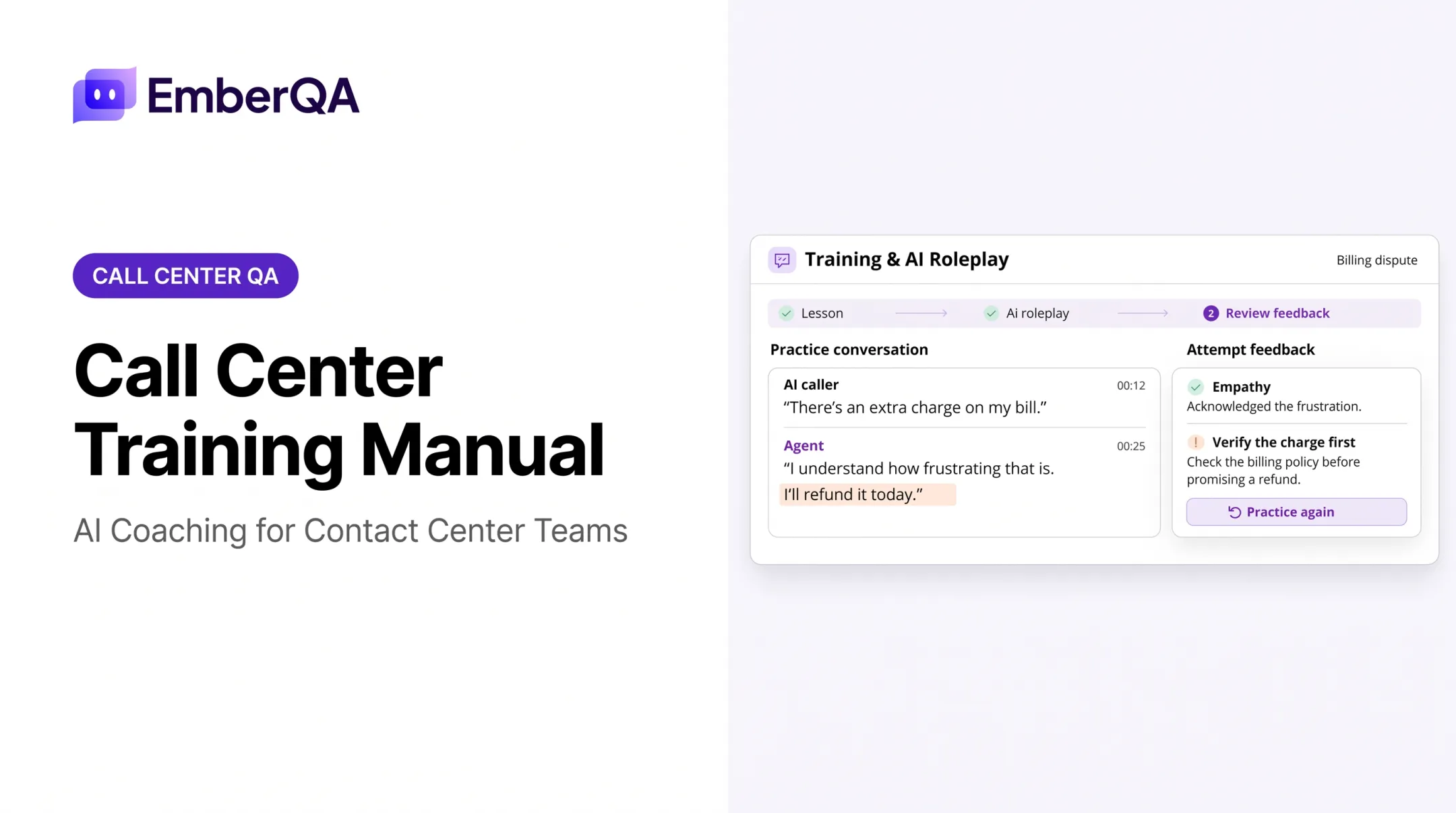
- AI role-play gives an individual agent a safe space to practice a difficult call or rehearse policy steps before it happens live
EmberQA's AI Roleplay Training for insurance agents is an example of the second category. It sharpens what an individual agent says on a live call, not how many agents you need on a Tuesday afternoon in March. The two approaches complement each other, but neither replaces the other.
What Gets Modeled, What Leaders Measure
A model typically represents three categories of input:
- Demand: arrival volume and timing, channel mix, repeat contacts, seasonality, campaign-driven surges
- Resources: agent headcount, schedules, skills, occupancy, breaks, shrinkage, absenteeism, site or vendor availability
- Process rules: routing, priority, transfers, escalation, wrap-up time, callbacks, abandonment, service-level targets
Leaders then watch outputs like queue length, wait time, abandonment, utilization, staffing requirements, backlog, service level, throughput, and cost trade-offs. Simulation pays off when several variables interact at once—staffing, routing, and arrival spikes—because a single average in a spreadsheet won't show where the queue actually breaks.
How to Build and Run a Call Center Simulation Model
Define the Decision and Gather Inputs
Start with a specific question, not a full replica of the operation. Good examples: testing a new shift pattern, opening a second site, changing skill-based routing, adding asynchronous support, or preparing for a seasonal spike.
Then gather:
- Historical contact volumes by interval, channel, queue, site, customer type, and reason for contact
- Service-time distributions, not just an average, since variation drives queue behavior and staffing needs
- Documented schedules, skills, breaks, training time, shrinkage, transfers, callbacks, abandonment behavior, and escalation rules
- QA findings on recurring call drivers, compliance-sensitive interactions, and process defects that inflate handle time
Build the Model Structure
Represent contacts as entities moving through queues, agents as constrained resources, and routing or escalation as decision rules. Build in the factors that change queue behavior when they matter for your question:
- Multiskilled agents and priority queues
- Cross-trained teams and site-specific capacity
- Shift handoffs between teams or sites
For omnichannel operations, decide whether agents share capacity across voice, chat, email, SMS, and back-office work, or whether each channel runs its own pool.
Pick an approach that fits the question:
- Discrete-event simulation for queue and workflow behavior
- Monte Carlo methods for uncertain inputs and risk ranges
- Scenario-based workforce models for comparing staffing plans side by side
Validate the Baseline, Then Test Scenarios
Run the model against a known period and compare simulated queue, wait, abandonment, and staffing behavior with actual historical reports.
A 2025 peer-reviewed study in Queueing Systems tested this approach against 237 days of real call center logs. Researchers compared arrival assumptions, handling-time distributions, and caller patience with actual service level, wait time, and abandonment.
The model that held up best kept time-dependent breaks and empirically estimated patience, rather than simplifying either one away.
If your baseline doesn't match reality, investigate rather than adjust the output until it looks right. A gap usually points to a missing routing rule, bad data, or an unrealistic service-time assumption.
Once validated, compare scenarios under the same assumptions:
- Staffing levels, shift start times, and overtime
- Routing rules and cross-training
- Site allocation and channel deflection
- Demand surges
Where inputs are uncertain, run multiple iterations and report a range, not a single number.
Finally, translate results into a decision. Every scenario trades something for something else: labor cost against wait time, service level against agent workload, resilience against implementation complexity.

What Call Center Simulation Can Help You Optimize
Workforce Capacity and Scheduling
- Test agent mix by interval, skill, site, and channel
- Compare fixed schedules, flexible or split shifts, overtime, cross-trained pools, and outsourced capacity
- Factor in shrinkage, breaks, training, absenteeism, and handoffs so plans reflect available capacity, not just headcount
Queue Performance, Routing, and Operating Model Design
Simulation shows where queues destabilize and where bottlenecks form as arrival volume or service time shifts. It can model:
- Priority queues and callbacks
- Overflow routing and self-service deflection
- Separate queues by contact type Weigh service-level targets against customer experience and agent workload—not in isolation. Routing changes ripple across the whole system. A rule that speeds up one queue can create pressure somewhere else, which is exactly why system-level modeling beats reviewing a single KPI. This matters most in BPO and answering-service environments, where multiple client programs draw on the same shared agent pool and reporting commitments.
Demand, Risk, and Investment Planning
Simulation fits demand shocks and planning scenarios such as:
- Seasonal peaks, product launches, and campaigns
- Outages and regulatory changes Compare investment options next—hiring, training capacity, automation, self-service, new sites, or expanded hours—before you commit budget. A well-documented case from AAA Michigan's claims call centers shows both the value and the limits of this kind of modeling. Researcher Roger Klungle simulated the insurer's claims centers, comparing existing routing against a proposed "New Gate" that grouped short calls by expected handling time instead of function alone. The model estimated lower abandonment and roughly 20% less additional staffing under the new design. AAA Michigan still declined it. Management weighed the training and reclassification work the new routing would require and added staff the conventional way instead. The simulation surfaced a real opportunity; operational complexity decided the outcome.

Pairing Simulation With Interaction-Level QA
A staffing or routing model predicts what should happen to queues and costs. It can't tell you whether conversations improved, whether agents followed a new escalation path, or whether a compliance requirement got missed on the calls that mattered most. That gap is why interaction-level analysis matters after a change goes live. EmberQA is built for that measurement layer, not for operational simulation. It analyzes every recorded call, chat, email, and document rather than a manual sample, applies a consistent scoring rubric, and surfaces red flags—compliance gaps, escalation risk, hostile exchanges—as they happen. Paired with a simulation's staffing or routing forecast, that combination shows whether a modeled improvement actually showed up in how agents handled real customers.
Best Practices and Limitations
Start narrow. Before opening any modeling tool, nail down the decision horizon, success criteria, service commitments, and constraints. A model built to answer "how many agents for Q4 open enrollment" looks very different from one built to test a new site.
Treat data quality as ongoing work, not a one-time setup:
- Assign data owners and record what got excluded and why
- Separate observed values from assumptions rather than blending them
- Update the model whenever workflows, products, staffing, or customer behavior change
Common Modeling Mistakes to Avoid
- Using averages that hide intraday spikes and lulls
- Omitting abandoned or repeat contacts from the demand picture
- Ignoring non-call work like emails, back-office tasks, and case follow-up
- Treating scheduled staff as fully available, without shrinkage or breaks
- Failing to represent handoffs or multiskilled routing accurately
Once the structure is sound, pressure-test it. Run sensitivity analysis on the assumptions that swing outcomes most: arrival volume, service-time variability, absenteeism, abandonment, and routing accuracy.

Present results as decision support, not certainty. Pair model output with operational expertise, a controlled pilot, real-time monitoring, and post-implementation QA review.
For regulated insurance, lending, and collections operations, the model also needs to reflect compliance-sensitive demand. Disclosure requirements, escalation paths, and auditability are not staffing variables. Federal debt-collection rules on call frequency and validation timelines can still determine which scenarios are legal to run at all.
Frequently Asked Questions
What is call center simulation and modeling?
Call center simulation is a digital model of your demand, queues, agents, and workflows. You run it to compare staffing, routing, and scheduling scenarios before changing anything live.
How does call center simulation work?
The model uses historical inputs, like contact arrival patterns and service times, along with your routing and staffing rules, to simulate arrivals, agent availability, and queues over time. Running it produces estimated wait times, abandonment, and service levels per scenario.
What data is needed to build a call center simulation model?
You need interval-level demand, service-time distributions, schedules, skills, shrinkage, and abandonment behavior, plus routing, transfer, callback, and channel-mix rules. More complete, current data produces a more reliable model.
What can call center simulation help businesses optimize?
It helps optimize staffing levels and schedules, queue and service-level performance, routing and skill design, and site or channel capacity. Teams also use it for peak-season planning and choices like hiring versus automation.
What is the difference between call center simulation and AI role-play training?
Simulation evaluates system-level decisions, like how many agents you need or how a routing rule affects queues. AI role-play gives individual agents realistic practice and feedback on specific conversations.
How do you validate whether a call center simulation model is accurate?
Compare its output against a known historical period, involve subject-matter experts in reviewing assumptions, run sensitivity tests, and pilot any resulting change before rolling it out fully.