This is the omnichannel problem most contact centers still haven't solved. Businesses add channels faster than they connect them, leaving agents blind to context and customers repeating themselves at every handoff. ICMI's 2026 research on omnichannel data gaps makes the point directly: offering voice, chat, SMS, and email doesn't automatically create one connected journey.
AI and omnichannel aren't competing ideas. Omnichannel connects the customer's path across channels. AI helps you actually understand what's happening in that path, automate the repetitive parts, and catch problems before they escalate.
This article covers what these terms really mean, how AI supports a connected experience, the operational benefits, real use cases, and how to implement this without breaking what already works.
Key Takeaways
- Omnichannel depends on shared context, not how many channels you offer
- AI keeps context, routing, summaries, and scoring consistent across every channel
- Manual QA sampling misses most interactions; AI-powered analysis can review 100% of customer conversations
- Regulated industries need governance built in from day one, not added after deployment
- Start with your highest-volume or highest-risk journey, then expand after human review
What Do AI and Omnichannel Mean?
Omnichannel means a customer's conversation history and context follow them, no matter which channel they use next. A customer who starts on chat and calls later shouldn't have to re-explain anything. That's the difference between omnichannel and multichannel — multichannel just means you offer several ways to get in touch, with each one operating in its own silo.
CCW describes omnichannel service as channels working together for one consistent experience, and that word, together, is doing a lot of work. Without it, you're just running several disconnected support desks under one brand.
Where AI Fits In
AI doesn't create the connection by itself, but it makes the connection usable. In an omnichannel setup, AI typically handles:
- Natural-language analysis of what was actually said or written
- Automated routing based on intent, urgency, or customer history
- Summarization of long calls or email threads for the next agent
- Sentiment and intent detection to flag frustration or churn risk
- Interaction scoring against quality and compliance standards
- Pattern recognition across thousands of interactions humans would miss
The Infrastructure That Makes It Real
A genuinely connected experience needs a few foundational pieces:
- A shared customer or interaction record every channel can read from
- Synchronized data so a chat transcript and a call recording point to the same case
- Common policies so a customer gets the same answer regardless of channel
- Integrated CRM or case systems instead of channel-specific databases
- Clear escalation paths that don't reset when a customer moves channels
If a customer or an agent loses context moving from one channel to another, you're not omnichannel yet, no matter how many channels you offer.
How AI Powers an Omnichannel Customer Experience
AI's real job in an omnichannel environment is turning scattered interaction data into something a business can act on. That starts with consolidation: pulling calls, chats, emails, SMS, and documents into one place where they can be analyzed together instead of reviewed in isolated batches.
Cross-Channel Context Management
This is where AI earns its keep. Practically, it means:
- Identifying that a chat, a call, and a follow-up email all belong to the same customer or case
- Carrying forward relevant details instead of forcing a fresh explanation each time
- Summarizing prior exchanges so the next agent isn't starting cold
- Surfacing only what's relevant to the current issue, not the entire interaction history
Real-Time and Post-Interaction Workflows
AI supports both the moment of the interaction and everything that happens after:
- During the interaction: intent detection, smart routing, live transcription
- After the interaction: summarization, next-best-action suggestions, automated follow-up tasks like ticket creation or CRM updates
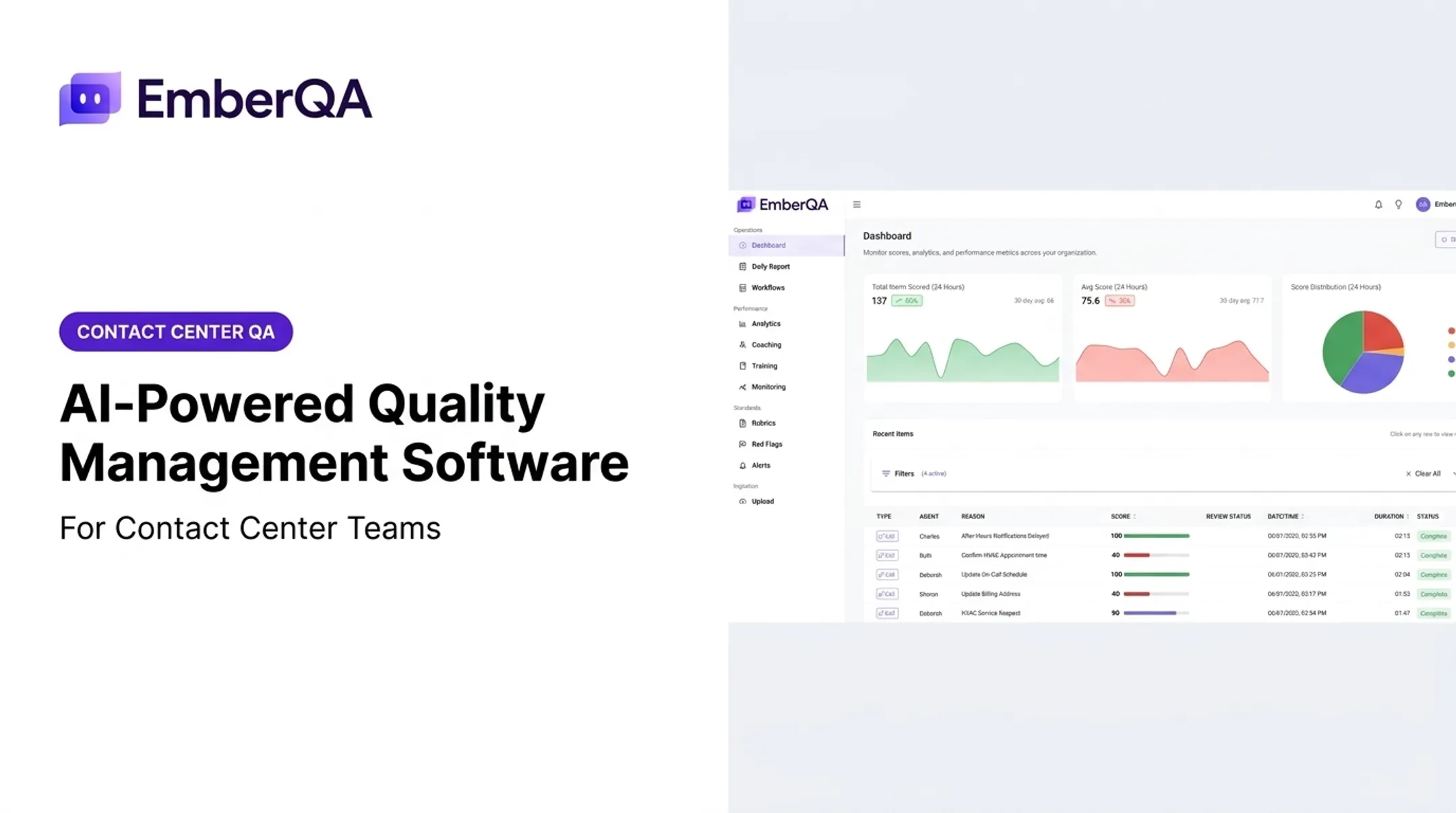
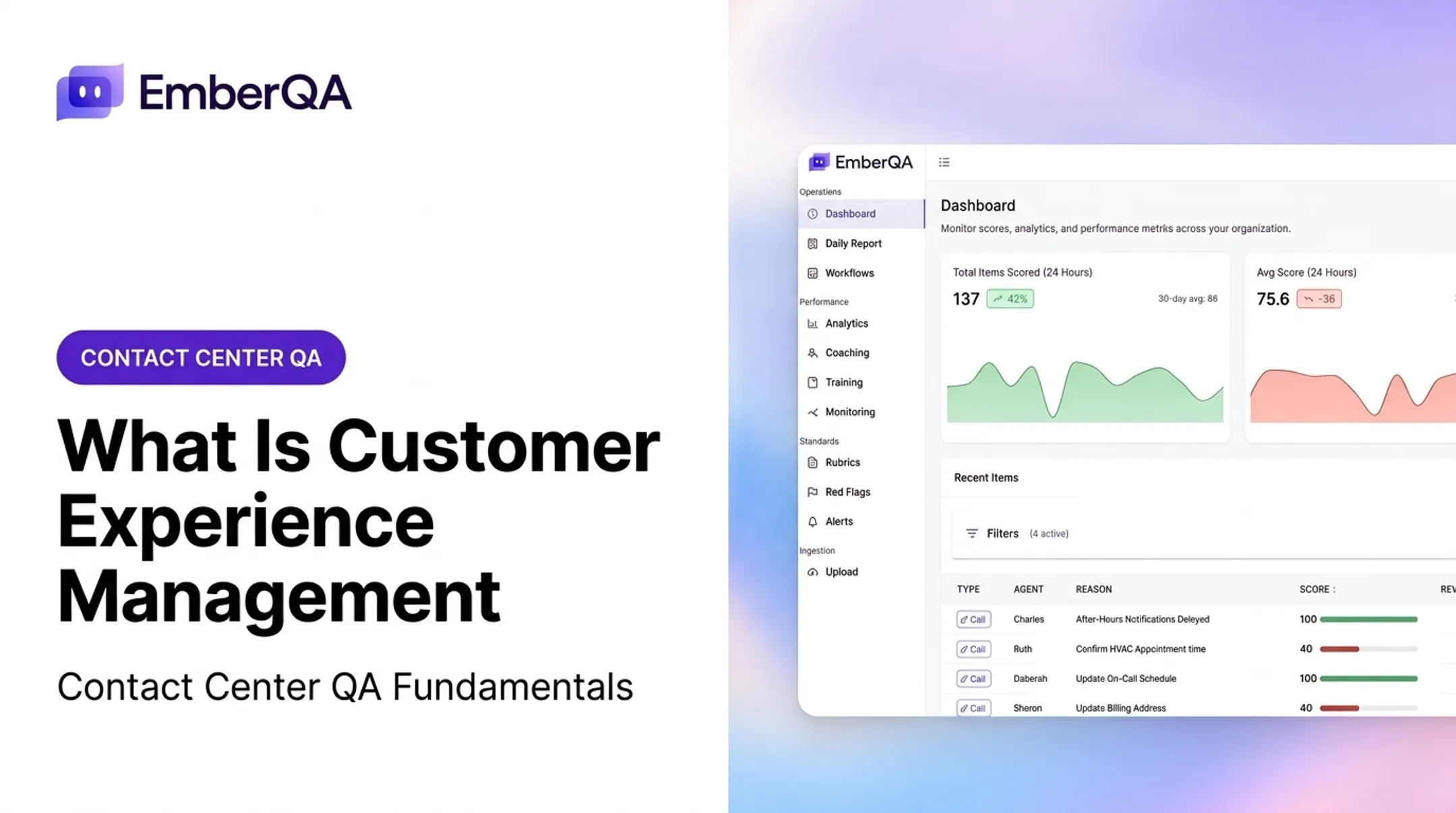
EmberQA's platform, for example, ingests calls, SMS, emails, documents, and transcripts, then triggers workflow actions in CRMs and ticketing systems based on what it finds — closing the loop between analysis and action rather than leaving insights stuck in a report.

Consistent Policy Application
Once insights can trigger action, the next requirement is that every channel is judged the same way. Separate teams with separate scorecards create inconsistent service, even when the underlying policy is identical.
AI helps by:
- Applying one rubric across calls, chats, email, and SMS
- Removing local interpretation when standards live only in someone's head
- Giving QA and operations a shared definition of “good” service
Human-in-the-Loop Controls
AI shouldn't operate without guardrails. A working setup defines:
- Which interactions AI can score or handle independently
- When a supervisor must review a result before it's final
- How and when a customer gets escalated to a human agent
ICMI and NiCE's 2025 research found that keeping interactions personal and human remains one of the biggest challenges teams face when deploying AI. Automation works best alongside human oversight, not instead of it.
Benefits of AI and Omnichannel for Contact Centers
The most immediate benefit is fewer repeated conversations. When interaction data is connected, an agent can open a case already knowing what happened last time. Salesforce's State of Service research found that 56% of customers often have to repeat information to different representatives — a gap connected systems are built to close.
Operational Gains
Beyond customer experience, connected AI-powered QA delivers measurable operational value:
- Cuts review time by removing manual scrubbing of hours of recordings
- Routes interactions to the right team on the first pass
- Frees agent time with automated summaries and follow-up tasks
- Surfaces recurring issues across sites, teams, and outsourced programs
QA Coverage That Actually Scales
Most contact centers still sample a tiny fraction of interactions manually. Spot On Schedulers, for example, moved from reviewing a small sample of calls to automatic review across 100% of interactions after adopting EmberQA.
Broader coverage means:
- Patterns get caught that a 2% manual sample would miss entirely
- Coaching opportunities are grounded in actual recurring behavior, not anecdotes
- Compliance risks surface before they become formal complaints
From QA Data to Targeted Coaching
Generic feedback doesn't change behavior. Specific, pattern-based coaching does. AI-powered QA can flag things like a missed disclosure, a skipped process step, or a recurring customer-friction point, then turn that directly into a coaching action tied to what actually happened on the call.
Risk Management in Regulated Environments
The same QA signal that drives coaching also strengthens risk control in regulated environments. Debt collection teams, for instance, operate under Regulation F, where the CFPB outlines a presumed violation for more than seven calls in seven days to a consumer about the same debt.
Manually tracking call frequency, disclosure language, and opt-out compliance across thousands of interactions is not realistic. Automated monitoring makes that oversight feasible at scale. Always verify current requirements with legal counsel for your specific program.

Metrics Worth Tracking
Rather than chasing invented benchmarks, focus on metrics you can baseline and improve over time:
- First-contact resolution rate
- Transfer or repeat-contact rate
- Response time by channel
- Customer satisfaction scores
- QA scoring consistency across reviewers
- Red-flag detection rate
- Coaching completion rate
- Compliance exceptions identified
AI Omnichannel Use Cases for Contact Centers
Automated Quality Assurance Across Every Channel
The same rubric can score calls, chats, emails, and messages, so every channel is judged by one standard. Uncertain results route to human review instead of auto-approval or auto-rejection.
Scorecards work best when they support:
- Automatic rubric selection by interaction type
- Metric-level explanations for each score
- Review corrections managers can audit later
Red-Flag Detection
Not every issue needs a full manual review to be caught. Automated red-flag detection can identify:
- Compliance failures or missed disclosures
- Signs of customer distress or escalation risk
- Privacy violations
- Abusive or hostile interactions
- Commitments made to a customer that need follow-up
EmberQA alerts supervisors in near real time when these issues surface, so teams act before a monthly audit would catch them.
Multi-Client and BPO Environments
BPOs and answering services juggle multiple client accounts, each with its own standards. AI helps them:
- Apply client-specific scorecards
- Keep reporting separated by program
- Search and compare interactions across clients
EmberQA's BPO client reporting tools are built for that multi-program workflow.
Regulated Industries
Insurance, financial services, lending, collections, and healthcare-adjacent teams carry unique compliance obligations. AI-powered QA here typically checks for:
- Improper advice or unapproved language
- Privacy or data-handling concerns
- Missed required disclosures
It does not replace legal review. It surfaces patterns worth escalating to compliance teams. Verify industry-specific requirements independently.
CRM Verification
AI can compare what was said on a call against what got logged in the CRM:
- Disposition codes
- Agent notes
- Promised follow-up
Gaps usually point to process problems or training needs, not only data-entry mistakes.
Where EmberQA Fits
EmberQA helps contact centers and customer-facing teams analyze interactions across calls, SMS, emails, and documents. Teams automate scoring against custom rubrics, surface red flags in real time, and turn recurring QA findings into specific agent coaching.
That shifts quality assurance from a small manual sample to full-interaction coverage.

How to Implement an AI Omnichannel Strategy
Start With an Operational Audit
Before adding any AI layer, map what's actually happening today:
- Every channel customers use to contact your team
- Which system or team owns each channel
- Interaction volume and where transfers happen most
- Current QA workflows and how much they actually cover
- Points where customers or agents lose context
Set Governance Before You Deploy
Data and governance questions need answers before go-live, not after:
- Consent and retention policies
- Access controls and redaction rules
- Auditability of AI-generated scores
- Human review requirements and escalation rules
- Who owns and can override an AI recommendation
Build a Shared Quality Framework
Define scoring rubrics with channel-specific criteria where needed, along with:
- Critical-fail conditions that trigger immediate review
- Calibration procedures between AI and human scorers
- Confidence thresholds for auto-approval versus manual review
- A clear process for disputing or correcting an AI evaluation
Run a Controlled Pilot
Pick a limited set of channels, teams, or interaction types first. Compare AI results against calibrated human reviews, and document:
- False positives and false negatives
- Workflow gaps the pilot exposed
- Agent reaction to AI-generated feedback
ECA moved from manually reviewing less than 1% of calls to evaluating every call with EmberQA. That rollout only worked because they compared AI scoring against manager judgment before expanding fully.
Measure What Changed
Compare baseline to post-launch results across:
- Coverage and review time
- Scoring consistency
- Risk detection
- Coaching effectiveness
- Agent acceptance
Use those results to refine rubrics, thresholds, and coaching loops before you scale to every channel. A QA layer like EmberQA keeps scoring consistent and turns findings into coaching without a system overhaul.

Conclusion
AI doesn't turn a pile of disconnected channels into an omnichannel operation on its own. That takes shared context, connected systems, consistent policy, and a governance process that keeps humans in the loop.
The bigger opportunity for contact centers isn't just automating responses — it's using AI to evaluate every interaction, catch risks early, standardize quality across teams, and give managers the specifics they need to coach effectively. Platforms like EmberQA support that shift by scoring interactions consistently, surfacing red flags, and turning QA data into targeted coaching.
Start with your highest-volume or highest-risk journey. Set a measurable baseline. Validate AI results against human review before expanding further. That path builds an omnichannel QA program that holds up under real volume and real risk.
Frequently Asked Questions
What is omnichannel in simple terms?
Omnichannel means a customer's conversation and context carry across every channel they use, so they never have to repeat themselves. It's different from multichannel, where each channel operates as its own separate system.
What is an example of an omnichannel experience?
A customer starts on chat, continues over the phone, then gets an email follow-up without repeating any information. Shared systems and connected context make that journey omnichannel instead of multichannel.
How much does Omni AI cost?
"Omni AI" can refer to different products, so pricing varies by vendor, channel coverage, interaction volume, integrations, and usage model. Check verified vendor pricing directly rather than relying on a general estimate.
How does AI improve omnichannel customer service?
AI preserves context across channels, routes interactions intelligently, summarizes conversations, detects sentiment or intent, and flags risks automatically. It also gives agents next-best-action recommendations instead of leaving them to guess.
What should businesses look for in an AI omnichannel platform?
Look for shared context across channels, CRM and contact-center integrations, automated QA with transparent scoring, red-flag detection, human oversight, and solid data governance. Favor vendors that can show results from use cases like yours.