Introduction
Most teams shopping for cloud call center software start with one question: can we ditch the phone closet? That's fair, but it misses the bigger shift.
A cloud call center platform connects routing, agent workflows, CRM data, analytics, and quality management into one provider-hosted system. It is not just a dial tone over the internet.
The push to evaluate usually comes from real pain:
- Aging on-premises hardware
- Customer data scattered across disconnected tools
- Quality assurance that samples only 1-2% of calls
- Zero visibility once agents go remote or multi-site
This guide breaks down how cloud call center solutions work and where call centers end and contact centers begin. It also covers which features matter most and how to build a buying framework that does not rely on counting feature checkboxes.
Key Takeaways
- Cloud call center software enables remote access and flexible scaling on a provider-managed platform
- Call centers handle voice; contact centers add SMS, email, chat, and social messaging
- Evaluate providers on routing, integrations, security, analytics, and QA—not feature counts
- Automated interaction analysis expands QA past manual samples and supplies consistent coaching evidence
What Is Cloud Call Center Software?
Cloud call center software is a provider-hosted application that manages inbound and outbound customer calls over the internet. Teams typically access it through VoIP, browser-based tools, desktop apps, or mobile devices.
The vendor hosts the infrastructure, pushes updates, and delivers access through a subscription or usage-based plan. Your team handles configuration: users, queues, workflows, permissions, and integrations.
Cloud Call Center vs. Cloud Contact Center
Gartner defines CCaaS (Contact Center as a Service) as SaaS applications built for managing multichannel customer interactions, not simply a phone system connected to the internet. That distinction matters.
As Twilio explains, a cloud contact center platform unifies voice with SMS, email, chat, and social messaging. A traditional call center can remain voice-only even when it's fully cloud-hosted.
In other words: "cloud" describes where the software runs. "Contact center" describes which channels it covers. A business can run a voice-only cloud call center and add channels later, or start multichannel from day one.
Cloud vs. Hosted vs. On-Premises
| Model | Who maintains it | Scaling | Remote access |
|---|---|---|---|
| On-premises | Your IT team owns servers and hardware | Manual capacity expansion | Limited without extra VPN setup |
| Hosted/private cloud | Off-site, but not always multitenant SaaS | Varies by contract | Depends on architecture |
| Cloud CCaaS | Vendor manages infrastructure and updates | Add/remove seats on demand | Built-in by design |
Cloud isn't automatically the right answer for every organization. Some teams with heavy compliance requirements or existing infrastructure investments stay on-premises longer, and that's a legitimate choice, not a mistake.
Common Deployment Models
Cloud call centers support several operating modes:
- Inbound — support desks, answering services, claims intake
- Outbound — sales dialing, collections, appointment reminders
- Blended — agents handle both inbound and outbound queues
- Voice-only — traditional phone support without digital channels
- Omnichannel — voice plus chat, SMS, email, and social in one queue
How Does a Cloud Call Center Work?
Picture a typical interaction: a customer calls in, the platform pulls up any known context, an IVR or automated assistant captures intent, routing rules pick the right queue or agent, and the call gets logged or recorded per policy. Every step in that chain affects wait time and agent workload.

Routing and Queue Logic
Automatic call distribution (ACD) routes voice interactions to the right representative based on rules your team defines. Layer on skills-based routing, priority tiers, callbacks, and escalation paths, and you get a system that adapts to volume spikes without dropping quality.
Before a call reaches an agent, many platforms push callers into self-service. Those IVR tools are often oversold. Gartner's 2024 consumer research found that only 14% of customer service issues were fully resolved through self-service, and even "very simple" issues were fully resolved only 36% of the time.
Measure resolution rates, not just deflection volume, when you evaluate a vendor's self-service claims.
Agent Workspace and Supervisor Visibility
The agent's screen typically includes:
- Softphone controls (answer, transfer, hold, mute)
- Customer context and interaction history
- Scripts or knowledge base articles
- Disposition codes and note fields
- CRM screen pops that pull up the right record automatically
Supervisors get a separate layer entirely: live dashboards showing queue depth, agent status, and service levels, plus historical reports on recurring issues. This is operational analytics — it shows what's happening right now.
Quality assurance is different. It evaluates whether interactions met compliance, accuracy, and outcome standards. Most platforms handle the first well. Far fewer handle the second at scale.
Benefits of Cloud Call Center Solutions
Infrastructure, Scaling, and Cost Shifts
Moving to the cloud reduces dependence on on-site servers and specialized hardware. The provider handles maintenance, upgrades, and uptime, which frees your IT team from patching and hardware refreshes.
Administrators can add or remove users, queues, and locations without waiting on a hardware order. That flexibility supports seasonal hiring, growing teams, and multi-site operations that need consistent tooling across locations.
Remote Work, With Guardrails
Cloud platforms make distributed teams possible: agents log in from a browser or app regardless of location. That said, remote access alone doesn't guarantee performance. You still need:
- Access controls and device policies
- Network planning for call quality
- Structured onboarding and training
- Consistent quality oversight across sites
What the Data Shows
ICMI's 2025 research on contact center measurement found that 85% of centers track abandonment rate, 84% track average handle time, and 77% track quality scores. Core operational metrics remain the backbone of contact center management, even as channels and tools multiply.

Cloud platforms help when routing, self-service, and CRM context share one environment. Configured deliberately, that setup cuts repeat transfers and repeated explanations; default settings rarely deliver the same result.
Trade-offs Worth Weighing
Cloud isn't free of downsides:
- Recurring subscription or usage charges, plus potential add-on fees
- Dependency on stable internet connectivity
- Migration complexity when moving off legacy systems
- Vendor lock-in risk if data export isn't straightforward
- Need to independently verify security and support commitments
Essential Features to Evaluate
Inbound, Outbound, and Omnichannel Basics
Support teams need strong IVR, ACD, and callback options. Sales and collections teams need dialing modes, campaign management, and compliant outbound calling controls. Answering services and BPOs often need both, plus strict transfer and voicemail workflows.
Match the feature set to your actual use case rather than buying for hypothetical future needs.
CRM and Workforce Integrations
Prioritize integrations that reduce agent swivel-chair work:
- Click-to-dial from the CRM record
- Automatic call logging after each interaction
- Real-time customer-data retrieval on screen-pop
Confirm whether each integration is native, partner-built, or custom. That choice drives how much ongoing maintenance your team owns.
Workforce management (forecasting, scheduling, adherence tracking) may be built in, added through a partner, or missing entirely. Verify coverage before you assume it is included.
Quality Management and Interaction Intelligence
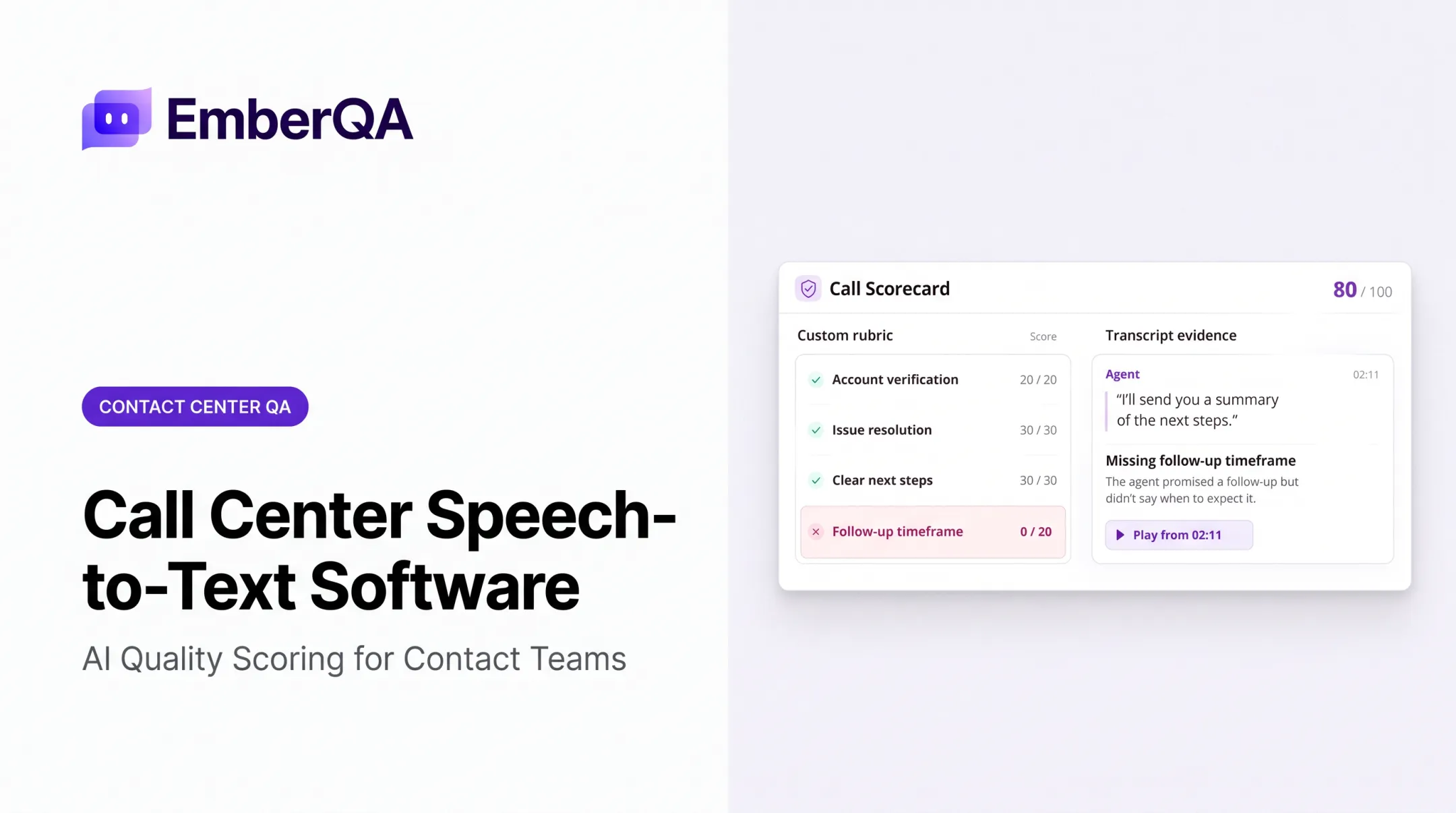
Native QA in most call center platforms stops at call recording and basic transcription. Automated scoring across every interaction, sentiment analysis, and red-flag detection at scale are still uncommon.
Evaluate QA on coverage and consistency, not just whether recording exists:
- Score every interaction, not a small manual sample
- Apply one rubric across agents and channels
- Flag hostile behavior, privacy issues, and compliance risks for review
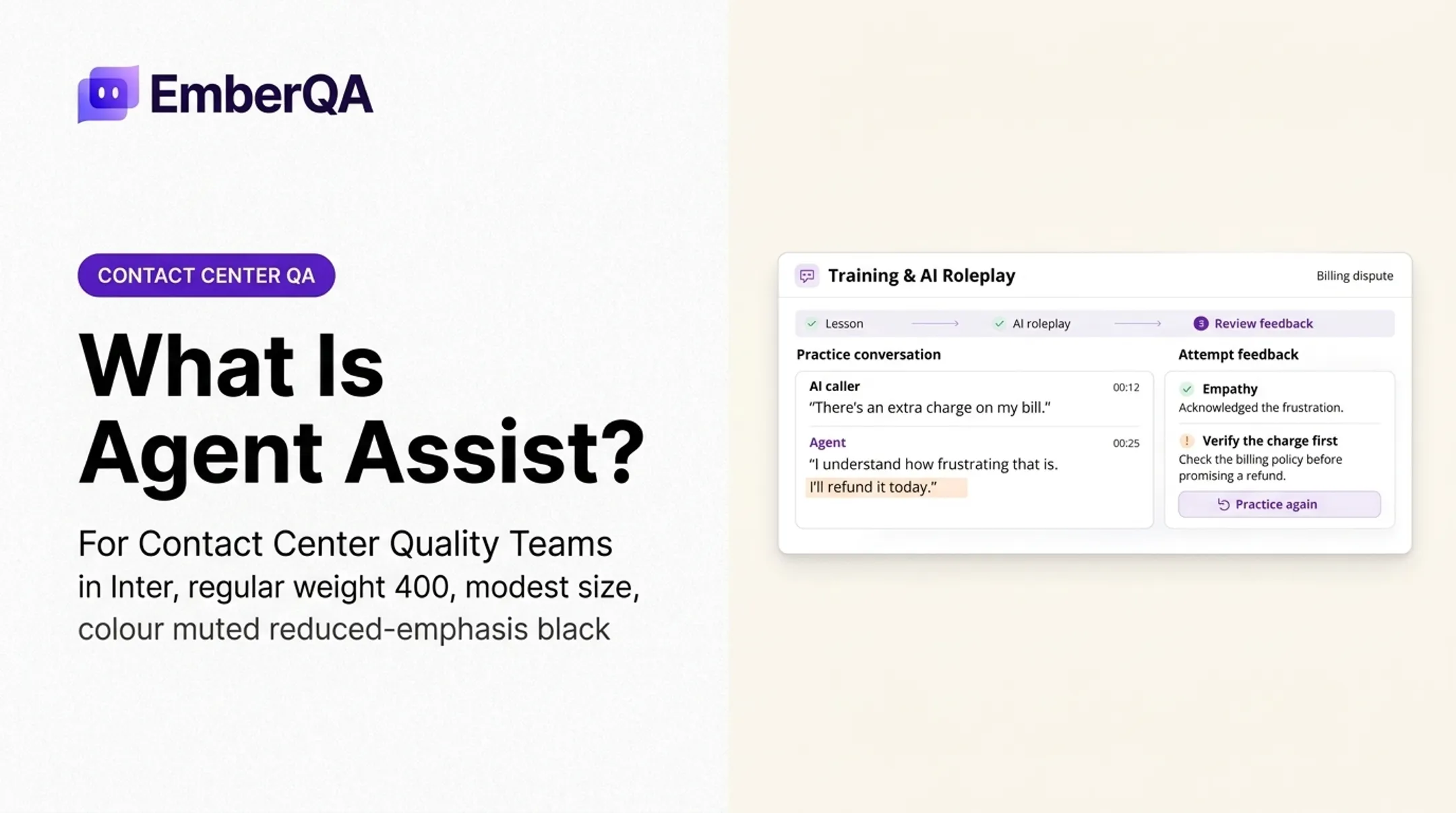
- Turn recurring gaps into coaching actions
- Cross-check call content against CRM notes where logging accuracy matters
That coverage gap is why teams like ECA reworked QA. Before EmberQA, reviewers sampled under 1% of calls, too little to spot recurring problems or coach consistently. Automated scoring let them evaluate every call, hold agents to the same rubric, and base feedback on real patterns instead of spot checks.

EmberQA sits beside your call center platform as a QA layer. It does not replace telephony or routing. It scores calls, SMS, email, and documents against custom scorecards and routes urgent flags to supervisors for review.
Security, Privacy, and Compliance
At minimum, confirm the platform offers:
- Role-based permissions and multifactor authentication
- Encryption for stored and transmitted data
- Configurable recording, retention, and deletion policies
- Audit logs and documented incident response plans
Recording consent laws vary by state. Federal law under 18 U.S.C. § 2511 allows recording with one party's consent in most circumstances, but states like California require all-party consent for confidential communications.
Map your recording policy to every jurisdiction you operate in. Do not rely on one blanket rule. Verify any compliance certification directly with the vendor instead of accepting marketing claims at face value.
How to Choose and Implement the Right Solution
Build a Requirements Inventory First
Before requesting demos, document:
- Interaction volume, inbound/outbound mix, and channels needed
- Number of locations and remote-work requirements
- Existing CRM, workforce tools, and phone numbers to migrate
- Compliance obligations specific to your industry
- Expected growth over the next 12-24 months
Separate must-haves from nice-to-haves. Score vendors against routing, integrations, usability, QA, security, and support, not the length of their feature list.
Test Before You Commit
Run realistic scenarios during any trial or pilot:
- A typical inbound call and a high-priority escalation
- An outbound campaign with disposition tracking
- A CRM lookup and screen pop
- A transfer, a callback, and a QA review
- A supervisor coaching session using real interaction data
Ask vendors directly how they handle number porting, data export, training, and phased rollout. Get a rollback plan in writing before go-live.
Measure What Matters, Consistently
Define baseline metrics before implementation: answer speed, abandonment rate, first-contact resolution, QA coverage, and coaching completion. Use identical definitions before and after launch, or your comparison won't mean anything.
Once live, treat QA and analytics as ongoing governance. Recalibrate scorecards periodically, review access permissions, and monitor integration health.
Automated QA data from platforms like EmberQA can feed that loop directly, showing which coaching priorities improve agent performance rather than leaving teams to guess.
Frequently Asked Questions
What is a cloud contact center solution?
A cloud contact center solution is a provider-hosted platform that manages customer communications across voice and digital channels. It typically includes routing, agent workspaces, CRM integrations, and analytics delivered through a subscription model.
Is a contact center the same as a call center?
Not quite. Call centers traditionally focus on voice interactions, while contact centers generally add channels like email, chat, SMS, and social messaging alongside voice.
What does contact center management do?
Contact center management covers workforce coordination, queue and routing oversight, agent performance tracking, quality monitoring, and compliance controls. It's the operational layer that turns software features into consistent customer experience.
What software is commonly used in call centers?
Most call centers run a stack combining cloud telephony or CCaaS, a CRM, IVR and routing tools, workforce management, and a reporting or quality assurance layer. Few platforms cover every piece natively, so integrations matter.
What CRM do call centers use?
There's no single standard — choice depends on industry, workflow, and scale. Prioritize reliable data synchronization and agent usability over any particular brand name.
What is CRM in a call center?
CRM in a call center stores customer records and interaction history, powering screen pops, click-to-dial, notes, and disposition tracking during and after calls. It's the memory layer that gives agents context before they say a word.