Introduction
Regulations shift. Customer interactions pile up across calls, chats, and email. Cloud systems multiply. Third-party vendors touch data you're still responsible for.
Keeping compliance consistent across all of it, without drowning your team in manual checks, has become one of the harder operational problems in the US market.
The stakes are real: the US enterprise governance, risk, and compliance software and services market hit $17.33 billion in 2025, according to Grand View Research's eGRC market analysis.
Modern compliance monitoring software won't replace your auditors or your legal team. But it can catch control failures earlier, organize evidence automatically, and route remediation work before small issues become big ones.
This article covers five tools, each built for a different piece of that puzzle, so you can match the tool to what you actually need to monitor.
Key Takeaways
- Continuous automation tracks policies, controls, risks, and customer-interaction data—not just periodic audits.
- Match the tool to your need: interaction-level QA, multi-framework GRC, or cloud-security posture checks.
- Evaluate integrations, alert workflows, remediation tracking, and total cost, not just headline features.
- Verify vendor claims, pricing, and framework coverage directly before you buy.
Overview of Compliance Monitoring Software in the US Market
Compliance monitoring software collects operational or technical data, checks it against configured requirements, flags exceptions, and records evidence or remediation activity. It is the continuous layer between day-to-day operations and formal audits, giving teams visibility instead of waiting for a quarterly review to surface a problem.
That is a different job than an audit. NIST's continuous monitoring guidance describes the goal as ongoing visibility into control effectiveness and timely response to risk, not a one-time verification event. Software supports this visibility. It doesn't replace independent audits, legal advice, or management accountability for the decisions that follow.

Most tools fall into three categories:
- Interaction compliance: reviews calls, chats, emails, or documents against scripts, disclosures, and risk criteria.
- GRC and compliance automation: maps controls to frameworks, manages evidence, and assigns remediation tasks.
- Cloud and security compliance: evaluates configurations, identities, and infrastructure against security benchmarks.
Buyers across all three categories want the same outcomes:
- Fewer manual reviews
- Faster issue detection
- Consistent scoring
- Clearer ownership
- Stronger audit trails
The five tools below represent different strengths within those categories rather than a single ranked list, so weigh them against your actual monitoring scope.
Best Compliance Monitoring Software Tools
This shortlist reflects monitoring scope, automation depth, integrations, and reporting quality. Features, pricing, and integrations change frequently, so confirm current specifics with each vendor before making a final call.
EmberQA
EmberQA is an AI-powered quality assurance platform built for contact centers and customer-facing teams. It analyzes calls, SMS, emails, and documents against custom QA scorecards, flags compliance red flags like privacy violations or improper advice, and turns those findings into targeted agent coaching.
What sets it apart is scope. Most compliance programs still rely on manual sampling, a supervisor listening to a handful of calls each week and hoping the sample represents reality. EmberQA scores every recorded interaction instead, making it possible to search, compare, and track recurring issues across an entire team or multiple office locations.
Monitoring scope
EmberQA evaluates calls, SMS, emails, and documents against organization-defined scorecards, weighted metrics, and rubrics. Reviewers get metric-level explanations tied to transcripts and recordings, plus a correction workflow for authorized reviewers. Confirm currently supported channels and review workflows directly with EmberQA, since interaction-based compliance requirements vary by industry.
Best fit
EmberQA is built for teams monitoring customer interactions at volume:
- Outsourced BPOs and multi-client contact centers
- Insurance carriers and agency call centers with disclosure requirements
- Financial services and collections teams under strict call-conduct rules
- Multi-site enterprise contact centers standardizing QA across locations
- Answering services maintaining quality standards for their clients
EmberQA is specialized interaction-compliance and QA software. It isn't a substitute for a broad enterprise GRC platform or a cloud-security posture tool, and it isn't trying to be.
Differentiators and what to verify
Automated scoring, red-flag detection, and coaching insights are the core of the platform. Core capabilities include:
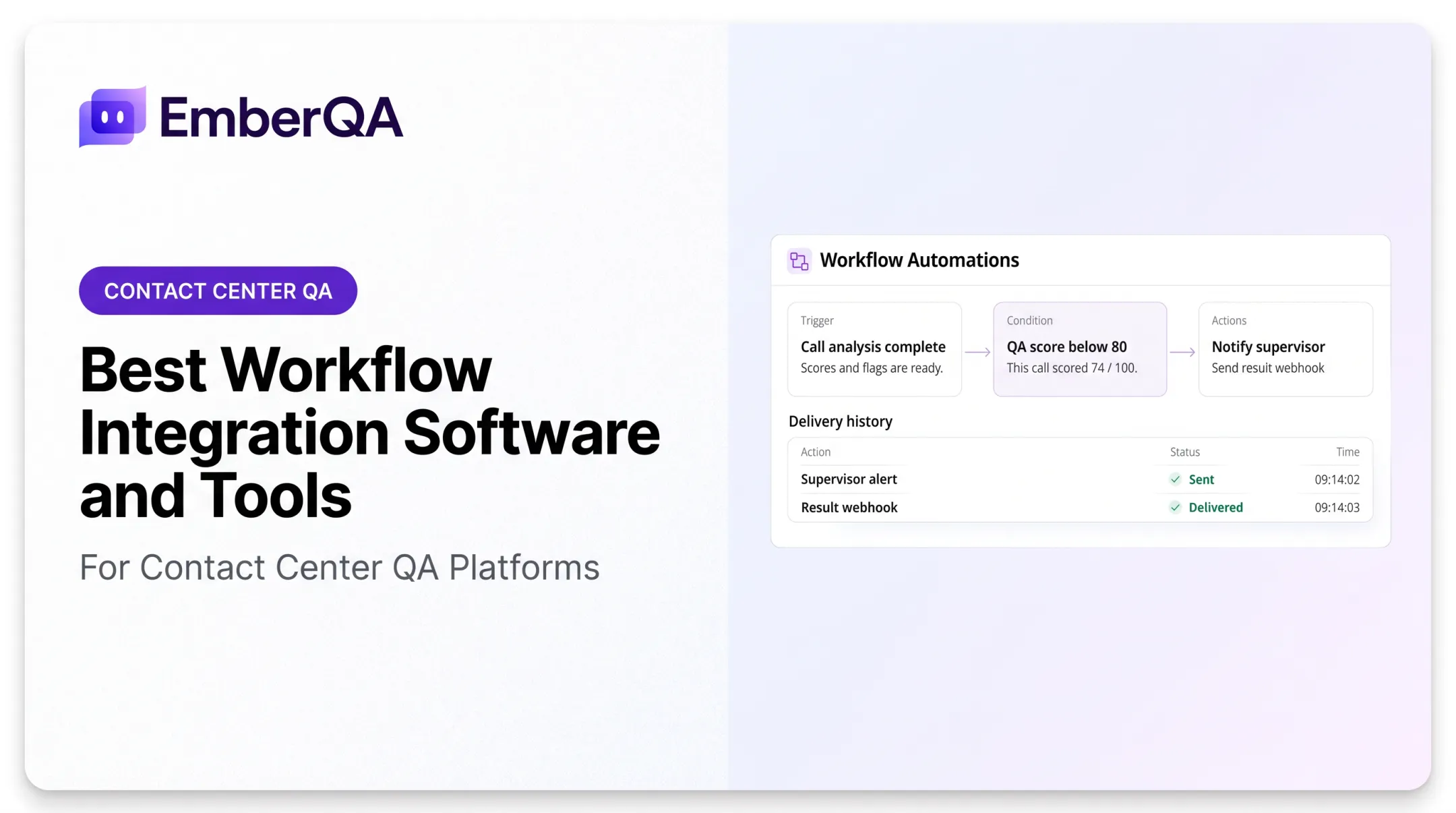
- Automated score alerts and red-flag escalation route urgent issues to supervisors in real time (Pro plan)
- QA result webhooks push scores and red flags to CRMs, ticketing systems, and dashboards
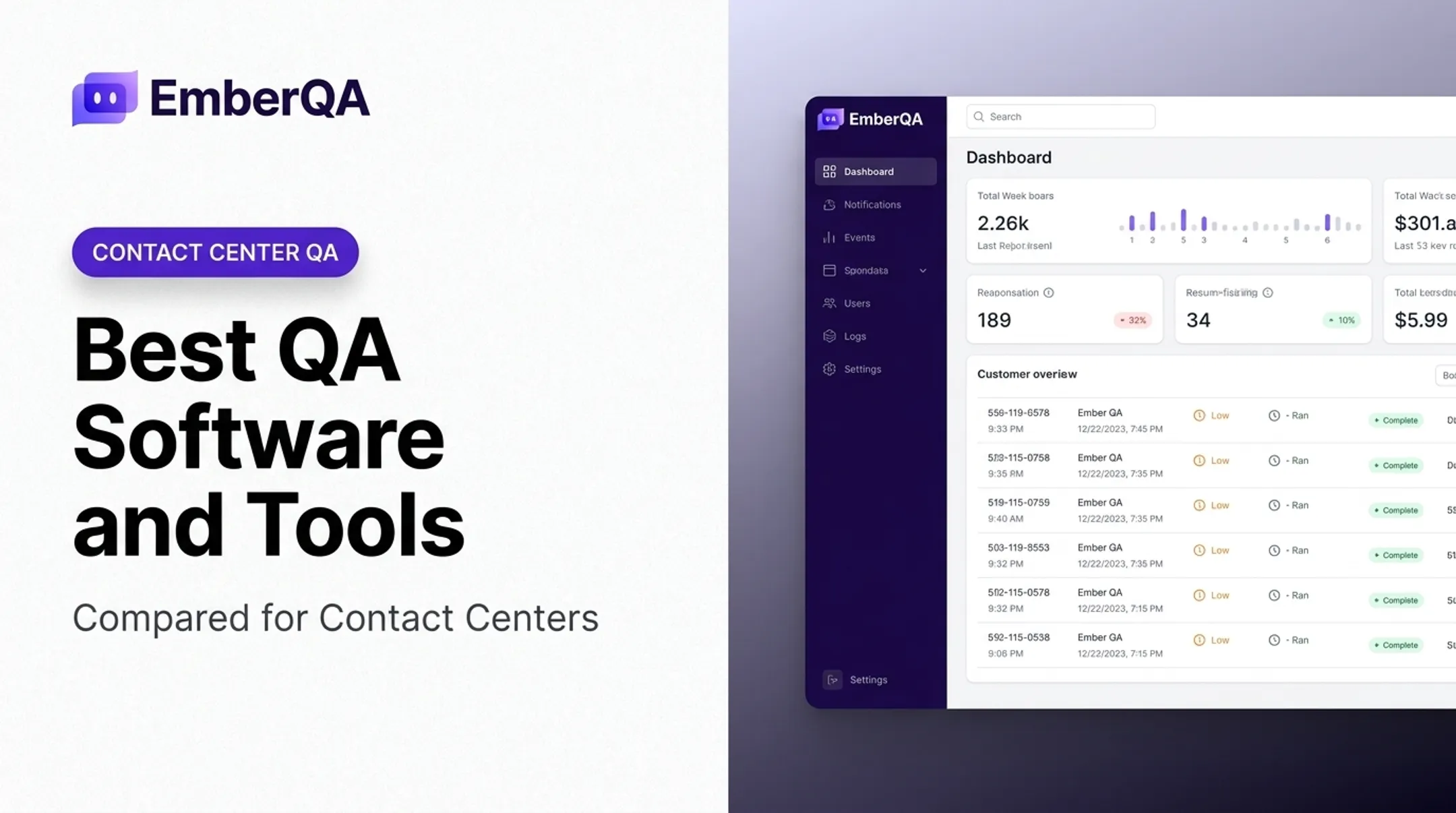
- Reporting includes manager dashboards, CSV exports, and PDF trend reports
- Essentials runs $49 per agent/month; Pro runs $89 per agent/month, with unlimited usage on included features

Before implementation, confirm current integrations, data-retention practices, supported compliance criteria, and pricing directly with EmberQA. If your compliance risk lives in customer conversations rather than cloud configurations, see how EmberQA analyzes every interaction your team handles.
Sprinto
Sprinto is a compliance automation and continuous-monitoring platform aimed at organizations pursuing certifications like SOC 2, ISO 27001, or HIPAA. It pairs always-on control monitoring with automated evidence capture and audit-readiness workflows.
Continuous control monitoring
Sprinto's plans list frameworks including SOC 2, ISO 27001, HIPAA, PCI DSS, GDPR, and CCPA/CPRA, with reusable controls and automated evidence collection. Confirm which specific checks run automatically versus which still require manual evidence upload, since automation depth varies by integration.
Best fit
Sprinto positions Foundation for startups tackling their first certification and Growth for teams scaling compliance across multiple frameworks.
One G2 reviewer, a senior DevSecOps director, credited the platform's checks and reminders for SOC 2 prep but noted some integrations were unavailable and support response times could lag. That's one experience, not a universal verdict. Probe those points during a demo.
Pricing and buyer checks
Sprinto's pricing page lists Foundation and Growth tiers plus add-on capabilities rather than one flat public number. Request a full quote covering frameworks, integrations, users, and auditor support before comparing it to other options.
Drata
Drata is a compliance automation platform built around continuous control monitoring, evidence collection, and auditor collaboration. It's a common fit for cloud-first, fast-growing companies coordinating security and engineering work across multiple systems.
Integrations and monitoring depth
Drata's integration directory lists connectors such as:
- AWS and Azure for infrastructure and access review
- BambooHR for HR and policy management
- Okta, GitHub, and Jira for identity, development, and ticketing evidence
Ask specifically what each connector checks and how often, since "continuous" doesn't always mean the same cadence across every integration.
Framework and audit support
Drata's Foundation plan includes one pre-mapped framework (chosen from SOC 2, ISO 27001, Cyber Essentials, HIPAA, or GDPR), while Advanced and Enterprise tiers support broader programs. Its Audit Hub centralizes auditor requests and documentation.
An August 2026 G2 reviewer said automated dashboards cut down on evidence follow-up but flagged occasional sync issues that needed manual troubleshooting.
Pricing and scalability
Drata uses personalized pricing tied to plan tier and framework count. Model costs against your program as it grows, not just your starting subscription. Additional frameworks, subsidiaries, and users all affect the total.
Hyperproof
Hyperproof is a compliance and risk platform focused on control management, evidence organization, and workflow automation for teams juggling multiple frameworks at once.
Control and risk management
One control can map to several frameworks in Hyperproof, and evidence gets reused across audits instead of recollected each time. Controls link to risks, owners, and remediation tasks, which helps teams prioritize based on actual risk exposure rather than treating every failed check identically.
Workflow, reporting, and integrations
Hyperproof distinguishes between Hypersyncs (evidence pulled on a set schedule) and Livesyncs (continual imports from cloud-storage sources like Google Drive, SharePoint, and Amazon S3).
A February 2026 G2 reviewer noted a learning curve across controls, tasks, and assessments, plus a request for more flexible executive reporting. A separate reviewer flagged setup errors and overly broad service-account permissions during Hypersync configuration. Test those points directly during a pilot.
Best-fit considerations and pricing
Hyperproof's subscription agreement places fees and terms inside a customer-specific order rather than a public price list, and ordered quantities generally can't be reduced mid-term. Review users, modules, and renewal terms carefully before signing.
Vanta
Vanta is a compliance and trust-management platform combining automated evidence collection with a customer-facing Trust Center. It's often positioned for startups seeking a guided path to compliance and a way to prove security posture to prospective customers.
Automated monitoring and evidence
Vanta describes hourly automated tests across connected systems, alongside remediation guidance and integrations with cloud providers and vulnerability scanners. It names SOC 2, ISO 27001, and HIPAA explicitly, with support for custom frameworks.
An August 2026 G2 reviewer said Vanta saved SOC 2 prep time but needed manual workarounds for nonstandard integrations.
Trust and third-party workflows
Vanta's Trust Center can publish branded security documentation, gate access behind approvals, and optionally show live control evidence to prospects. That's customer-facing assurance, distinct from a formal audit, and it's a differentiator if sales cycles hinge on proving security posture quickly.
Pricing, onboarding, and support
Vanta lists Essentials, Plus, Professional, and Enterprise tiers with personalized pricing. Another reviewer raised price as a concern for smaller teams. Request a demo using your actual frameworks and reporting needs rather than a generic walkthrough.
How We Chose the Best Compliance Monitoring Software
We compared tools by use case and monitoring scope, not feature-count claims or brand recognition. Pricing, integrations, and review scores change constantly, so recheck all specifics before making a final decision.
Monitoring coverage and depth
Determine whether a product monitors customer interactions, cloud configurations, identities, or only select data sources. Check frequency matters too.
AWS Security Hub's documentation notes that individual cloud checks may run on 12- or 24-hour schedules, or only when a resource changes. Treat "continuous" claims with that same scrutiny.
Integrations and data quality
Verify native integrations, API or webhook support, connector-failure handling for unsupported systems, and data retention policies.
Rules, frameworks, and customization
Assess framework mapping, custom scoring criteria, alert thresholds, and exception handling. A platform that only supports rigid, pre-built rules won't flex as your program matures.
Detection-to-remediation workflow
A failed check should do more than generate an alert. Look for:
- Automatic owner assignment when an issue surfaces
- Deadlines and remediation guidance attached to each task
- Confirmation steps once an issue is resolved
- An audit trail preserving the full history
Reporting, usability, and scalability
Confirm dashboards serve executives, operators, and auditors with the views each group needs. Check role-based permissions, multi-site support, and performance at your expected data volume.
Cost and implementation risk
Request a full quote covering licenses, users, interaction or data volume, frameworks, integrations, onboarding, and renewal terms. Then weigh that against what you're currently spending on manual review and audit prep.

Conclusion
The best compliance monitoring software is the one that actually covers your risk surface, connects to your existing systems, produces evidence you can trust, and turns findings into accountable remediation work. Feature lists and star ratings only tell part of that story.
Before you buy, pressure-test the shortlist:
- Match tools to your primary use case
- Run a demo on your own data
- Verify data-handling and retention terms
- Measure adoption after rollout
Don't decide from a comparison chart alone.
If your compliance risk lives primarily in customer conversations—calls, chats, emails, and documents—a specialized platform will likely outperform a general GRC tool built for a different job.
For contact centers and customer-facing teams, EmberQA is worth evaluating to score more interactions, catch red flags automatically, and turn QA data into coaching that improves agent performance.
Frequently Asked Questions
What is compliance monitoring software?
Compliance monitoring software checks operational, technical, policy, or interaction data against requirements on a continuous or periodic basis. It flags exceptions and supports evidence and remediation, but it does not independently guarantee legal compliance.
How much does compliance monitoring software cost?
Pricing varies based on users, frameworks, integrations, monitored volume, and support tier. Request a complete total-cost quote rather than comparing headline subscription prices alone.
How does compliance monitoring software work?
It connects to your systems or ingests uploaded data, then checks that data against configured rules or scorecards. Exceptions flag in real time, route to owners for remediation, and log evidence and outcomes for audits.
What features should I look for in compliance monitoring software?
Prioritize relevant monitoring coverage, reliable integrations, custom controls or scoring, real-time alerts, evidence management, and clear audit trails. Role-based permissions and connector-health visibility matter too.
Does compliance monitoring software guarantee compliance?
No. It improves visibility and consistency, but it can't replace leadership accountability, legal interpretation, employee training, or independent audits. Regulator-specific requirements still require human judgment.