Introduction
Keeping quality consistent across web apps, mobile apps, APIs, enterprise systems, and customer calls has gotten harder, not easier. Release cycles keep shrinking. Customer expectations keep rising.
Manual testing and manual call sampling simply can't keep pace anymore.
QA software fills that gap. The right platform can automate repetitive checks, organize test cases, catch defects before they reach customers, and score every customer interaction instead of a random handful.
The cost of getting this wrong is real: poor software quality cost US organizations at least $2.41 trillion in 2022, according to CISQ's Cost of Poor Software Quality report.
This guide compares five QA tools spanning browser automation, mobile testing, enterprise application testing, and contact-center interaction QA. You'll learn how to match each one to your team's skills, integrations, maintenance capacity, and budget.
Key Takeaways
- QA software isn't one category — browser, mobile, API, enterprise, and interaction QA each solve different problems
- Match tools to your specific system, team skill level, and reporting needs, not popularity
- Verify pricing, AI features, and integration depth directly with vendor documentation before buying
- EmberQA fits contact centers needing automated interaction scoring and coaching, not application-code testing
Overview of QA Software and Tools in the US Market
QA software covers any platform, framework, or system used to prevent defects, validate functionality, manage testing work, or improve customer and product outcomes. It's a broad label that hides some very different tools underneath it.
Here are the main categories you'll run into:
- Browser and end-to-end automation for web apps — Playwright, Selenium
- Mobile automation for native, hybrid, and mobile web apps — Appium
- Enterprise and codeless automation for complex, mixed-technology portfolios — Tricentis Tosca, ACCELQ
- Test management for planning, traceability, execution, and reporting — TestRail, Zephyr
- Interaction-quality QA for calls, chats, emails, and other customer-facing communications — EmberQA
Feature count alone won't tell you which tool fits. A free, open-source framework can demand serious engineering time to maintain locators, infrastructure, and reporting. A commercial platform might cut that maintenance burden but bring licensing costs and vendor dependency instead.

The five tools below cover different quality risks. Shortlist based on what you're actually trying to protect, not what looks most impressive in a demo.
Best QA Software and Tools
Each tool below was evaluated on use-case fit, coverage, adoption effort, automation depth, integrations, reporting, and honest limitations, not a single overall score. A great browser automation tool can be the wrong choice for interaction QA, and vice versa.
EmberQA — Best for Contact-Center and Customer-Interaction Quality Assurance
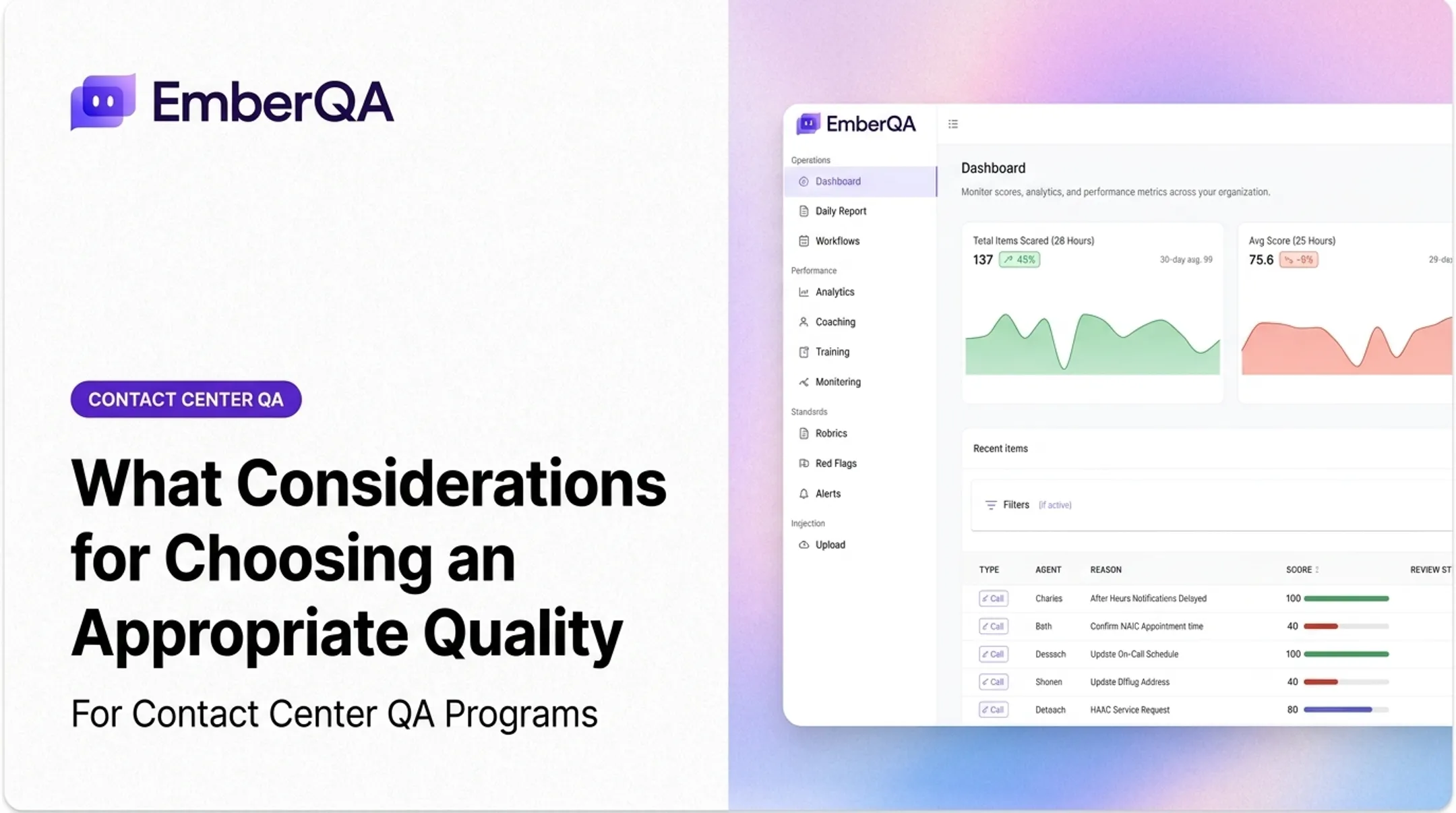
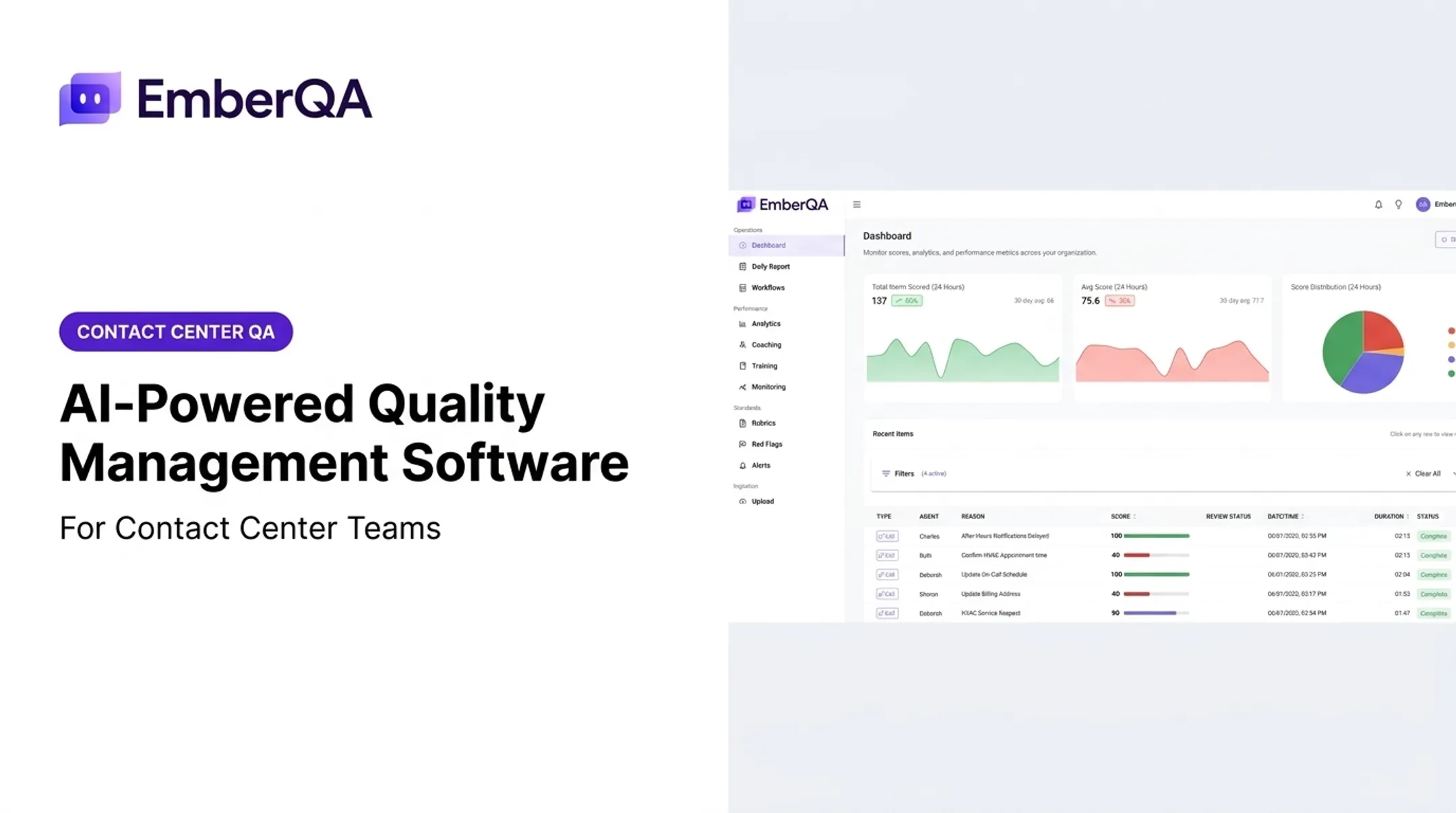
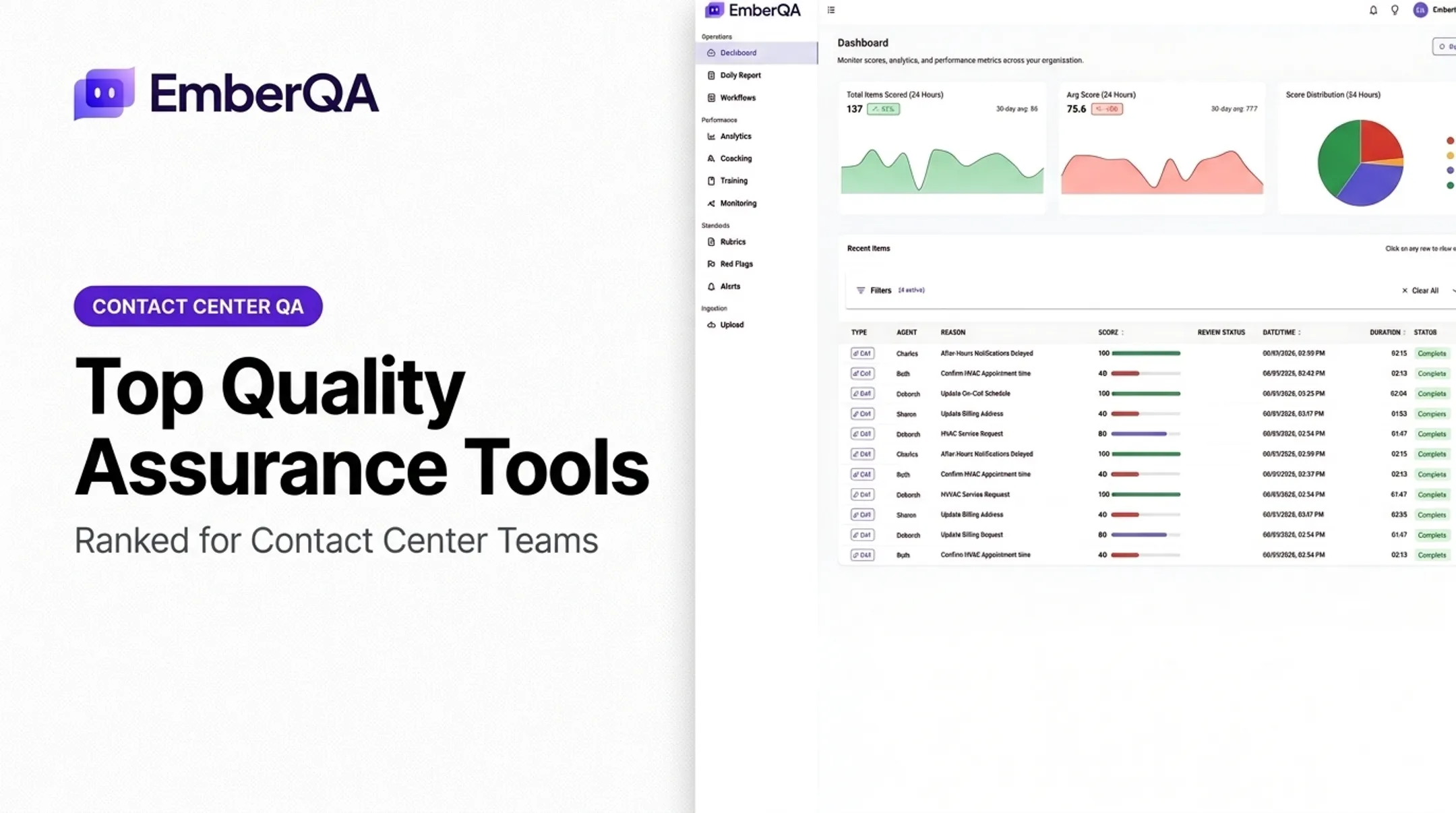
EmberQA is an AI-powered QA platform built for contact centers and customer-facing teams, including BPOs, answering services, insurance carriers, financial services and collections teams, and multi-site operations. This isn't a software-development testing framework. It doesn't test application code. It evaluates customer interactions.
The platform scores calls, SMS, emails, documents, and transcripts against custom scorecards built around your rubrics, weights, and coaching criteria. Instead of a manager sampling a handful of calls per agent per month, every interaction gets evaluated.
Relevant capabilities include:
- Automated scoring against custom QA rubrics for every supported interaction
- Red-flag alerts for hostile behavior, improper advice, privacy violations, and escalation risk
- Searchable, comparable recordings and transcripts with metric-level explanations
- Performance trend tracking by agent, team, and location
- Targeted coaching recommendations built from recurring interaction patterns
- CRM-data verification where the implementation supports it
Spot On Schedulers, for example, uses EmberQA to automatically review 100% of calls across 18 dental offices, a volume that would be nearly impossible to sample manually with consistency.
For teams that can't manually review enough calls, chats, or emails to catch problems early, this kind of coverage matters. It standardizes evaluation criteria across reviewers, flags urgent issues faster than a weekly audit cycle would, and cuts down the manager hours spent listening to recordings.
| Criterion | Details |
|---|---|
| Best for | Contact centers, BPOs, answering services, insurance, financial services, and customer-facing operations |
| Core QA scope | Interaction scoring, risk detection, coaching insights, workflow-specific rubrics |
| Validate before purchase | Supported channels, CRM/recording integrations, data retention, security requirements, implementation process, pricing |
EmberQA's Essentials plan runs $49 per agent/month, and Pro runs $89 per agent/month, with unlimited usage of included features on both tiers. Pro adds white-glove onboarding, enterprise support, targeted coaching programs, and AI roleplay training.
Playwright — Best for Modern Web Application Automation
Playwright is an open-source browser automation framework for teams testing modern web apps across Chromium, Firefox, and WebKit. Microsoft maintains it, and adoption among JavaScript-heavy teams has climbed steadily.
Its standout strengths:
- Automatic waiting for elements to become visible, stable, and enabled before acting
- Isolated browser contexts per test, similar to a fresh browser profile each run
- Parallel test execution by default across worker processes
- Trace Viewer for step-by-step debugging of failed runs
- Support for JavaScript/TypeScript, Python, Java, and .NET
The trade-off: Playwright is a testing framework, not a full QA management platform. Your team still owns test design, infrastructure, reporting dashboards, and ongoing maintenance. It also doesn't extend to native mobile app testing or enterprise systems like SAP.
| Criterion | Details |
|---|---|
| Best for | Developer-led web and end-to-end testing |
| Key strengths | Cross-browser automation, debugging tools, parallel execution, CI/CD compatibility |
| Validate before adoption | Language preferences, browser coverage needs, reporting requirements, maintenance capacity |
Selenium — Best for Established Browser Automation Ecosystems
Selenium is the older, more established open-source browser automation framework built around the W3C WebDriver standard, with broad language and browser support that's been battle-tested for years.
It remains valuable for:
- Organizations with existing Selenium test suites already built and maintained
- Teams with deep in-house Selenium expertise
- Setups requiring custom infrastructure or Selenium Grid for distributed, parallel execution
- Projects needing maximum framework flexibility across Java, Python, JavaScript, Ruby, and .NET
The trade-offs are real. Selenium requires teams to own their infrastructure, manage locator and synchronization maintenance, and configure their own reporting. Newer projects starting from scratch should weigh whether a modern alternative like Playwright would reduce long-term maintenance work.
| Criterion | Details |
|---|---|
| Best for | Existing browser automation programs and teams needing a mature, flexible ecosystem |
| Key strengths | Open-source licensing, language flexibility, browser support, community resources |
| Validate before adoption | Test flakiness, execution speed, Grid/cloud infrastructure needs, migration costs |
Appium — Best for Cross-Platform Mobile Application Testing
Appium handles automation for native, hybrid, and mobile web apps across iOS and Android through platform-specific drivers — UiAutomator2 for Android, XCUITest for Apple platforms.
Key capabilities include:
- Multiple programming-language bindings for test authoring
- Real-device and emulator/simulator execution
- Gesture and touch-event automation, including taps, swipes, and pinches
- Integration with continuous testing pipelines
Appium's limitations show up in device management. Maintaining a device lab, handling platform-specific provisioning, and dealing with emulator inconsistencies all add operational overhead. Most teams end up pairing Appium with separate tools for web, API, performance, or test management — it doesn't cover those on its own.
| Criterion | Details |
|---|---|
| Best for | Teams automating mobile app regression and functional workflows |
| Key strengths | Cross-platform approach, broad language support, real-device testing |
| Validate before adoption | Device matrix, parallel execution, cloud-device costs, maintenance ownership |
Tricentis Tosca — Best for Enterprise and Codeless Automation
For teams juggling web, API, SAP, Salesforce, and other enterprise applications across mixed-skill teams, Tricentis Tosca is built for exactly that kind of sprawl. Tricentis documents support for 160+ technologies, model-based test design, and Vision AI self-healing that adapts tests when the UI changes.
ACCELQ is a close alternative worth evaluating in parallel. It also offers no-code automation, self-healing, and AI-assisted test creation through its Autopilot feature, plus documented SAP and Salesforce coverage. Both vendors were named Leaders in Forrester's Q4 2025 Autonomous Testing Platforms evaluation, so neither has a clearly superior track record in public data. Run both through a proof of concept before committing.

Enterprise trade-offs to weigh:
- Licensing costs and implementation timelines
- Governance and training requirements across large teams
- Vendor support quality and customization depth
- Reporting capabilities and potential vendor lock-in
| Criterion | Details |
|---|---|
| Best for | Enterprise QA programs, complex application portfolios, lower-code automation |
| Key strengths | Broad application coverage, centralized governance, reusable test assets |
| Validate before purchase | Licensing model, implementation timeline, AI feature maturity, total cost of ownership |
How We Chose the Best QA Software and Tools
We scored each tool against its own category instead of forcing every product into one ranking. A tool that excels at browser automation may be completely wrong for interaction QA, and comparing them directly would be misleading.
Here's what we weighed, and why each factor matters:
- Use-case fit: Covers the systems you need—web, mobile, API, enterprise apps, or customer interactions
- Automation and intelligence: Clarifies what "AI-powered" means in practice: execution, self-healing, interaction scoring, or defect triage
- Integration depth: Works with your CI/CD pipeline, issue trackers, CRM or contact-center stack, and existing frameworks
- Usability and team skills: Matches code-first, low-code, or no-code workflows to what your team can support
- Reliability and maintenance: Limits flakiness, locator upkeep, false positives, and scoring drift that erase time savings
- Security and compliance: Documents data residency, encryption, access controls, and audit logs in vendor materials
- Total cost of ownership: Accounts for licensing, seats, parallel runs, implementation, training, and support—not just list price
Adoption of AI in QA is real but uneven. The 2025-26 World Quality Report found 43% of surveyed IT executives experimenting with generative AI in quality engineering, with only 30% operationalizing it. That gap matters when a vendor pitches AI as a finished feature rather than a work in progress.

Common mistakes to avoid:
- Choosing the tool with the most features instead of the best fit
- Trusting a polished vendor demo over a hands-on trial
- Underestimating migration effort from an existing framework
- Treating AI scoring as a replacement for human QA judgment
- Comparing a free framework against a full commercial platform on price alone
Run a time-boxed proof of concept on one real workflow before you sign anything. Track coverage, execution time, maintenance hours, defect detection, and reviewer or engineer time saved.
Conclusion
The right QA tool is the one that matches your quality risks, tech stack, team skills, and growth plans. A team testing checkout flows needs something completely different from a team scoring collections calls for compliance risk.
Before you commit, compare these factors side by side:
- Total cost of ownership
- Integration effort
- Reporting quality
- Data controls
- Ongoing maintenance demand
If you're running a contact center, BPO, answering service, or any team drowning in customer interactions you can't manually review, EmberQA automates that scoring, surfaces urgent issues faster, and turns scattered QA data into coaching that moves agent performance.
Frequently Asked Questions
What are the top 5 automation testing tools?
Playwright and Selenium lead browser automation, Appium covers mobile, and Tricentis Tosca and ACCELQ handle enterprise applications. Base your shortlist on your tech stack, team skills, and CI/CD needs.
What are the top 5 test management tools?
TestRail, Zephyr, Xray, Tricentis qTest, and PractiTest are commonly documented options. Test management organizes planning, traceability, and reporting; it doesn't replace an automation framework.
What are the best software tools for QA testing?
Match tools to the layer you're testing: Playwright or Selenium for web, Appium for mobile, Tosca or ACCELQ for enterprise apps, and EmberQA for customer-interaction QA in contact centers.
Which AI tool is best for QA?
The right pick hinges on test generation, self-healing, visual testing, or interaction scoring. Validate AI accuracy, explainability, and data handling directly with the vendor before relying on it.
Is QA worth it in 2026?
Yes. Poor software quality cost US organizations over $2.41 trillion in 2022 alone, according to CISQ. The return depends on setting measurable goals and integrating QA into your actual delivery workflow.
Why is Playwright better than Selenium?
Playwright offers built-in auto-waiting, tracing, and browser isolation that reduce setup work. Selenium's W3C WebDriver ecosystem and Grid remain stronger for teams with existing suites or needing maximum flexibility.