Introduction
Contact centers field thousands of calls, chats, and emails every week. Most quality teams still only review a tiny fraction of them.
A supervisor pulling five random calls per agent each month can't catch every compliance risk or coaching opportunity. That gap between interaction volume and QA capacity is exactly what modern quality assurance tools are built to close.
These platforms automate interaction reviews, apply consistent scorecards, and flag compliance or service risks in real time. They turn QA findings into targeted coaching instead of a manager's best guess based on a handful of samples.
This guide focuses specifically on contact-center and customer-interaction QA platforms for the US market. It does not cover developer-focused software-testing tools like Selenium or Playwright, which test applications rather than evaluate live customer conversations.
Key Takeaways
- Modern contact-center QA platforms automate scoring, compliance checks, red-flag detection, and coaching across channels.
- Choose tools based on channel mix, volume, scoring needs, integrations, regulatory risk, and implementation resources.
- Evaluate AI tools on accuracy, explainability, and human-review workflows — not just the presence of "AI" in the pitch.
- EmberQA offers automated interaction scoring, risk alerts, and coaching insights built for contact centers and answering services.
- Confirm pricing, security documentation, and integrations directly with vendors before committing.
Overview of Quality Assurance Tools in the US Contact-Center Market
A contact-center QA tool is software that helps organizations review, score, monitor, and improve customer interactions across voice, chat, email, and other channels. It's a different category from software-testing QA tools.
Software testing vs. interaction quality:
- Software-testing QA tools (Selenium, Playwright, and similar platforms) test whether an application functions correctly, checking buttons, workflows, and code behavior.
- Contact-center QA platforms evaluate conversations, agent behavior, compliance, and service delivery — the human side of customer interactions.
AI-assisted QA changes what's possible for coverage. Instead of a manager sampling a handful of calls, these tools work at scale:
- Transcribe or analyze interactions across channels
- Apply configurable rubrics automatically
- Surface high-risk moments for review
- Route findings into coaching workflows
That shift is already showing up in industry planning. A 2025 CCW Digital report found that 50% of customer-experience leaders planned to increase AI investment that year, a signal of where CX budgets are heading, even if it doesn't measure QA adoption specifically.

The tools below should be compared by use case and verified capability, not brand recognition alone. What works for a 500-seat enterprise contact center may be overkill or underpowered for a regional answering service.
Top Quality Assurance Tools for Contact Centers
Here's a practical comparison of contact-center QA platforms. Each one was reviewed against:
- Interaction coverage
- Scoring capability
- Compliance workflows
- Coaching support
- Integrations
- Fit for contact-center operations
EmberQA
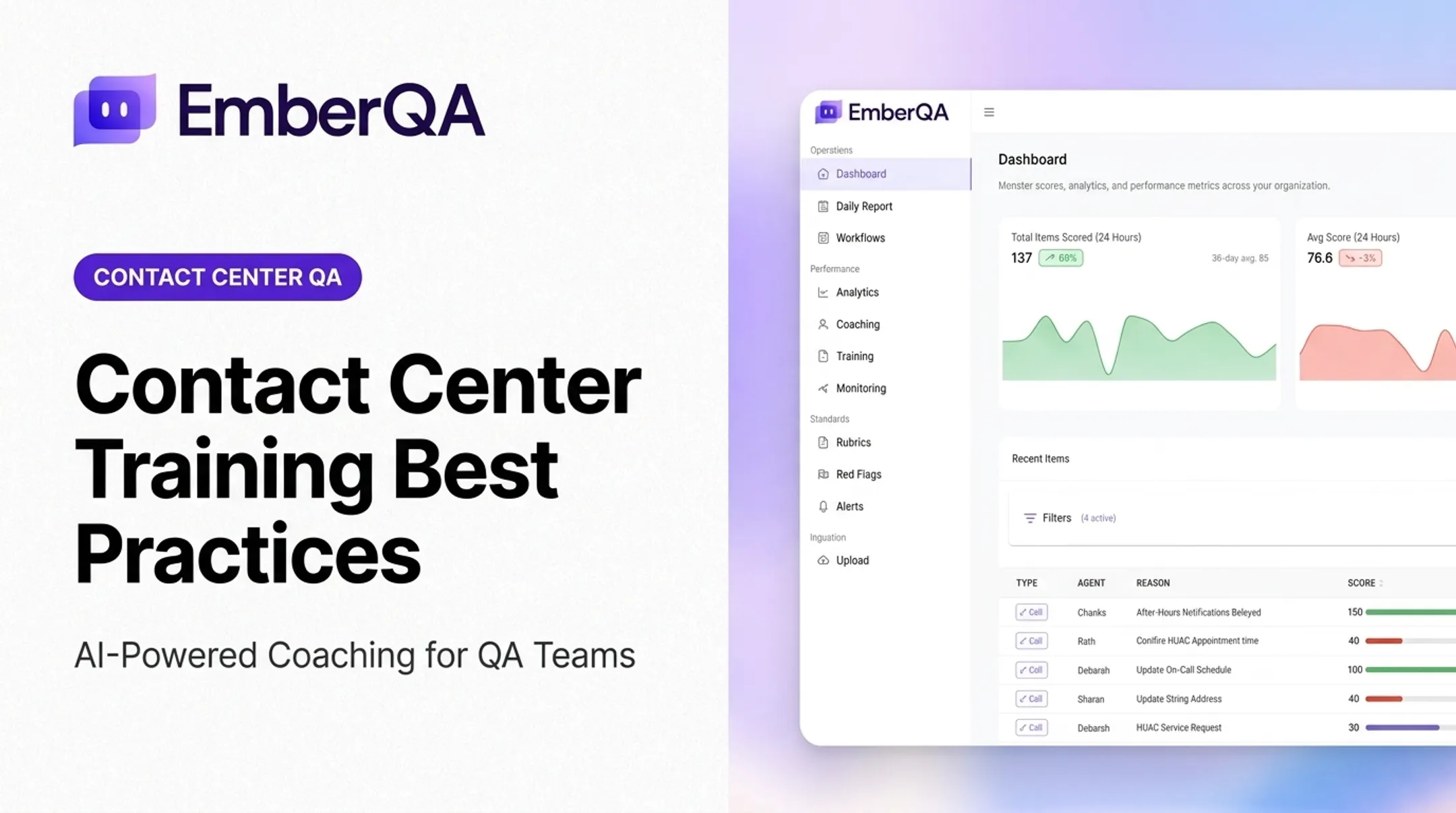
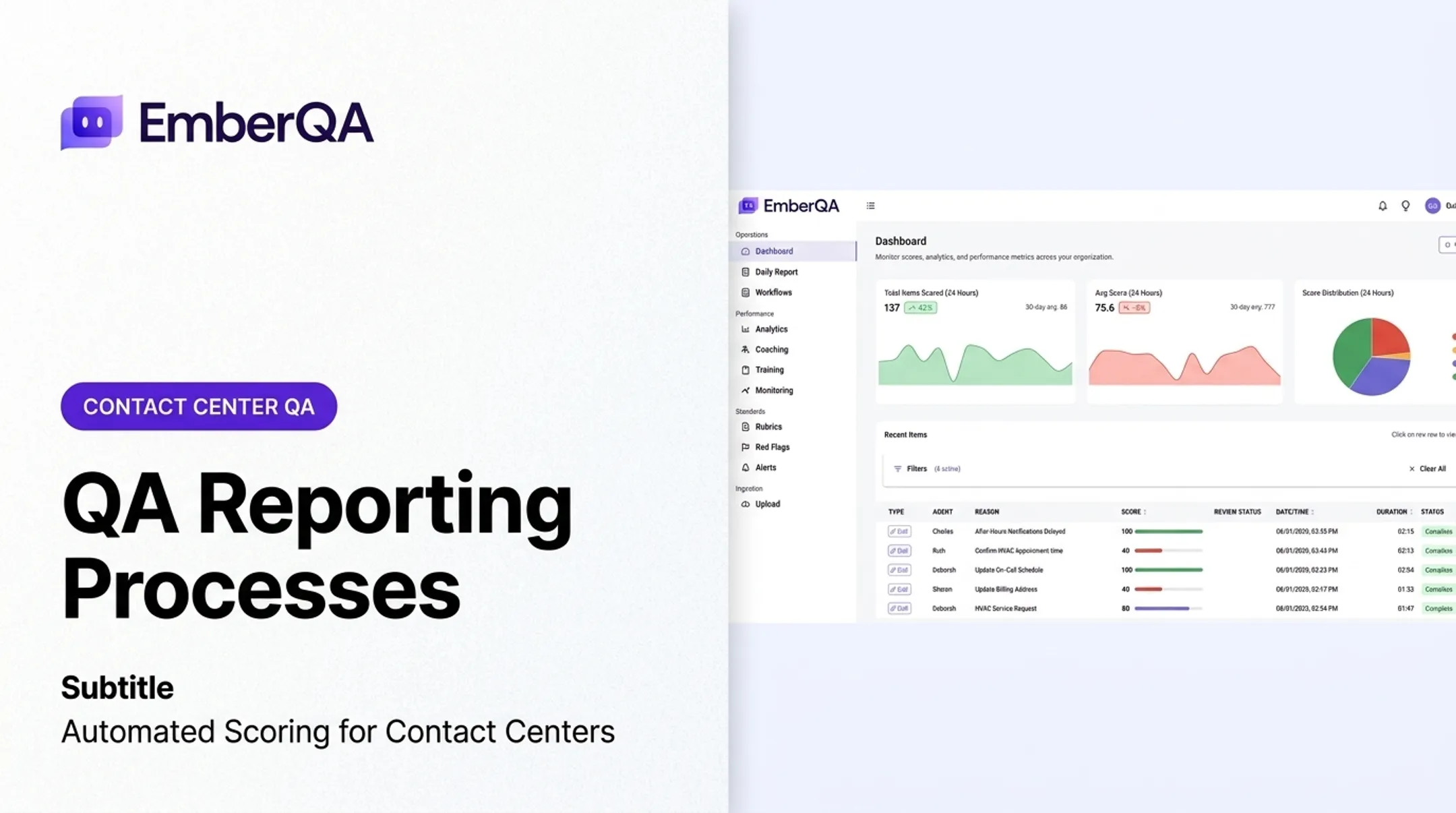
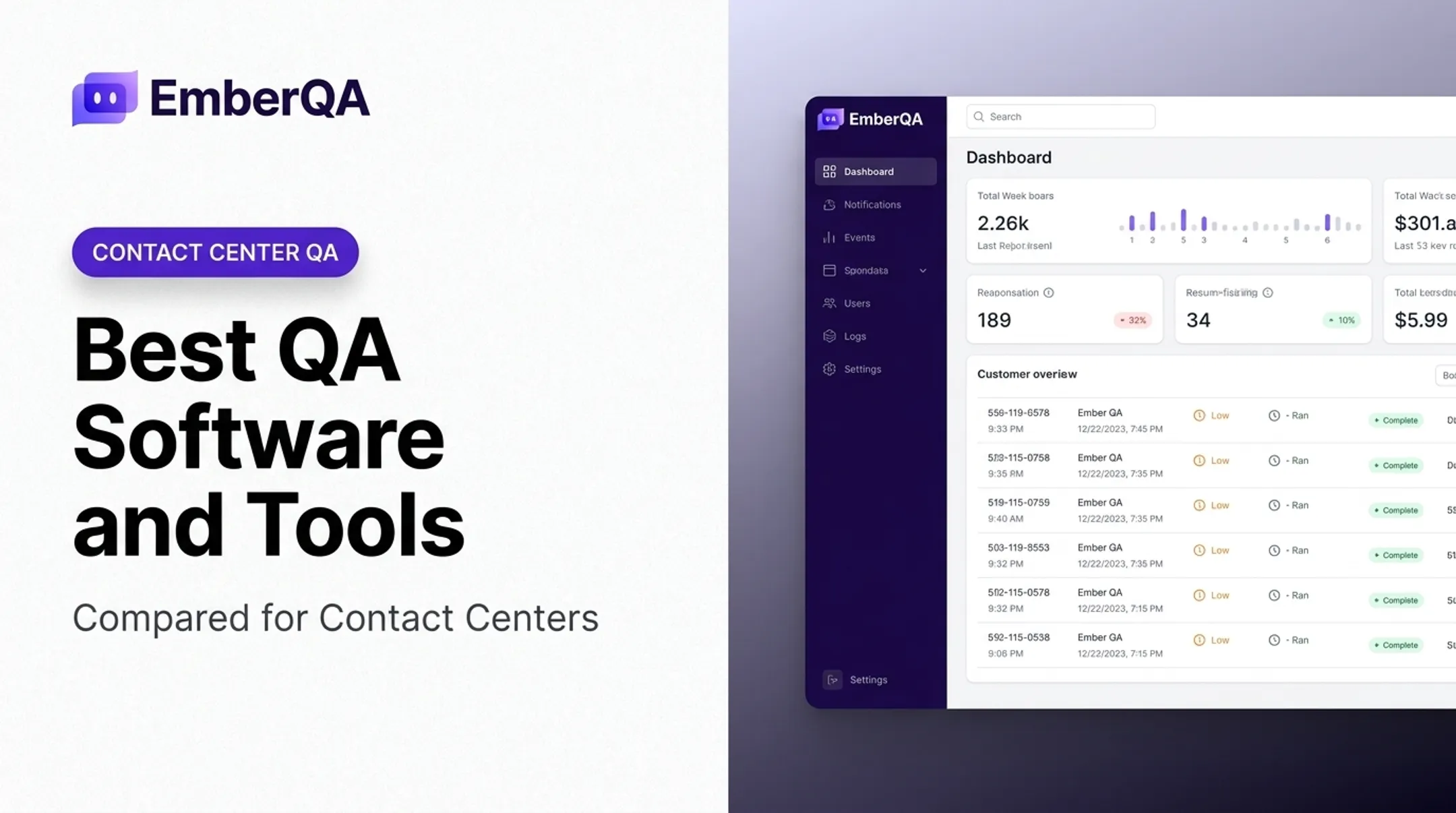
EmberQA is an AI-powered quality assurance platform built specifically for contact centers, answering services, and other customer-facing teams. Its focus is turning raw QA data into measurable performance improvement rather than just a scored transcript.
Capabilities include:
- Automated scoring of every interaction across calls, SMS, emails, and documents — not a manual sample
- Custom QA scorecards with configurable rubrics, metrics, weights, and coaching criteria
- Red-flag alerts for hostile behavior, improper advice, privacy violations, and escalation risks
- Searchable, comparable calls with transcripts, recordings, and metric-level explanations for why an interaction passed or failed
- Office-specific workflows for multi-location teams and answering services
- CRM data verification, comparing call content against recorded outcomes
| Category | Details |
|---|---|
| Primary use case | AI-powered QA scoring, red-flag detection, and coaching for contact centers and answering services |
| Channels supported | Calls, SMS, emails, documents, transcripts, customer context |
| Scoring & alerting | Automated scoring on every interaction; red-flag alerts included on Pro plan |
| Integrations | CRMs, ticketing systems, dashboards, and supervisors via API and webhooks |
| Implementation | Basic onboarding on both plans; white-glove onboarding and enterprise support on Pro |
| Pricing | Essentials: $49/paid agent/month. Pro: $89/paid agent/month |
| Ideal customer profile | BPOs, insurance and collections centers, multi-site operations, answering services |
EmberQA also offers a free QA sample that accepts one to five call recordings to generate a scoring report before committing to a plan.
Observe.AI
Observe.AI combines conversation intelligence with automated and manual QA workflows for larger contact-center operations. Its Interaction Intelligence module is built to quality-score 100% of customer conversations, according to the vendor, while also supporting manual review and calibration sessions.
Where it fits: Large internal contact centers and BPO operations that need both automated coverage and structured manual auditing for calibration.
Key documented features:
- Configurable evaluation forms with conditional logic and automated reviewer assignment
- High-risk interaction identification with auditor assignment for compliance checks
- PII, payment-card, and PHI redaction alongside role-based access controls
- Coaching and performance tracking tied to evaluation results
| Category | Details |
|---|---|
| Channels supported | Voice and digital/chat interactions |
| QA automation | Auto QA plus manual QA with calibration workflows |
| Coaching | Personalized coaching and performance tracking |
| Integrations | Interaction Fabric connects CRM, CCaaS, and API sources |
| Reporting | Calibration reporting and performance dashboards |
| Pricing model | "Talk to sales" — no public pricing listed |
| Deployment fit | Documented for 100 to 100,000 agents |
Independent G2 reviews are mixed: one user (June 2024) praised performance measurement but flagged support responsiveness, while another (August 2025) reported implementation friction and missing calls in certain deployments.
CallMiner
CallMiner positions itself around interaction analytics — speech and text analysis applied across phone calls, chat, email, and SMS. Its Eureka platform states it can analyze 100% of conversations, making them searchable alongside quality forms and compliance monitoring.
Where it fits: Organizations with high call volumes and multilingual customer bases needing broad analytics on top of quality scoring.
Notable capabilities:
- Automated or hybrid quality forms, with manual scoring layered on top for prioritized reviews
- Real-time agent guidance for compliance during live calls
- Support for over 100 global languages and varied accents
- A Salesforce AppExchange integration, launched in 2022, surfacing interaction insights inside Salesforce
| Category | Details |
|---|---|
| Primary strengths | Speech/text analytics at scale, multilingual coverage |
| Analysis capabilities | Voice and digital interaction analysis, sentiment detection |
| QA/compliance workflows | Automated or hybrid quality forms, real-time compliance guidance |
| Integrations | Salesforce AppExchange, broader partner marketplace |
| Reporting | Conversation analytics dashboards |
| Pricing approach | Subscription bundles based on user count or interaction volume |
| Best-fit profile | Teams from roughly 60 agents to global enterprises |
A November 2023 G2 reviewer, a quality manager, described moving from manual to automated QA and auditing more interactions in the same amount of time. Treat it as one team's result, not a universal benchmark.
Level AI
Level AI centers its QA product around QA-GPT, an AI scoring engine paired with customizable rubrics, automated QA assignment, and calibration tools. The vendor describes 100% conversation scoring as part of its standard feature set.
Where it fits: Financial services, insurance, and collections operations that need rubric-driven compliance evaluation alongside agent coaching.
Documented features include:
- Real-time knowledge guidance and next-best-action prompts for agents
- Coaching plans with evaluation disputes and evaluator calibration
- QA rubrics for disclosures and Regulation E language, with audit trails
- PII and payment-data redaction across audio and transcripts
| Category | Details |
|---|---|
| Channels supported | Voice, email, chat, SMS |
| Automated scoring | QA-GPT-based InstaScore across full conversation volume |
| Alerts | AI tags and automated QA assignment |
| Coaching | Coaching plans, evaluation disputes, calibration |
| Integrations | CRM, CCaaS, data warehouses, survey tools via metadata import |
| Pricing availability | Demo-based; no public pricing listed |
| Best fit | Financial services, insurance, multi-site contact centers |
A June 2025 G2 reviewer liked the transcription quality but noted that case details were sometimes missing from call views. Confirm case-detail completeness in any pilot.
MaestroQA
MaestroQA is built around structured QA governance: customizable scorecards, calibration workflows, and reporting designed for collaboration across quality, operations, and training teams. Its AutoQA feature analyzes 100% of tickets, reserving select conversations for human judgment.
Where it fits: Teams that want strong scorecard flexibility and cross-team calibration rather than a purely automated black box.
Key features:
- Randomized and targeted ticket assignment with predefined rubric selection
- Team calibration where managers independently score the same interaction, then compare alignment
- AI-assisted coaching with conversation-linked examples and progress tracking
- Integrations with Five9, Amazon Connect, Salesforce, Zendesk, and Intercom
| Category | Details |
|---|---|
| Scorecard flexibility | Custom scoring questions, rubrics, and weighted metrics |
| Automation features | AutoQA analyzes 100% of tickets before human review |
| Coaching workflows | AI-assisted coaching tied to specific conversations |
| Integrations | Five9, Amazon Connect, Salesforce, Zendesk, Intercom |
| Analytics | Grader productivity, average grading time, calibration alignment |
| Pricing approach | Requirements-based quote; no public per-agent price |
| Ideal customer profile | Support-desk and voice teams needing structured calibration |

How We Chose the Best Quality Assurance Tools
Choosing a QA platform means matching verified capabilities to how your operation actually runs, not just comparing feature lists.
Interaction coverage. Confirm each platform actually supports the channels you use most: voice, chat, email, SMS, screen or CRM context, and multilingual conversations if relevant.
QA depth. Look past "automated scoring" as a headline claim. Check for:
- Customizable scorecards and calibration tools
- Human override capability on AI-generated scores
- Searchable conversations with sampling controls
- Red-flag alerts tied to specific, explainable triggers
Operational integrations. A QA tool that can't connect to your CRM, workforce-management system, or ticketing platform creates extra manual work, which defeats the purpose.
Compliance and governance. This matters most for insurance, financial services, collections, and healthcare-adjacent operations. Two examples worth knowing:
- PCI DSS Requirement 3.3.1 bars storing card-validation codes in digital audio after authorization, even when encrypted. Audio suppression during payment entry matters more than generic security claims.
- Recording-consent laws vary by state. Several require all-party consent rather than the federal one-party minimum, so confirm jurisdiction-specific handling, not just encryption.
Total cost of ownership. Licensing is only part of the number. Factor in:
- Implementation and onboarding time
- Transcription or usage-based charges
- Integration and API setup
- Ongoing scorecard maintenance and admin time
Pilot before you buy. Run shortlisted tools against a representative batch of real interactions. Measure review coverage, scoring consistency against your best evaluators, and how quickly agents adopt coaching, not whether the demo looked polished.

Conclusion
The best quality assurance tool is the one that matches your channels, risk profile, QA maturity, and scale. Marketing budget is a poor stand-in for fit.
Before signing anything, validate scoring accuracy, explainability, data handling, and total cost through a structured pilot with your own interactions and stakeholders.
If your team still scores only a fraction of calls by hand, full-coverage QA is the next step to test. EmberQA automates interaction scoring, red-flag detection, CRM verification, and targeted coaching workflows against your QA goals.
A free sample report on your own call recordings is a low-effort way to see what full coverage looks like.
Frequently Asked Questions
What are the 7 basic tools of quality?
According to ASQ, the seven basic quality tools are the cause-and-effect diagram, check sheet, control chart, histogram, Pareto chart, scatter diagram, and stratification (or a flowchart in some versions). These are general quality-management tools, not contact-center software.
What are the 7 pillars of QA?
No single "seven pillars" list is universally agreed. ISO's seven quality-management principles cover customer focus, leadership, engagement of people, process approach, improvement, evidence-based decision making, and relationship management.
What are the tools used in QA testing?
Software-testing QA relies on test automation, API testing, bug tracking, test management, and performance-testing platforms. Contact-center QA tools are different: they score interactions, monitor compliance, and support agent coaching rather than test application code.
What are the 5 P's of quality assurance?
There is no single standard "5 P's" framework in general QA. A healthcare version (the clinical microsystem 5 Ps) covers purpose, patients, professionals, processes, and patterns, but it does not apply to contact-center QA. Confirm which framework a source means before using it.