Rush the setup, and problems show up fast: misrouted calls, poor audio quality, incomplete CRM records, undertrained agents, and compliance gaps that surface months later. Fixing these after launch costs far more than getting them right the first time.
This guide covers the practical steps for planning, building, testing, and launching a contact center built to last. It's written for US-based operations and the cross-functional team that should lead the work: contact center operations, IT, customer experience, HR or workforce management, compliance, and quality assurance.
Key Takeaways
- Start with your service model, channels, volumes, and staffing needs, not a feature list
- Cloud platforms reduce hardware needs, but connectivity, security, and documented workflows still matter
- Test routing, queues, recordings, CRM updates, and escalation paths before you go live
- Build quality assurance and coaching into the operation from day one, not as an afterthought
Prerequisites and Safety Considerations
Before comparing vendors or platforms, nail down what the contact center is actually for.
Define the operating model:
- Purpose: inbound support, outbound sales or collections, service and claims, appointment setting, answering services, internal help desk, or a hybrid
- Channels: voice, email, SMS, web chat, social messaging, and/or asynchronous support
- Constraints: hours, languages, customer segments, escalation paths, and seasonal demand spikes
Confirm technical and organizational readiness before configuration starts:
- Stable internet connectivity
- Compatible devices and headsets
- Business phone numbers and user accounts
- CRM or help desk access
- Clear data ownership and admin permissions
Missing even one of these late in the process tends to stall a launch by weeks.
Compliance Comes Before Configuration
Security and compliance requirements vary by state, industry, and call type—there is no single national rule. On recording consent, federal law generally allows one-party consent, but California and Florida require all parties to agree before a call can be recorded legally.
Payment handling has its own rules. The PCI Security Standards Council warns that storing card verification codes in digital call recordings after authorization violates PCI DSS, meaning payment-related calls often need audio suppression or redaction during card entry.

Do not launch until these are reviewed and approved:
- Emergency and escalation procedures
- Access controls and permission levels
- Recording disclosures where legally required
- Backup and failover processes
- Agent training on data-handling rules
Tools and Parts Required
You don't need every tool on the market to launch. You need the right ones, configured well.
Essential items:
- A contact center or CCaaS platform
- Business phone numbers
- Computers or approved devices
- Reliable internet connectivity
- Professional headsets
- Agent and supervisor accounts
- Call flows, queues, and scripts
- Knowledge resources and reporting requirements
Common integrations:
- CRM and help desk or ticketing systems
- Workforce management tools
- Payment processing tools
- Identity and single sign-on systems
- Knowledge base and internal collaboration software
Optional enhancements (add once the basics are stable):
- Omnichannel messaging
- AI self-service
- Speech or conversation analytics
- Outbound dialers
- Automated call summaries
- Workforce forecasting
- Advanced quality management tools
Basic user, queue, IVR, and reporting setup is usually manageable for a trained administrator on most cloud platforms. Complex deployments—multiple sites, legacy integrations, or custom APIs—typically need specialized networking or integration help.
How to Set Up a Contact Center Step-by-Step
Setup typically follows this sequence: define the operating model, plan requirements and budget, prepare systems and people, configure technology and integrations, test workflows, then launch and optimize.

Timeline depends heavily on scope. A small, single-channel cloud operation can often be configured in a few weeks. Multi-site, omnichannel, regulated, or heavily integrated environments need more planning and usually benefit from specialist support.
1. Define the Business Requirements and Customer Journey
Map why customers contact you, which channels they use, what information agents need on screen, which issues require escalation, and which interactions self-service can realistically handle. Capture peak contact windows and any compliance rules that will drive routing and staffing decisions later.
2. Build the Staffing and Operating Plan
Identify roles and responsibilities for agents, supervisors, workforce management, IT, compliance, and QA. Determine coverage requirements, then research compensation for your target labor market.
The US Bureau of Labor Statistics lists a $44,770 median annual wage for customer service representatives in its 2025 data. Use it as a budgeting baseline; actual pay still varies by location, industry, and experience.
3. Choose the Deployment Model
Compare cloud, on-premises, and hybrid approaches based on control, security, implementation effort, scalability, integration needs, and total cost of ownership, not just the subscription price.
| Model | Best for | Watch out for |
|---|---|---|
| Cloud (CCaaS) | Fast deployment, scaling seat counts | Connectivity dependency, vendor terms |
| On-premises | Existing infrastructure, strict control | Capacity planning, maintenance burden |
| Hybrid | Phased migrations | Duplicated systems, integration testing |
4. Configure the Foundation
Most of the detailed work happens here:
- Users, roles, and supervisor permissions
- Business numbers, IVR menus, and queues
- Skills-based routing rules and business hours
- Holidays, overflow handling, and voicemail
- Callback options and call dispositions
- Recording policies
5. Connect the Surrounding Systems
Verify that customer records, tickets, call outcomes, transcripts, and recordings move between systems accurately, with appropriate access controls throughout.
This is also where EmberQA's CRM workflow integration helps. It compares call content against CRM records to catch gaps in recorded outcomes before they become reporting problems.
6. Establish Quality and Coaching Workflows Before Launch
Define scorecards, interaction-review rules, red-flag categories, escalation thresholds, and calibration routines before agents ever take a live call. Decide how QA findings will turn into actual coaching, not just a score sitting in a spreadsheet.
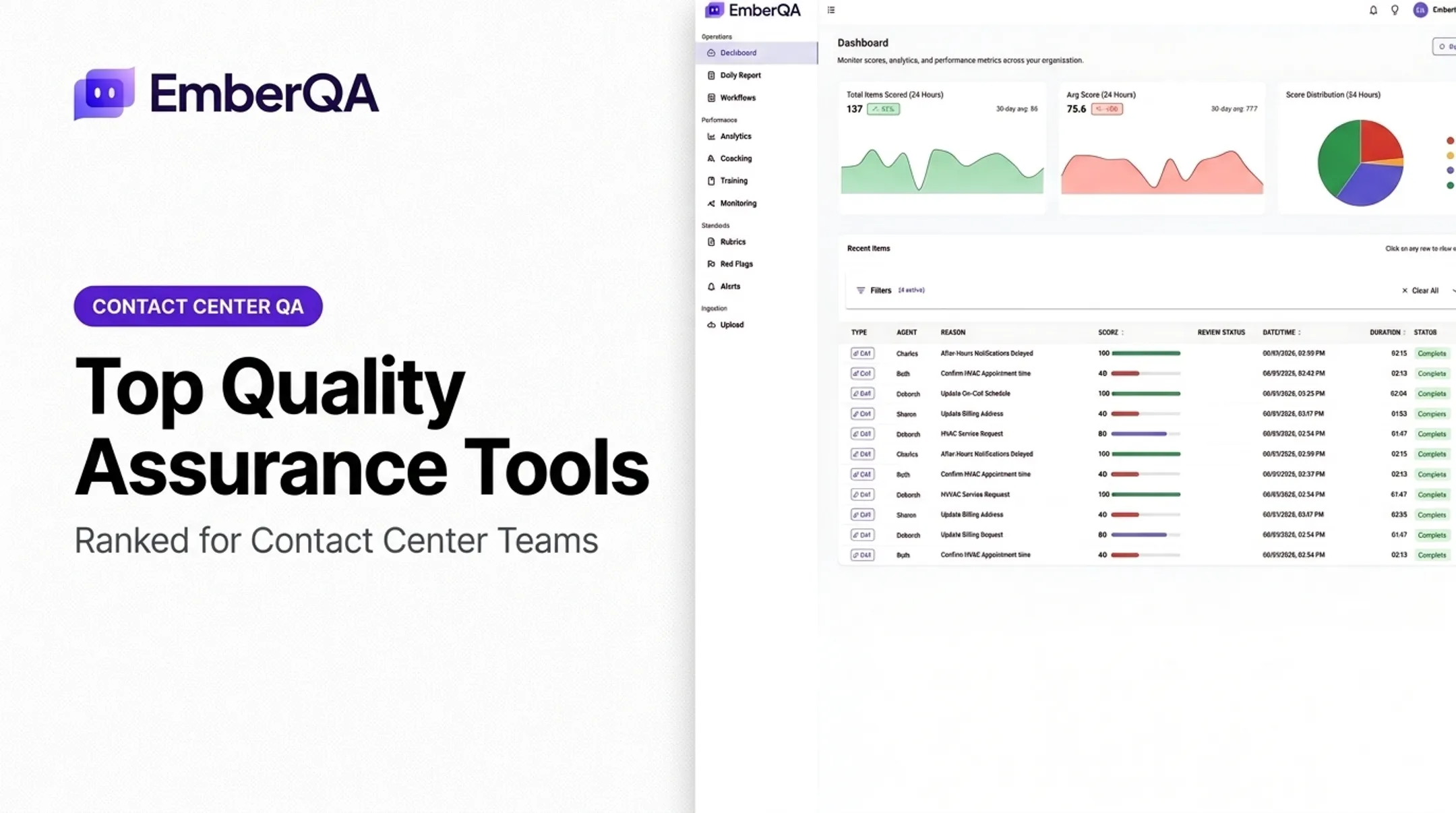
EmberQA fits this stage as an AI-powered QA layer. It scores every interaction instead of a thin manual sample and applies consistent rubrics, while red-flag alerts surface hostile behavior or privacy violations before they escalate.
7. Test Workflows End-to-End
Run sample contacts across every channel and escalation path. Confirm routing, CRM updates, recordings, and QA checks behave as designed before live traffic hits the queue.
8. Launch and Optimize
Roll out in phases. Monitor handle time, abandonment, and quality scores daily, then tune queues, scripts, and coaching from real interaction data.
Post-Setup Checks and Validation
Don't move a contact center into full production without a structured validation pass. Build a written test plan with owners, expected results, evidence, and sign-off status for each item.
Test customer and agent workflows end to end:
- Inbound calls reach the correct queue, IVR selections work, overflow rules activate, and abandoned calls are logged correctly
- Outbound calls, voicemail, dispositions, transfers, warm handoffs, and escalations function as designed
- CRM records update accurately, recordings follow policy, and reports reflect test activity
Test operational resilience:
- Run peak-volume scenarios and confirm queues, routing, and staffing hold under load
- Simulate agent absence or system outages and verify failover paths
- Confirm recovery after internet or device failure
- Validate multilingual and specialized queue handling end to end
Once workflows and resilience checks pass, define launch criteria before you flip the switch:
- Acceptable audio and interaction quality
- Successful integration checks
- Trained users and approved workflows
- Documented support contacts
- A rollback or contingency plan
Validation doesn't stop at launch. Keep monitoring through early-life review, agent feedback, QA calibration across full interaction samples, and customer feedback trends for at least the first several weeks.

Common Contact Center Setup Problems and Fixes
Most setup problems fall into three buckets: routing, audio and connectivity, and data visibility.
Routing and Queue Failures
Problem: Customers reach the wrong team, hit dead ends, or get disconnected during transfers.
Likely causes:
- Incomplete call-flow mapping
- Conflicting business-hour rules
- Incorrect skills or permissions
- Untested overflow logic
Genesys documentation notes that an invalid skills expression can cause routing to fall back to standard queue behavior instead of the intended path.
Fix: Simplify and document the flow, test every branch with realistic scenarios, assign clear queue owners, and monitor routing outcomes after launch.
Poor Audio, Dropped Interactions, or Unstable Access
Problem: Agents or customers deal with latency, jitter, one-way audio, or dropped calls.
Likely causes:
- Weak connectivity or unsuitable Wi-Fi
- Device issues
- Firewall settings
- Overloaded remote environments
Fix: Test the network and devices under real conditions, prioritize stable connections, use approved headsets, and set up a technical escalation path.
Incomplete Data, Reporting, or Quality Visibility
Problem: CRM records are missing, dispositions are inconsistent, and managers can't spot interaction risks or coaching needs.
Likely causes:
- Poorly defined data fields
- Broken integrations
- Inconsistent scorecards
- Reliance on limited manual sampling
Fix: Standardize required fields, reconcile test records, calibrate scorecards, and audit reports regularly. Because most teams can only review a small fraction of calls by hand, platforms like EmberQA automate scoring across calls and other supported interaction types so risks and coaching gaps don’t slip through unreviewed.
Pro Tips for Setting Up a Contact Center Effectively
A few habits separate smooth launches from constant firefighting:
- Start small but build for growth. Choose architecture and contracts that let you add agents, locations, channels, and integrations without a disruptive rebuild later.
- Sequence work around customer journeys, not department preferences. Map the interaction, decision, transfer, and follow-up steps for each major use case first.
- Pilot before you scale. Run a phased rollout with representative agents, queues, and customer scenarios before opening the whole operation.
- Document ownership. Assign clear sign-off for routing, security, compliance, integrations, scripts, QA scorecards, and reporting definitions.
- Balance efficiency with quality. Track service level, first-contact resolution, CSAT, handle time, abandonment, occupancy, and adherence together—no single metric tells the whole story.
- Review more interactions than manual sampling allows. Spot-checks catch only a fraction of issues. EmberQA automates scoring across every interaction, flags red-flag behavior, and turns recurring patterns into focused coaching.
- Bring in specialists when complexity warrants it. Legacy systems, multiple vendors, regulated data, or large migrations usually need dedicated implementation support.
Conclusion
The quality of a contact center's setup shapes customer experience, agent productivity, data visibility, compliance readiness, and how easily the operation scales later.
Lock in these fundamentals before go-live:
- Define the operating model first
- Prepare the technical and human foundations
- Configure deliberately and test realistic scenarios
- Treat quality assurance as an ongoing discipline, not a launch checkbox
Turn this guide into a project plan next—with clear owners, dependencies, test cases, launch criteria, and a scheduled post-launch review.
Frequently Asked Questions
How much does it cost to set up a call center?
Cloud contact center platforms typically run about $75 to $160 per user per month. Total cost still varies with headcount, numbers, equipment, connectivity, integrations, training, and one-time setup plus ongoing operating expenses.
What do I need to set up a call center?
You’ll need the people, tech, and process foundation in place:
- Operating model, budget, and trained agents
- Contact center platform, business numbers, and routing
- Reliable connectivity, agent devices, and headsets
- Scripts, knowledge resources, and CRM integrations
- QA, reporting, and coaching workflow
How much does a call center person earn?
Pay varies by role, experience, location, and industry. The US median for customer service representatives is about $44,770 a year; supervisors and managers earn more, and benefits or incentives raise total employer cost.