Introduction
Most operations teams know this pain firsthand:
- A lead lands in the CRM, but the sales rep never gets notified
- An invoice sits in an inbox while approval happens through three separate Slack messages
- A customer calls about a ticket that support never actually closed in the help desk
The root cause is integration gaps: disconnected applications that force teams to copy data by hand, switch tabs, and chase handoffs that should happen automatically.
Workflow integration software fixes this by connecting systems through triggers, actions, APIs, and native connectors. An event in one tool automatically moves work forward in another. Instead of an employee updating three systems after a phone call, the update happens once and propagates everywhere.
This guide compares five leading platforms for different US business needs: from simple no-code automation for small teams to enterprise-grade orchestration and self-hosted, developer-controlled workflows.
Key Takeaways
- Workflow integration software moves data between apps automatically; workflow management tools route tasks between people.
- Fit the tool to the team: Zapier for speed, Power Automate for Microsoft stacks, Workato for enterprise, n8n for self-hosted control.
- Weight security, error handling, governance, and total cost of ownership as heavily as connector count.
- Pilot one real workflow end-to-end before buying to confirm data handling, compliance, and upkeep.
Overview of Workflow Integration Software in the US Market
Workflow integration software is a platform that connects applications, systems, and data flows so that an event in one tool can trigger an action in another. In US teams, that usually means linking CRM, help desk, communication tools, and internal databases so work moves without manual handoffs.
Workflow management software coordinates tasks and routing between people rather than systems. Business process management (BPM) models and optimizes end-to-end processes. Standalone robotic process automation (RPA) drives a user interface the way a person would when no API exists.
Integration platforms sit in a different layer. According to IBM's definition of iPaaS, these cloud-based tools provide prebuilt connectors, business logic, data mapping, and event-triggered flows that replace fragile point-to-point connections.

Core building blocks include:
- Triggers and actions (the "if this happens, do that" logic)
- Conditional branching, loops, and filters
- Webhooks and APIs for real-time event handling
- Prebuilt connectors for common SaaS tools
- Data mapping, transformation, and field validation
- Retries, error handling, and monitoring dashboards
Common business use cases:
- Lead routing from web forms into a CRM
- Employee onboarding across HR, IT, and payroll systems
- Invoice approvals spanning finance and accounting tools
- IT ticket escalation and SLA tracking
- Customer notifications after order or service updates
- Contact-center QA handoffs from scoring tools into coaching platforms
Tool categories fall into five groups:
- No-code point-to-point platforms
- Enterprise iPaaS products
- Microsoft-focused automation suites
- Embedded integration tools inside specific products
- Self-hosted or open-source platforms
For most US buyers, the fit hinges on workflow complexity, who owns the build, the current application stack, and monthly automation volume.
Best Workflow Integration Software and Tools
These five platforms cover the range from beginner-friendly automation to enterprise orchestration. Compare them on connector coverage, usability, workflow complexity, governance, observability, pricing model, and fit for your business size, not just the size of their app marketplace.
Zapier
Zapier is the most accessible entry point into workflow automation. Its no-code interface connects popular SaaS apps through triggers, multi-step "Zaps," filters, and conditional Paths, all built through a visual step editor rather than code.
Pricing and limits:
- Free plan: 100 tasks/month
- Professional: 750 tasks/month at $19.99/month (billed annually) or $29.99 monthly
- Team: 2,000 tasks/month at $69/month (billed annually) or $103.50 monthly, plus 25 user seats and SSO
- Enterprise: custom pricing with unlimited users
Zapier advertises 9,000 app integrations, the largest marketplace among the tools reviewed here. Paid plans include Autoreplay, which retries errored steps on a schedule, and users can manually replay failed runs.
Comparison snapshot:
| Category | Rating |
|---|---|
| Connector breadth | Largest marketplace (9,000+ apps) |
| Ease of use | Best for non-technical teams |
| Advanced logic | Filters and Paths only, limited branching |
| Governance | SSO and admin controls at Team/Enterprise tiers |
| Best fit | Small teams automating popular SaaS tools |
Teams with heavy data transformation needs or complex, multi-branch logic tend to outgrow Zapier quickly.
Make
Make trades Zapier's simplicity for a visual scenario builder with real branching, routers, and data transformation baked into every plan — including the free tier.
Pricing and limits:
- Free: 1,000 credits/month
- Core: $12/month for 10,000 credits
- Pro: $21/month for 10,000 credits
- Teams: $38/month for 10,000 credits
- Enterprise: custom
Make lists 3,000+ apps, and most module actions cost one credit, though advanced AI actions can cost more.
Execution history shows run status, duration, and transferred data; Pro adds full-text log search. Failed runs are stored as incomplete executions so teams can fix and resume them rather than starting over.
Comparison snapshot:
| Category | Rating |
|---|---|
| Visual design | Drag-and-drop scenario builder with routers |
| Complexity support | Strong branching and data transformation |
| Monitoring | Detailed execution history, retained by plan |
| Learning curve | Moderate — more setup than Zapier |
| Best fit | Multi-step, data-heavy workflows on a budget |
Microsoft Power Automate
If your business already runs on Microsoft 365, Dynamics, SharePoint, or Teams, Power Automate is the natural fit. It combines API-based cloud flows with desktop automation for legacy applications that don't have APIs.
Licensing (US pricing, billed yearly):
- Premium: $15/user/month
- Process: $150/bot/month
- Hosted Process: $215/bot/month
- 30-day free trial available
A Premium license enables cloud flows using standard, premium, and custom connectors, including connections to non-Microsoft apps. Process licenses allocate automation capacity to a specific flow or machine rather than a person.
Governance stands out here. Admin-controlled data loss prevention (DLP) policies determine which connectors can share data together, and violating flows can be automatically suspended. AI Builder adds document extraction and other AI features, consuming credits based on your license tier.
Comparison snapshot:
| Category | Rating |
|---|---|
| Microsoft integration | Deep — native to 365, Dynamics, Teams |
| Workflow types | Cloud flows plus desktop/legacy automation |
| Governance | Strong DLP policies and admin controls |
| Best fit | Microsoft-centric organizations |
Non-Microsoft shops often find connector actions and pricing less favorable outside the ecosystem.
Workato
Workato positions itself as an enterprise integration platform for complex workflows spanning SaaS, cloud, on-premises systems, and custom APIs — not just simple app-to-app triggers.
Workflows in Workato are called recipes: a trigger plus one or more actions, supporting conditional logic, loops, and error handling. Workato's library advertises more than 1,200 prebuilt connectors, and its documentation specifically covers building bidirectional syncs between systems.
Governance and observability are built for enterprise buyers:
- Custom collaborator roles control access to projects and recipes
- Operations Hub monitors recipe runs and connection health
- Job history logs every step and error
- Activity audits track recipe, connection, and permission changes
Workato doesn't publish flat dollar pricing — its Standard, Business MCP, Enterprise MCP, and Workato ONE editions all require a custom quote. In a G2 snapshot, Workato rated 4.7 out of 5 across 756 reviews, edging out Zapier's 4.5.
Comparison snapshot:
| Category | Rating |
|---|---|
| Enterprise scale | Built for cross-system orchestration |
| Integration depth | Bidirectional syncs, 1,200+ connectors |
| Governance | Role-based access, audit trails |
| Technical requirements | Higher — often needs implementation support |
| Best fit | Enterprises with complex, governed integration needs |
n8n
n8n is the developer-friendly option: flexible, extensible, and available as a self-hosted or hosted platform with custom code steps and API connectivity built in.
Deployment and pricing (EUR, billed annually):
- Cloud Starter: €20/month for 2,500 executions
- Cloud Pro: €50/month for 10,000 executions
- Self-hosted Business: €667/month for 40,000 executions
- Enterprise: custom pricing
n8n's licensing follows the Sustainable Use License, which permits internal business use but restricts redistributing the software commercially. Self-hosted teams take on their own security responsibilities. n8n's own documentation recommends running security audits, enabling SSL, and rotating credential-encryption keys periodically.
Comparison snapshot:
| Category | Rating |
|---|---|
| Deployment control | Full self-hosting option, or n8n Cloud |
| Customization | Custom nodes, code steps, API access |
| Maintenance burden | High for self-hosted; low for Cloud |
| Governance | SSO, environments, log streaming (paid tiers only) |
| Best fit | Technical teams wanting deployment flexibility |
n8n's community edition excludes several governance features found in paid tiers, so regulated industries typically need Business or Enterprise licensing.

How We Chose the Best Workflow Integration Tools
Vendors love to lead with their biggest number: connector count, integration marketplace size, or the lowest entry-level price. None of those numbers alone tell you if a platform will work for your actual stack. Here's what we actually weighed.
Connector and API coverage. Does the tool connect natively to your CRM, ERP, help desk, and communication systems? Just as important: does it support the specific actions you need, or only basic data retrieval?
Workflow complexity. We compared support for:
- Branching and conditional logic
- Multi-step approvals and loops
- Scheduled and webhook-triggered runs
- Human-in-the-loop tasks
- Data transformation and custom code
- Bidirectional synchronization between systems
Reliability and operations. Uptime commitments, retry logic, rate-limit handling, alerting, versioning, and visibility into failed runs all separate a mature platform from a fragile one.
Security and governance. We looked at authentication methods, encryption claims, role-based access, audit logs, environment separation, and available compliance documentation like SOC 2 or ISO 27001.
Total cost of ownership. Entry pricing rarely reflects real cost. We accounted for execution volume, premium connectors, user seats, implementation time, and the internal skills needed to maintain the platform long-term.

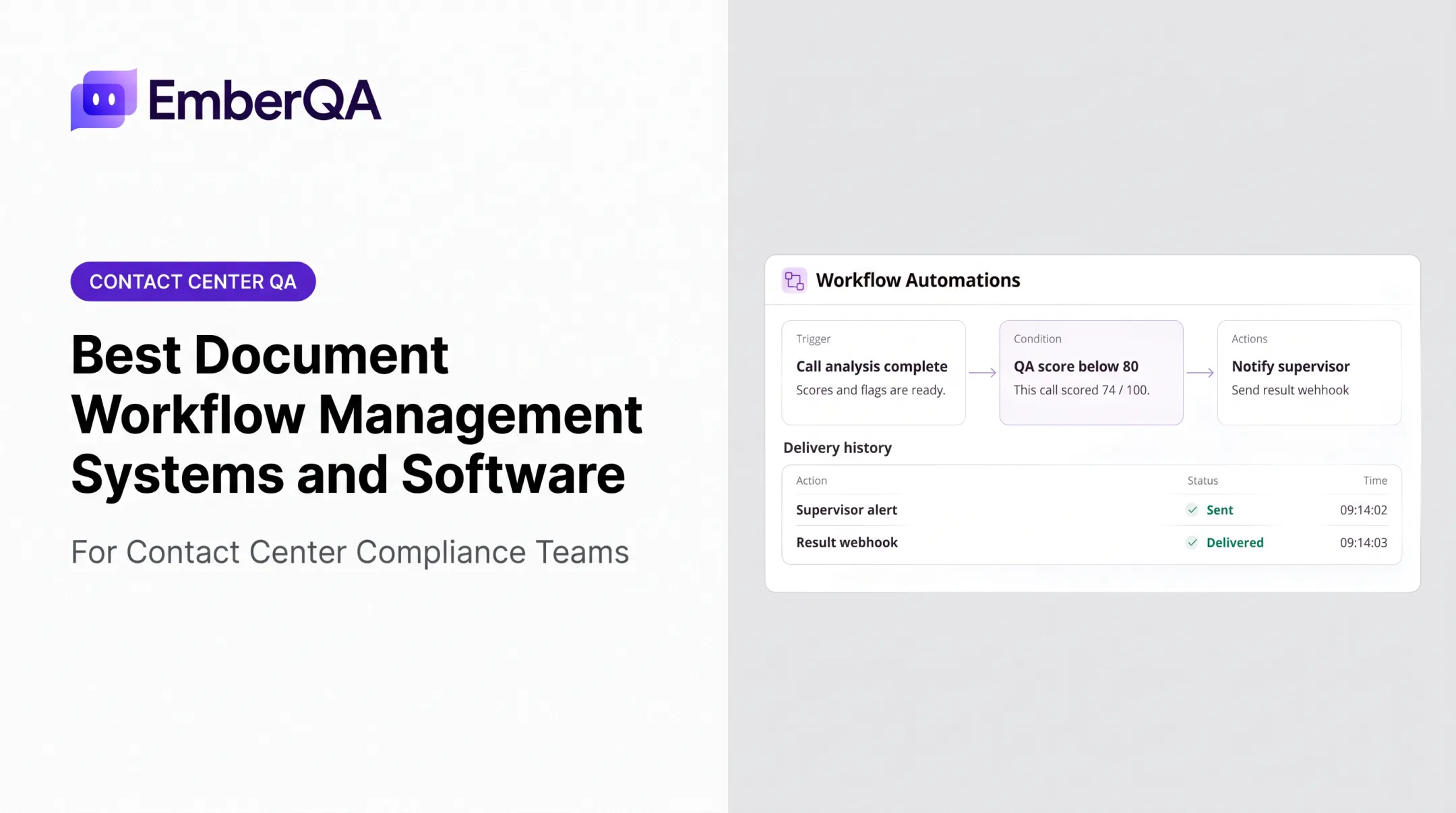
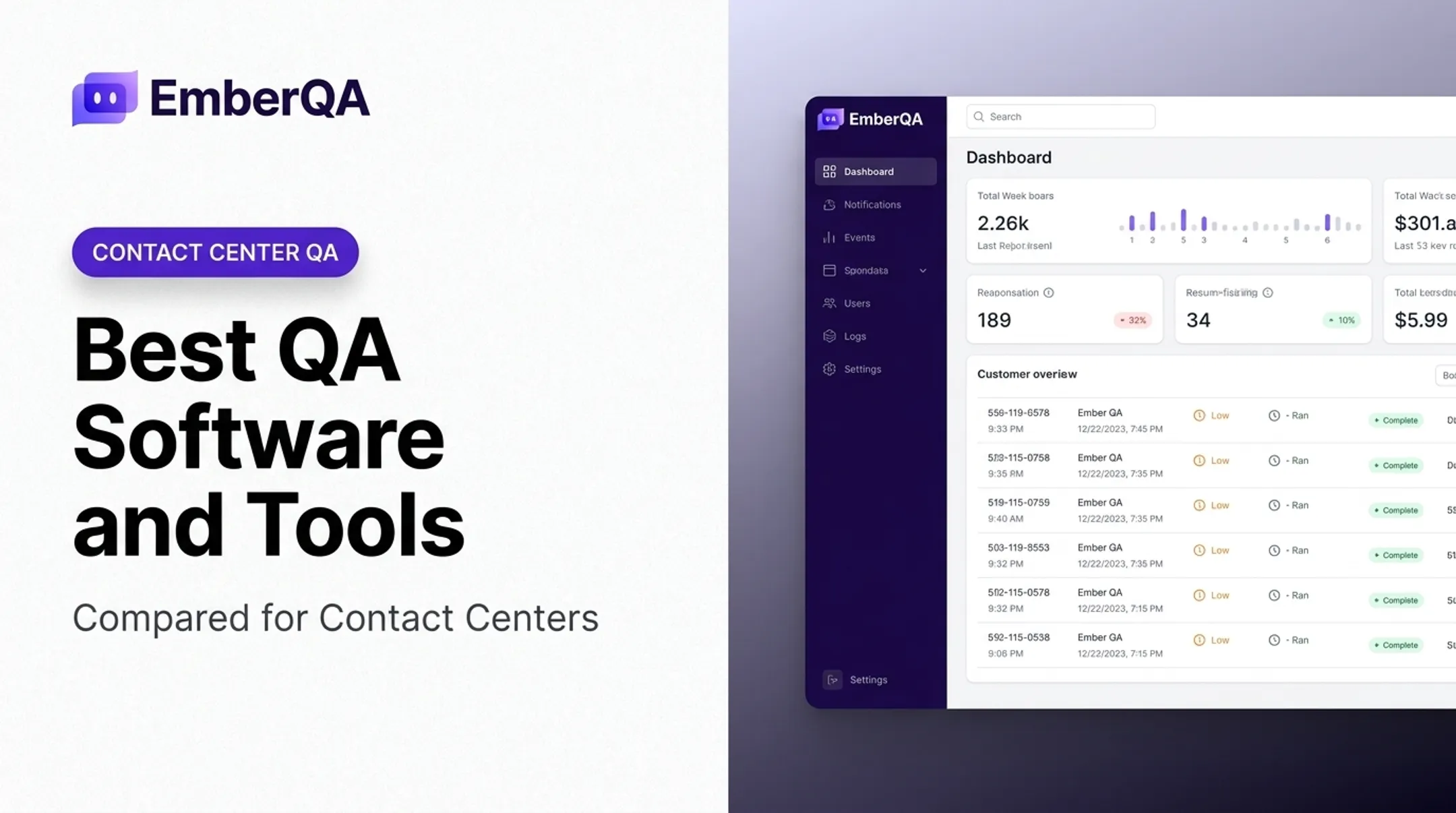
Specialized platforms don't belong in this comparison, even when they connect to other systems. A tool like EmberQA may sit within a larger workflow — sending automated interaction-quality scores, red-flag alerts, or CRM verification results into coaching and escalation processes.
That's a customer-interaction QA product with workflow automation features, not a general-purpose integration platform, and it should be evaluated on that basis.
Conclusion
There's no single "best" workflow integration tool. The right platform is the one that fits your application stack, your process complexity, who's technically responsible for maintaining it, and your governance requirements.
Before committing to any platform:
- Map one high-value workflow end to end, including every trigger and data dependency.
- Test failure scenarios — what happens when an API times out or a field mismatches?
- Calculate ongoing costs, not just entry pricing, including maintenance and premium connector fees.
If your workflow challenges sit in customer-interaction quality, that's a different problem than general app integration.
EmberQA helps contact-center and customer-facing teams:
- Automate interaction scoring across channels
- Catch red flags in real time
- Verify CRM data against actual call content
- Turn QA results into targeted coaching
If quality monitoring is a manual bottleneck, see how EmberQA fits your broader workflow before you build around a generic automation tool alone.
Frequently Asked Questions
How do you integrate workflows?
Map the process end to end, identify triggers and actions, then choose native connectors or APIs to link the systems. Map data fields, test permissions and failure paths, and monitor the live integration for errors.
What are the common steps of a workflow?
A typical workflow includes a trigger, data collection, validation, decision or routing logic, action execution, approval where needed, notification, and final logging or completion.
What does workflow integration mean?
Workflow integration means connecting applications, people, and automated steps so data and tasks move between systems based on defined rules, rather than relying on repeated manual handoffs.
What types of integrations are used in workflow integration?
Teams typically use API-based links, native connectors, webhooks, file-based transfers, database connections, and third-party connector libraries. RPA covers legacy interfaces that lack APIs.
What are some popular workflow integration tools?
Zapier, Make, Microsoft Power Automate, Workato, and n8n are widely used options. The right pick depends on your workflow complexity, technical resources, governance needs, and existing application ecosystem.
What are the different types of workflows?
Workflows usually fall into sequential, approval-based, branching, event-driven, scheduled, human-in-the-loop, cross-application, and exception-handling patterns. Each fits a different kind of business process.