Introduction
A single contact center can generate thousands of recorded calls a week. Managers can't replay all of them, let alone summarize and score each one by hand.
That gap isn't new. A 2019 ICMI and NICE survey of 258 contact centers found that roughly one-third to nearly half of teams monitored just 1% to 3% of interactions across phone, email, and chat. Manual sampling simply doesn't scale.
AI call summarization changes the math. It converts a recorded conversation into a short, searchable overview: what the customer wanted, what got resolved, what got promised, and what still needs attention.
This article covers how the technology works, where it strengthens contact center QA, which limits to watch for, and how to evaluate a solution before you buy.
Key Takeaways
- AI call summarization automatically extracts the meaning and follow-up details from a phone conversation, not just the words spoken.
- Summaries deliver the most value when tied to QA scoring, red flag detection, coaching, and compliance review.
- Accuracy depends on audio quality, transcription performance, speaker separation, and how the summary is configured.
- Evaluate solutions on actionability and workflow fit, not summary length.
What Is AI Call Summarization?
A transcript records what was said, word for word. A summary explains what happened and what matters next. In practice, a 20-minute call might produce a 3,000-word transcript and a five-line summary a supervisor can actually read between meetings.
A useful summary typically captures:
- The reason for the call
- The customer's issue or request
- How it was resolved (or why it wasn't)
- Commitments made by either party
- Unresolved questions and who owns the follow-up
- Risk indicators, such as a compliance concern or an angry customer
Basic AI Summaries vs. QA-Oriented Summaries
A generic summary might only paraphrase the conversation. A QA-oriented summary maps that same information to a scorecard, compliance checklist, or coaching objective so a supervisor can evaluate agent performance without replaying the call.
Related Capabilities Worth Knowing
Summarization often pairs with a few adjacent features, though availability varies by platform:
- Topic classification and keyword detection
- Sentiment or tone analysis
- Speaker labels and timestamps
- Action-item extraction
- Redaction of sensitive data
Picture a 25-minute insurance claims call. The raw transcript runs several pages, full of small talk, hold music references, and repeated clarifications.
A structured summary might read: "Customer reported water damage from a burst pipe. Agent confirmed coverage, requested photos, and scheduled adjuster callback for Thursday. No disclosure of policy exclusions provided: flag for review." One supervisor can scan that in ten seconds instead of replaying 25 minutes of audio.
How Does AI Call Summarization Work?
The process runs through several stages before a summary lands in front of a supervisor.
- Capture the recording – The call is recorded through the existing phone system or contact-center platform.
- Convert speech to text – Automatic speech recognition (ASR) transcribes the audio, and where supported, identifies speakers and timestamps.
- Analyze the conversation – The system identifies call purpose, key topics, decisions, requests, commitments, and unresolved issues.
- Generate a structured summary – The output is organized into fields, not just a paragraph of prose.
- Route the summary into workflows – The summary feeds into call records, QA systems, CRM profiles, coaching queues, or escalation processes.

That last step matters. NICE's own documentation on its AutoSummary product notes that a generated summary is not a replacement for the full transcript or recording. It's a layer on top, meant to make the underlying data usable, not to erase it.
Templates and Custom Rules Shape the Output
Custom templates, prompts, scorecards, or business rules determine what a summary actually highlights:
- Sales calls: objections and next steps
- Collections calls: disclosure language and payment commitments
- Claims calls: coverage confirmations and adjuster scheduling
Same underlying technology, different fields extracted, because the workflow is different.
Where Summarization Meets Automated QA
Summarization and QA scoring solve different problems, but they work best together. The summary provides context: what happened. Scoring rubrics and red flag rules evaluate whether required behaviors or disclosures occurred. One without the other leaves a gap: a summary tells you what happened, but not whether it happened correctly.
What Can Go Wrong
Accuracy depends heavily on inputs the AI doesn't control:
- Poor audio quality or background noise
- Overlapping speech between agent and customer
- Heavy accents or unfamiliar dialects
- Domain-specific terminology (insurance codes, medical terms, legal language)
- Incorrect speaker attribution
- Errors involving names, dates, dollar amounts, or policy language
A 2025 research experiment on domain-specific ASR adaptation found that word error rates for one tested model dropped from 32.9 to 14.24 after tuning the system on domain-specific terminology. Generic transcription models can struggle badly with specialized vocabulary before adjustment.
That study used earnings-call audio, not contact-center recordings, but the underlying lesson holds: terminology matters.
For high-risk decisions (a disputed refund, a compliance flag, a disciplinary conversation), treat the AI summary as a starting point for human review, not an unquestionable record of what occurred.
Benefits and Contact-Center Use Cases
The clearest benefit is time. Summaries reduce the need for agents and managers to write post-call notes or replay entire recordings, freeing up time for actual customer service, investigation, and coaching.
In a vendor-published case study of an unnamed telecom provider, NICE reported a 25% reduction in after-call work time following adoption of its AutoSummary tool. That's not a universal benchmark, but it illustrates the kind of gain teams look for.
EmberQA has seen a similar pattern play out with customers. ECA, an EmberQA customer, was manually reviewing less than 1% of its calls before adoption. Managers simply couldn't get through more than a handful of calls per agent each month. That's the exact bottleneck structured summarization and scoring exist to solve.
Broader QA Coverage, Faster Escalation
Structured summaries let supervisors review far more interactions than manual sampling ever allowed, surfacing patterns that a small sample would miss entirely.
They also speed up escalation by flagging urgent complaints, unresolved cases, potential compliance concerns, or missed commitments, instead of waiting for a customer to call back even angrier.
Recurring summary themes, paired with scores and red flags, give supervisors material for targeted coaching rather than pulling one anecdotal call and hoping it represents a broader problem.
Use Cases by Segment
- BPOs and contact-center service providers organize summaries by client program, demonstrating consistent quality reporting across accounts.
- Insurance, financial services, and collections teams use summaries to support review of disclosures, required processes, and potential conduct risks, with appropriate human and legal oversight.
- Answering services summarize caller intent, information captured, promised follow-ups, and routing outcomes across high call volumes.
- Multi-site contact centers apply one consistent summary structure across offices, vendors, and teams instead of inconsistent local notes.
Spot On Schedulers, another EmberQA customer, moved from reviewing a small manual sample to automatic review across 100% of calls. That shift made recurring issues visible instead of buried in a sampling gap.

What to Look for in an AI Call Summarization Solution
Not every summarization tool is built for QA. Compare solutions on capabilities that actually matter for evaluation, not just novelty features.
Core capabilities to compare:
- Summary accuracy on your actual call types
- Configurable formats by workflow (sales, support, claims, collections)
- Action-item extraction
- Topic and keyword tagging
- Speaker identification
- Searchable records
- Red flag detection
- Support for your specific call channels
Workflow integration matters just as much as accuracy. A summary that lives in an isolated dashboard doesn't help much. Look for connections to QA platforms, CRMs, ticketing systems, and coaching tools — but verify any specific integration a vendor claims before assuming it covers your stack.
Privacy, Consent, and Regulated Data
Recording and summarization tools need to respect consent rules, which vary significantly by state. California's Penal Code 632 requires all-party consent to record a confidential communication, while other states follow one-party consent standards.
For collections calls, the CFPB's Regulation F requires retaining a recorded call for three years after the call — a summary doesn't replace that retention requirement. Health-related calls carry their own HIPAA considerations if protected health information is involved.
Testing Before Adoption
Before rolling out any solution, test it against representative calls:
- Clear audio and difficult accents
- Multiple overlapping speakers
- Long calls and escalations
- Industry-specific terminology
- Calls with required disclosures
Evaluate quality against these criteria:
- Factual accuracy and preservation of context
- Correct identification of commitments
- Low omission rates for critical details
- Clear separation between observed facts and AI interpretation
The National Institute of Standards and Technology has warned that generative AI outputs can contain confident-sounding factual errors. Configurable QA rubrics and human review paths matter for high-impact decisions because of that risk.
A Practical Rollout Sequence
- Select priority workflows (start with your highest-risk or highest-volume call type)
- Define the summary fields you actually need
- Establish who owns review and correction
- Pilot on representative interactions, not just easy ones
- Audit outputs regularly
- Train users on what the summary does and doesn't guarantee
- Refine rules as patterns emerge
How EmberQA Applies AI to Call Quality Assurance
EmberQA is an AI-powered quality assurance platform built to help contact centers and customer-facing teams analyze every interaction, not just a manual sample. It applies consistent scoring rubrics, identifies red flags, and turns findings into coaching that's grounded in actual patterns rather than isolated examples.
Where a basic summarization tool stops at a short overview, EmberQA connects that same conversation context to automated scoring, urgent-issue detection, searchable records, performance trends, and coaching priorities. The summary becomes one part of a larger evaluation, not the end product.
What this looks like in practice:
- Every call, chat, and email scored against custom QA scorecards and rubrics
- Red-flag alerts for hostile behavior, improper advice, privacy violations, and escalation risks
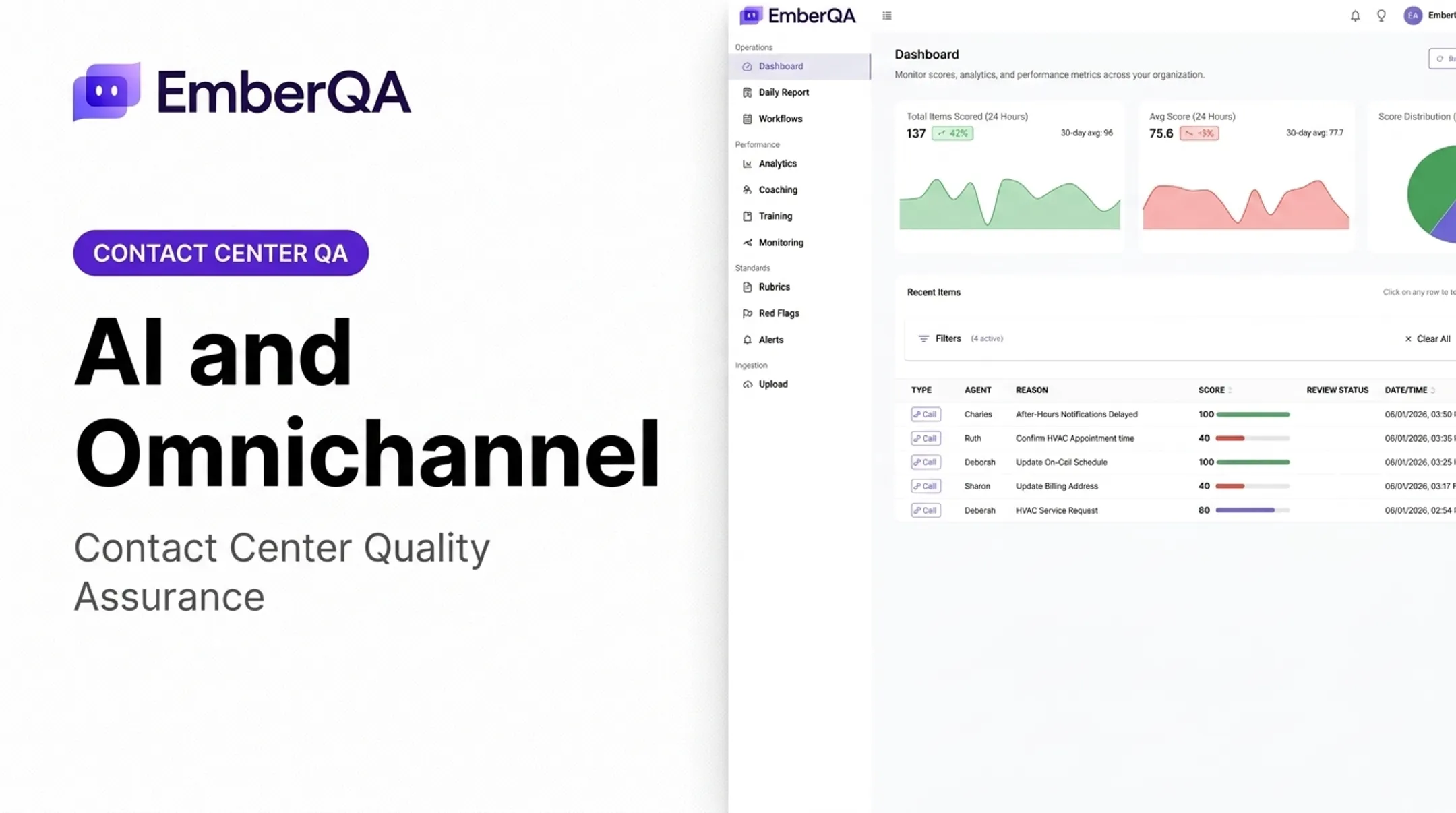
- Searchable transcripts and recordings, filterable by date, team, agent, score, or missed metric
- Performance dashboards and trend reports that guide coaching priorities

That same workflow can verify call content against CRM records, so teams catch gaps between what was documented and what was actually said.
That full-loop model matches how high-volume teams actually run QA:
- BPOs reporting scores across client programs
- Insurance and financial services teams managing disclosure risk
- Answering services scoring message accuracy at scale
- Multi-site operations standardizing one QA layer across offices
Used this way, call summarization feeds scoring, risk alerts, and coaching—so QA decisions rest on every interaction, not a thin sample.
Frequently Asked Questions
What is call summarization?
Call summarization condenses a conversation into its main purpose, key points, outcome, commitments, and next steps. Unlike a transcript, it presents meaning rather than a word-for-word record.
How does AI summarize a phone call?
The call is recorded, converted to text through speech recognition, then analyzed to extract the purpose, key details, and outcomes. That information is compiled into a structured summary.
What is the difference between a call transcript and an AI call summary?
A transcript captures the conversation word for word. A summary presents the most relevant meaning and actions in a much shorter, scannable format.
Can AI call summaries be used for quality assurance?
Yes. Summaries can support QA review, automated scoring, red flag detection, compliance workflows, and trend analysis, though human oversight remains important for high-impact decisions.
How accurate are AI call summaries?
Accuracy varies with audio quality, transcription performance, speaker separation, terminology, and configuration. Critical details should always be verified rather than assumed correct.
What should contact centers consider before adopting AI call summarization?
Consider consent requirements, sensitive-data handling, workflow integration, configurable QA criteria, and representative testing. Also plan how summaries will trigger actual follow-up action, not just sit in a report.