Introduction
Software ships faster than most QA teams can keep up with. New features, config changes, and updated integrations pile up weekly, sometimes daily, while manual test reviews and static test suites lag behind.
According to TestRail's 2024 Annual Customer Survey Report, 69% of organizations release monthly or more often, yet teams report automating only 40% of their tests on average—a gap that puts real pressure on coverage.
This article covers AI agents in two related contexts: software testing and customer-interaction quality assurance.
We'll explain what separates an AI agent from scripted automation, how the agent loop actually functions, where these systems help across the QA lifecycle, and why human oversight still matters.
Key Takeaways
- An AI agent observes context, plans actions, uses tools, evaluates results, and adapts based on outcomes
- QA agents can assist with test generation, execution, maintenance, failure triage, prioritization, and reporting
- "AI-powered" doesn't always mean autonomous: know the difference between features, fixed workflows, and true agents
- Agents expand QA capacity but don't remove the need for human judgment and validation
What Are AI Agents in QA Testing?
An AI agent in QA is software given a quality objective, such as validating a checkout flow, hunting for defects, or scoring a customer call against a rubric. Rather than following a rigid script, it selects its own actions and reacts to what it finds.
Core Characteristics
A QA agent typically does five things:
- Perceives application data, logs, requirements, or interaction transcripts
- Reasons about goals, risk, and what to check next
- Uses tools, like browsers, APIs, or test runners
- Acts, executing a test or reviewing an interaction
- Evaluates outcomes and adapts based on what happened
Agent vs. LLM vs. Fixed Workflow
These three terms get used interchangeably, and that's a problem when you're evaluating vendors.
An LLM generates text or code when prompted—it doesn't act on its own. A fixed AI workflow connects models to tools, but follows predetermined code paths every time.
An agent is different. According to Anthropic's 2024 engineering guidance on building effective agents, it dynamically directs its own process and tool use based on what it observes.
Here's the practical difference:
| Approach | What it does |
|---|---|
| Scripted test | Clicks known selectors in a fixed order |
| AI-assisted tool | Generates a test script from a prompt |
| AI agent | Determines what to test, executes the flow, interprets the failure, and recommends (or applies) a controlled next step |
The label "agentic" gets applied loosely in marketing. Before trusting it, ask what decisions the system actually makes on its own versus what steps are hardcoded.
How Do AI Agents Work in QA Testing?
Most QA agents run on a loop: observe, plan, act, evaluate, adapt. Microsoft's Playwright test agents illustrate this well. A planner explores the application and drafts a plan, a generator turns that plan into executable tests, and a healer runs the suite and repairs failures it encounters.

The Context Layer
An agent is only as good as what it can see. That context includes:
- Requirements and acceptance criteria
- Prior test results and application state
- Interaction transcripts and scoring rubrics
- Business rules and compliance requirements
Incomplete or poor-quality context produces unreliable results. An agent working from outdated requirements or missing transcript data will make confident, wrong decisions without realizing gaps in what it can see.
Tools, Roles, and Safeguards
Common agent actions include:
- Generating test cases and test data
- Navigating an app and executing runs
- Comparing expected versus actual behavior
- Scoring interactions
- Opening a defect ticket or coaching alert
Some systems split this work across specialized agents: a planner, an executor, a failure analyst, a maintenance agent, a reporting agent. This division isn't required for every use case, but it shows up in more mature multi-agent architectures.
Regardless of design, effective agents run inside boundaries:
- Defined permissions and environment limits
- Approval checkpoints before consequential actions
- Reproducible logs for every decision made
- Confidence thresholds that trigger escalation to a human when evidence is ambiguous
How Are AI Agents Used Across the QA Lifecycle?
AI agents can support multiple stages of the QA lifecycle, from planning and execution through maintenance and triage. Human review still gates correctness, risk calls, and release decisions.
Test Planning and Generation
Agents can turn requirements, user stories, and acceptance criteria into test scenarios, covering positive, negative, boundary, and regression cases. Generated tests still need human review for correctness and meaningful assertions.
A 2026 Ant Group industrial study presented at ACM FSE found that generated unit tests can fail to compile due to missing context or model errors. That gap is why this step needs a validation gate, not blind trust.
Execution and Prioritization
After a code change, agents can select relevant tests, run them across approved environments, manage test data, and prioritize high-risk areas instead of treating every test as equally urgent.
Maintenance and Failure Triage
When UI elements, routes, or expected results shift, agents can:
- Flag what changed and suggest test updates
- Classify failures as real defects, infrastructure issues, or flaky behavior
- Attach logs, screenshots, and reproduction steps
Exploratory, Accessibility, Security, and Performance Support
Agents can probe beyond predefined paths or check against defined rules. High-risk work such as security exploits, accessibility audits, and performance thresholds still benefits from specialized tools and expert validation.

Synack, for instance, pairs its AI reconnaissance and exploit validation with human security researchers before confirming a finding.
Interaction and Contact-Center QA
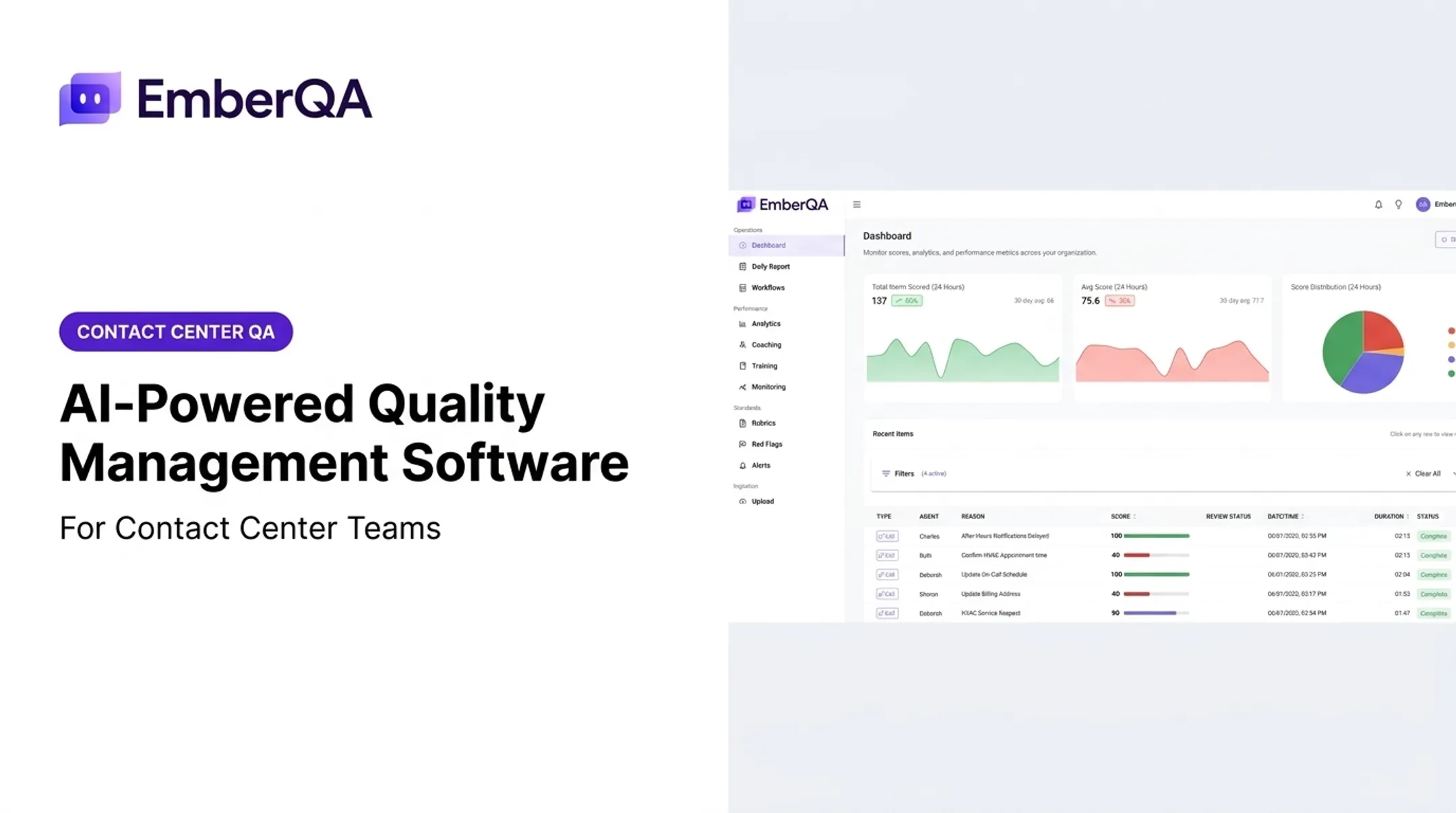
This is a related but distinct application: customer-interaction quality assurance rather than software testing. A platform like EmberQA analyzes calls, SMS, emails, documents, and chat transcripts against organization-specific scorecards and rubrics, surfacing red flags in real time and comparing performance patterns across customer-service agents.
ECA, a real-world example, previously reviewed less than 1% of its calls manually. After adopting EmberQA, it evaluates every call against the same rubric, with coaching moments surfacing on their own instead of relying on spot checks.
The same agent loop applies: observe the transcript, evaluate against a rubric, then flag and escalate. That mirrors what testing agents do with application data.
What Are the Benefits, Limitations, and Implementation Considerations?
Potential Benefits
- Broader coverage without proportionally more manual effort
- Faster feedback on changes and failures
- Reduced repetitive maintenance work
- More consistent evaluations across large volumes
- Earlier risk detection and smarter prioritization
Those gains are real, but most teams are still early. Capgemini's World Quality Report 2025-26 found that 43% of organizations are experimenting with generative AI in QA, yet only 15% have scaled it enterprise-wide. A strong demo is not the same as production-ready results.
Limitations to Watch
- Agents miss behavior absent from their available data
- They can produce false assumptions or misclassify failures
- False positives (and false confidence) are real risks
- They still struggle with ambiguous requirements, dynamic environments, and novel edge cases
A Practical Adoption Path
- Start bounded. Pick a repetitive, well-understood use case first
- Define success measures: coverage, valid defect detection, triage time, or review effort
- Protect sensitive data used in tests or interactions
- Keep human approval on consequential decisions
- Audit outputs over time, not just at launch
EmberQA compresses that path into three moves: connect interaction data, set QA standards and rubrics, then turn quality signals into coaching alerts, workflow triggers, and performance dashboards.

Frequently Asked Questions
How can AI be used in QA?
AI supports test generation, execution, maintenance, failure analysis, prioritization, and reporting. Human review remains important for correctness, especially on generated tests and flagged failures.
What is an AI agent in software testing?
An AI agent plans testing actions, uses tools like browsers or test runners, evaluates outcomes, and adapts toward a defined quality goal rather than following one fixed script.
How are AI agents different from traditional test automation?
Traditional automation follows predetermined scripts step by step. An AI agent interprets context, chooses among actions, assesses results, and responds to changes, all within defined safeguards.
Can AI agents replace QA testers?
No. Agents handle repetitive and analytical tasks well, but test strategy, exploratory testing, business-risk decisions, compliance judgment, and ambiguous failure review still need human expertise.
What tasks can AI agents perform in QA testing?
Common tasks include scenario generation, test execution, test-data setup, maintenance, failure triage, defect reporting, regression prioritization, and results summarization.
What are the limitations of AI agents in QA testing?
Key limitations include incomplete context, weak or hallucinated test cases, false positives and negatives, data-security concerns, and unpredictable behavior. These require monitoring, controls, and human escalation paths.