Introduction
Customers now expect the same fast, accurate answer whether they call, text, email, or chat. Most contact centers still lean on manual routing, spreadsheet-based QA, and agents juggling systems that don't talk to each other.
The gap shows up fast. 69% of consumers expect consistent interactions across departments, according to Salesforce's 2024 AI customer research, and nearly 60% would rather deal with fewer touchpoints than repeat themselves.
Meanwhile, Gartner projects a 16% increase in customer-service interaction volume between 2024 and 2028, driven by growing digital engagement.
CX automation closes that gap: AI, workflows, and connected data make interactions faster and more consistent without stripping out human judgment.
This article breaks down what CX automation actually means, the four practical types, how it works in practice, and how to roll it out responsibly.
Key Takeaways
- CX automation spans routing, self-service, agent assist, QA, analytics, and personalization—not only chatbots
- Strong CX automation cuts customer effort and agent workload while keeping clear human escalation paths
- Start with a specific problem and measurable success criteria before scaling automation
- Automated interaction analysis and QA surface risks faster and support agent coaching at scale
What Is CX Automation?
Customer experience automation is the coordinated use of technology to automate, personalize, analyze, and improve customer interactions across the entire journey. NICE defines it as using AI to orchestrate customer journeys across channels, touchpoints, and systems, not just handle single conversations.
That distinction matters. A chatbot answers a question. CX automation connects that same conversation to routing logic, CRM context, agent workflows, QA scoring, and follow-up actions.
CX automation isn't only about customer-facing speed:
- Customers get faster answers, fewer repetitive steps, and smoother handoffs between channels
- Agents and managers get customer context, suggested responses, automated admin work, and performance insights they'd otherwise dig for manually
CX automation often gets confused with narrower tools:
| Concept | Primary Focus |
|---|---|
| Customer service automation | Support requests and resolutions (Salesforce) |
| CRM automation | Customer records and sales workflows |
| Marketing automation | Campaigns and lead nurturing |
| CX automation | Connects touchpoints across the full customer journey |
That full-journey scope is what sets it apart. The best implementations stay human-centered: automation handles the routine and repetitive, while agents step in for complex, sensitive, or emotionally significant situations where judgment matters more than speed.
How Does CX Automation Work?
Most CX automation follows a similar path: capture a customer signal or event, interpret intent and context, trigger a workflow or response, escalate when the situation calls for it, then analyze the outcome to improve the next interaction.
Vendors name the pieces differently, but four practical categories cover most CX automation stacks:
- Interaction automation — chatbots, AI agents, self-service portals, and notifications that resolve routine requests
- Workflow and orchestration — routing, ticket assignment, escalations, and approvals across connected systems
- Insight and quality automation — speech/text analysis, sentiment detection, automated scoring, and compliance checks
- Personalization and proactive automation — history and behavior signals that tailor outreach before issues escalate
Where the Four Types Meet
Picture a customer calling about a billing dispute. Interaction automation routes them by intent, and workflow automation assigns the ticket with account history already open. During the call, agent-assist tools suggest next steps. Afterward, insight automation scores the interaction, flags a compliance concern, and sends a coaching note to the supervisor.

None of that works without integrations. CRM, contact-center platforms, knowledge bases, ticketing, and workforce management systems all need to share data. A handful of disconnected tools bolted onto a phone system isn't a CX automation strategy—it's just more software to manage.
Those connections also close the loop: outcomes have to feed the next interaction. Insight and quality automation does that job—scoring what happened, catching risk, and turning findings into coaching.
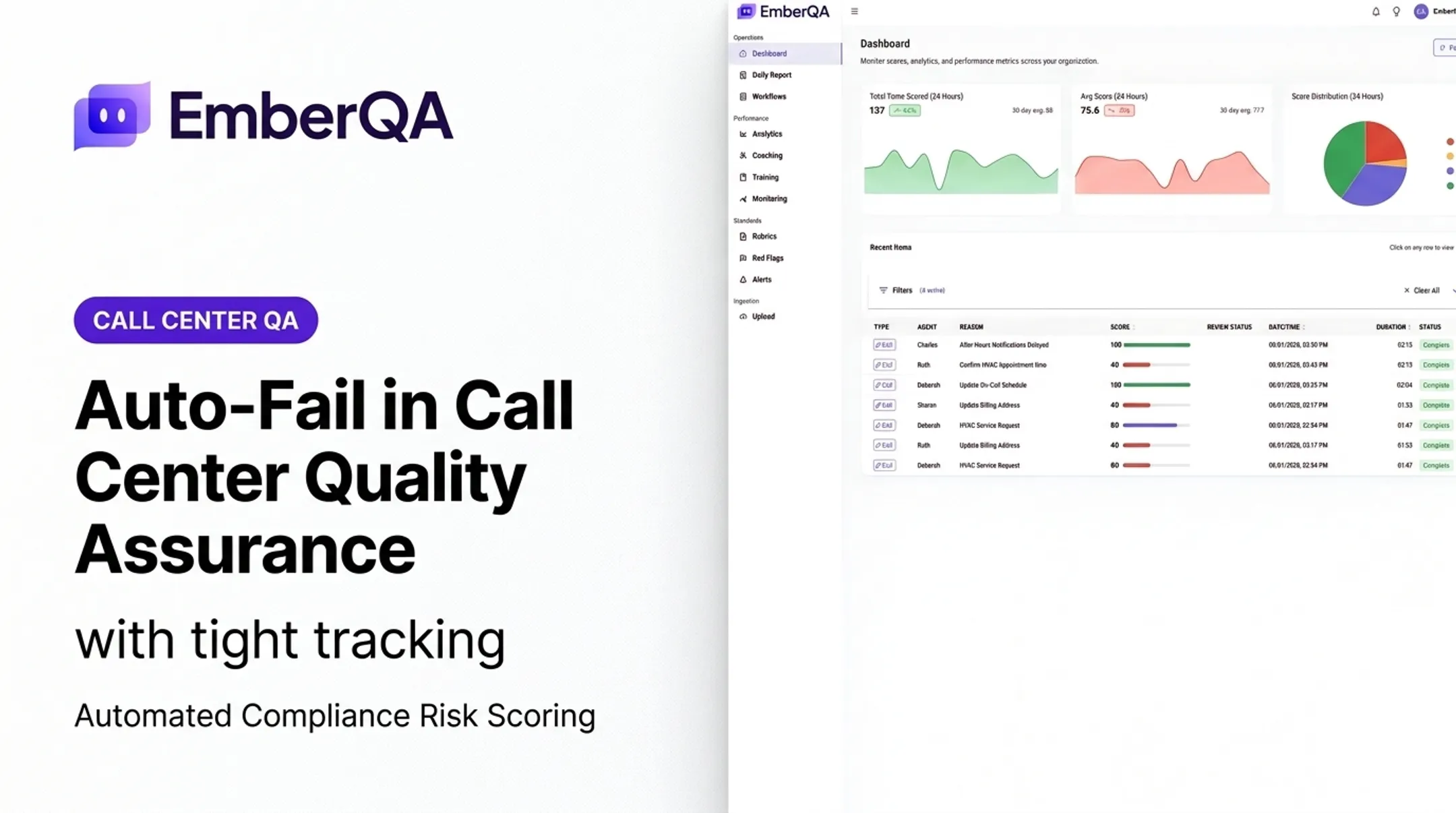
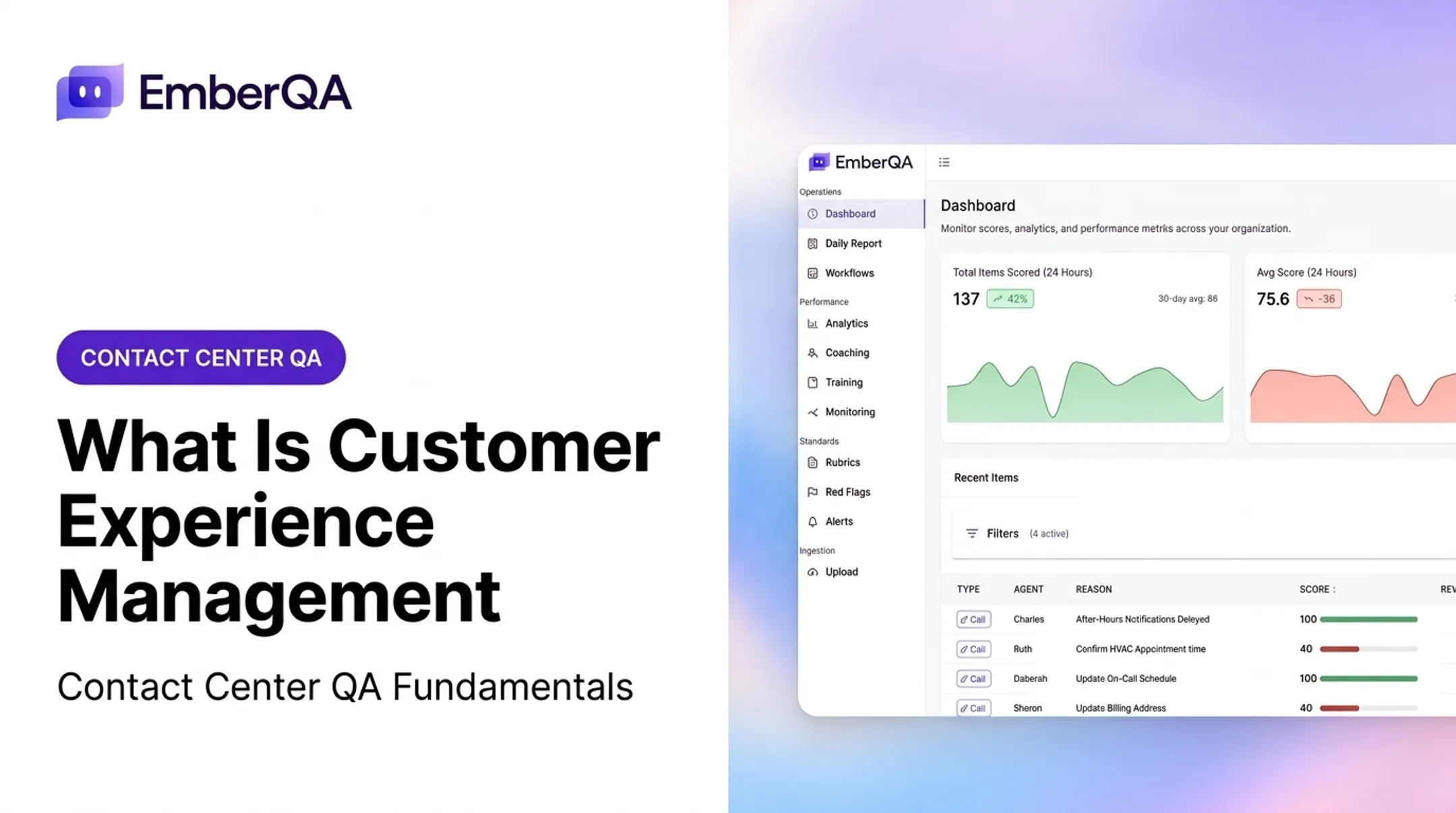
EmberQA is one example in that layer. It analyzes calls, SMS, email, and documents, applies consistent scoring rubrics, and flags issues like hostile behavior or privacy violations, then routes findings into office-specific coaching workflows.
What Are the Benefits of CX Automation?
The most immediate benefit is reduced customer effort. Shorter wait times, better routing, and self-service options mean customers stop repeating themselves to three different agents.
Contact centers pick up parallel gains on the operations side.
Operational Gains
- Reduces repetitive manual work like data entry and call logging
- Helps teams absorb higher interaction volume without proportional headcount growth
- Improves consistency across shifts, locations, and channels
- Gives managers clearer visibility into performance trends without manual report-building
Agent-assist tools show measurable impact here too. An NBER study of 5,179 customer-support agents found AI assistance increased resolved issues per hour by 14% on average, with a 34% jump for newer or lower-skilled agents. Experienced agents saw little change, which makes sense: automation helps most where it fills a knowledge gap.
Quality and Business Benefits
Automated QA and analytics strengthen compliance monitoring and coaching:
- More consistent evaluations instead of scorecard variance between reviewers
- Faster detection of urgent issues, like disclosure errors or hostile agent behavior
- Targeted coaching based on actual recurring patterns, not guesswork
- Stronger audit trails for compliance-heavy industries
One EmberQA customer, ECA, moved from reviewing less than 1% of calls manually to evaluating every customer interaction, freeing up roughly 30 hours per week of manager time previously spent on transcripts and manual scoring. Replacing sampling with full coverage turned that QA time into coaching time.

What Are Examples of CX Automation?
CX automation shows up across three stages of the customer journey: before contact, during contact, and after.
Pre-contact:
- Personalized knowledge-base article suggestions
- Proactive service notifications (shipping delays, appointment reminders)
- Automated scheduling and reminder workflows
During contact:
- AI self-service for routine questions
- Intelligent routing based on intent or customer value
- Real-time agent assistance and suggested responses
- Automatic pull of customer history and context
After contact:
- Call summaries and case updates
- Survey triggers and follow-up messages
- QA scoring, compliance alerts, and coaching recommendations
A Regulated-Industry Example
Insurance and collections teams face particular pressure. Debt collection is governed by Regulation F's call-frequency rules, which create a rebuttable presumption of a violation after more than seven calls in seven days on the same debt.
Insurance carriers face similar scrutiny. The NAIC's model AI bulletin expects insurers using AI in regulated decisions to maintain a written governance program.
For these teams, automated interaction analysis isn't optional polish. EmberQA's financial-services and collections QA applies custom scorecards to every call, SMS, and document, then flags disclosure risks and inconsistent service before they become regulatory findings.
What to Automate First
Not every task belongs in an automated workflow:
Automate repetitive, rules-based, high-volume work:
- Routing and triage
- Standard FAQs and knowledge-base answers
- Initial QA scoring and compliance checks
Keep with humans work that needs judgment:
- Disputed charges and billing exceptions
- Sensitive personal data handling
- Complex complaints and discretionary decisions
That after-contact layer—especially QA scoring and coaching—is where EmberQA is especially useful. Instead of sampling a handful of calls per agent each month, teams can evaluate every available interaction and catch patterns manual review would miss entirely.
How to Implement CX Automation Responsibly
Successful rollouts start with a problem, not a tool.
- Map the journey and find friction points. Review interaction volumes and pick a use case with clear customer and business impact.
- Define objectives and ownership. Choose relevant measures:
- CX measures: CSAT, CES, NPS, sentiment trends
- Operational measures: response time, transfer rate, containment, agent workload
- Quality measures: rubric adherence, red-flag volume, coaching completion
- Build the data and governance foundation. Document permissible data use, limit access to sensitive information, and set clear retention rules. NIST's AI Risk Management Framework offers a useful, voluntary structure for human-AI oversight.
- Integrate, don't isolate. Connect automation to existing CRM, routing, and reporting systems so context flows both directions.
- Pilot narrow, then expand. Test a single use case against a pre-automation baseline. Check accuracy, escalation behavior, and agent usability before scaling.
- Build human-review paths. Low-confidence results and high-risk interactions should route to a person, not auto-resolve.
A QA-focused pilot is often the cleanest place to start. Spot On Schedulers, a multi-office dental scheduling operation, uses EmberQA to review 100% of calls across 18 offices.
The platform applies office-specific workflows, verifies CRM data with each call, and compares patterns across locations so managers can see where coaching is actually needed.

Responsible CX automation rests on reliable data, clear governance, and human judgment at the points that matter. That mix makes the experience easier for customers and for the teams handling every interaction.
Frequently Asked Questions
What is CX automation?
CX automation is the use of AI, workflows, connected data, and automation tools to improve customer interactions and the operations supporting them across the entire customer journey. It goes beyond single tools like chatbots to connect routing, QA, and analytics.
What are the four types of automation?
The four practical types are interaction automation, workflow and orchestration automation, insight and quality automation, and personalization or proactive automation. Vendors use different terminology, but these categories cover most capabilities.
How does CX automation work?
Systems capture a customer signal, interpret intent and context, trigger a workflow or response, escalate when necessary, and analyze the outcome. This loop feeds continuous improvement across routing, service, and QA.
What are the benefits of CX automation?
Benefits include reduced customer effort, faster service, more consistent evaluations, lower manual workload for agents and managers, and stronger insight into performance trends. It also supports faster detection of compliance and quality risks.
What is an example of CX automation?
A common example combines intelligent call routing with real-time agent assistance, automated QA scoring, red-flag detection, and coaching recommendations, all triggered from the same customer interaction.
How do you implement CX automation?
Start by mapping the customer journey and picking a focused pilot with defined metrics. Integrate with existing systems, set human-escalation rules for high-risk cases, and expand only after testing supports it.