Introduction
Customers expect fast, personalized answers on every channel. Most contact centers still review only a sliver of their calls and chats.
That gap matters. In Salesforce's 2024 service survey, 86% of service professionals said customer expectations were rising. Yet many teams still rely on manual QA sampling that covers only a fraction of total interactions.
AI customer experience closes that gap. It uses machine learning, natural language processing, and automated analysis to understand, support, and improve customer interactions across every channel—not just chatbots.
This guide covers the core technologies, real benefits, contact center use cases, implementation steps, common risks, and how AI-powered quality assurance turns customer conversations into measurable improvement.
Key Takeaways
- Build AI customer experience beyond chatbots: personalization, routing, agent assist, interaction analytics, and automated QA
- Pair AI with clean data, clear goals, and defined human escalation paths
- Analyze every interaction—not a small manual sample—to improve consistency and coaching accuracy
- Keep human judgment in control for sensitive, complex, or regulated conversations
What Is AI Customer Experience?
AI customer experience is the application of artificial intelligence to understand, support, and improve how customers interact with a business. It draws on several distinct technologies working together:
- Machine learning to detect patterns across thousands of past interactions
- Natural language processing to understand what customers mean
- Generative AI to draft responses, summaries, or coaching notes
- Predictive analytics to flag likely churn or repeat contacts
- Conversational AI to power self-service and agent assist
Beyond the Chatbot
A chatbot is one application of AI CX, not the whole category. Chatbots handle front-end conversations. AI CX goes further:
- Analyzes conversations after they happen
- Recommends next actions and routes contacts to the right agent
- Detects sentiment shifts mid-call
- Verifies information against CRM records
- Flags where service is breaking down
That distinction matters in contact centers. A team can run a mature AI CX program with no customer-facing chatbot at all—built on interaction analysis, coaching, and quality scoring.
Mapping AI Across the Customer Journey
AI touches nearly every stage of the journey:
- Discovery – intelligent search and content recommendations
- Purchase or onboarding – guided workflows and proactive check-ins
- Support – self-service, routing, and agent assistance
- Issue resolution – summarization and next-best-action prompts
- Retention and feedback – sentiment analysis and churn signals
None of this works without three foundations:
- Reliable customer data
- Integration with existing CRM and contact center systems
- Transparent governance with human oversight
AI trained on messy or incomplete data produces messy, incomplete recommendations—whether it answers a customer directly or scores how an agent handled the call.
Benefits of AI in Customer Experience
The value of AI CX shows up in four practical areas: speed, personalization, consistency, and operational visibility.
Faster, always-on assistance. AI can handle routine questions, guide customers through self-service, and prioritize urgent requests without waiting for the next available agent. It also supports agents in real time during live conversations rather than replacing them outright.
In a field study of 5,179 support agents using a conversational AI assistant, researchers found agents resolved 14% more issues per hour, with a 34% gain among newer or lower-skilled agents. Experienced agents saw smaller gains. AI assist helps most where knowledge gaps exist, not evenly across every seat.

Speed is only the first layer. The next is making each interaction feel relevant without overclaiming what the model can do.
Personalization without overpromising. AI uses customer history and behavioral signals to tailor recommendations, routing, and next-best actions. It doesn't guarantee outcomes. It surfaces relevant options based on what's actually in the data.
Omnichannel consistency follows the same logic. When voice, chat, email, and SMS data connect to one customer record, customers don't have to repeat their issue every time they switch channels.
Operational visibility rounds out the list:
- Recurring friction points surface faster
- At-risk interactions get flagged before they escalate
- Agents spend less time on manual busywork
- Leaders track performance trends instead of anecdotes
These benefits compound when interaction data feeds coaching and process fixes. That feedback loop is what turns faster handling into fewer repeat contacts and steadier customer experience.
How to Use AI Across the Customer Journey
Start with a specific problem, not a general AI initiative. "We want AI" isn't a strategy. "We want to reduce repetitive password-reset calls by 20%" is.
Customer-Facing Applications
Customer-facing AI takes repetitive volume off the queue so agents spend time where judgment matters:
- Conversational self-service for common questions
- Intelligent search that surfaces the right knowledge article fast
- Appointment, order, and account support without a live agent
- Proactive notifications before a customer has to ask
- Clean escalation to a human when the AI hits its limits
Agent-Facing Applications
Agent-side AI tends to deliver the fastest returns because it supports people who are already trained, without changing what the customer experiences directly:
- Conversation summaries that cut after-call wrap-up time
- Suggested responses and real-time knowledge retrieval
- Next-best-action prompts during a live call
- Sentiment cues that warn an agent a customer is getting frustrated
- Translation support for multilingual teams
Beyond live assist, predictive analytics flags likely churn, repeat contacts, or unresolved issues before they compound. One caution worth repeating: predictions need validation against real outcomes before they drive high-impact decisions like account closures or refund denials.
From One Call to Continuous Improvement
Here's how it plays out in practice. A customer calls in confused about a billing charge. AI intake routes the call to an agent trained on billing disputes and surfaces the account history automatically.
The agent resolves it, and the interaction gets scored afterward against a QA rubric. That score reveals the same confusion showed up in dozens of other calls that month, tracing back to unclear language on the billing statement itself.
QA flags it, a manager coaches the team, and the statement copy gets fixed. One call turns into a process fix that prevents hundreds of future ones. This is the loop that separates AI CX from a standalone chatbot project.

AI-Powered CX for Contact Centers and Quality Assurance
Contact centers are where AI CX delivers some of its most measurable value. They generate massive volumes of repeated interactions, and consistency across agents, sites, and vendors is hard to maintain by hand.
Manual QA vs. AI-Assisted QA
Traditional QA has a coverage problem. Industry estimates put manual QA reviews at less than 1% of total calls in most organizations, which means the vast majority of interactions never get evaluated at all.
| Factor | Manual QA | AI-Assisted QA |
|---|---|---|
| Coverage | Small random sample | Every recorded interaction |
| Scoring | Subjective, reviewer-dependent | Standardized rubric applied consistently |
| Speed | Delayed, batch reviews | Near real-time risk detection |
| Feedback | Isolated incidents | Trend analysis across agents and teams |
Automated Scoring and Red Flags
Automated interaction scoring applies an organization's own criteria to calls, chats, emails, and other interactions. It surfaces strengths, missed requirements, policy gaps, and coaching opportunities.
Red flag detection catches issues such as:
- Potential compliance breaches
- Inaccurate information
- Poor customer treatment
- CRM inconsistencies
These flags should prompt human review, not serve as final determinations on their own.
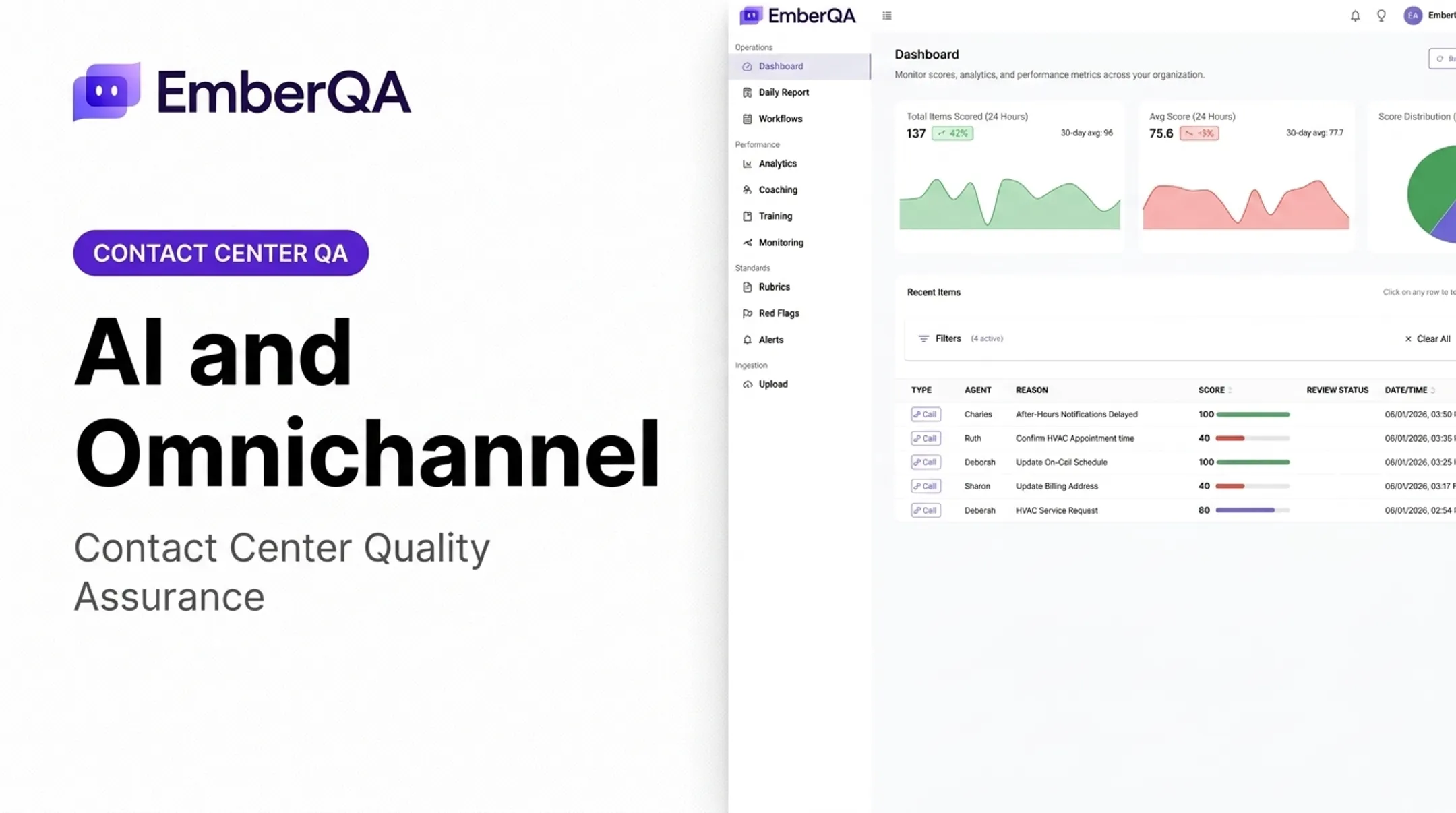
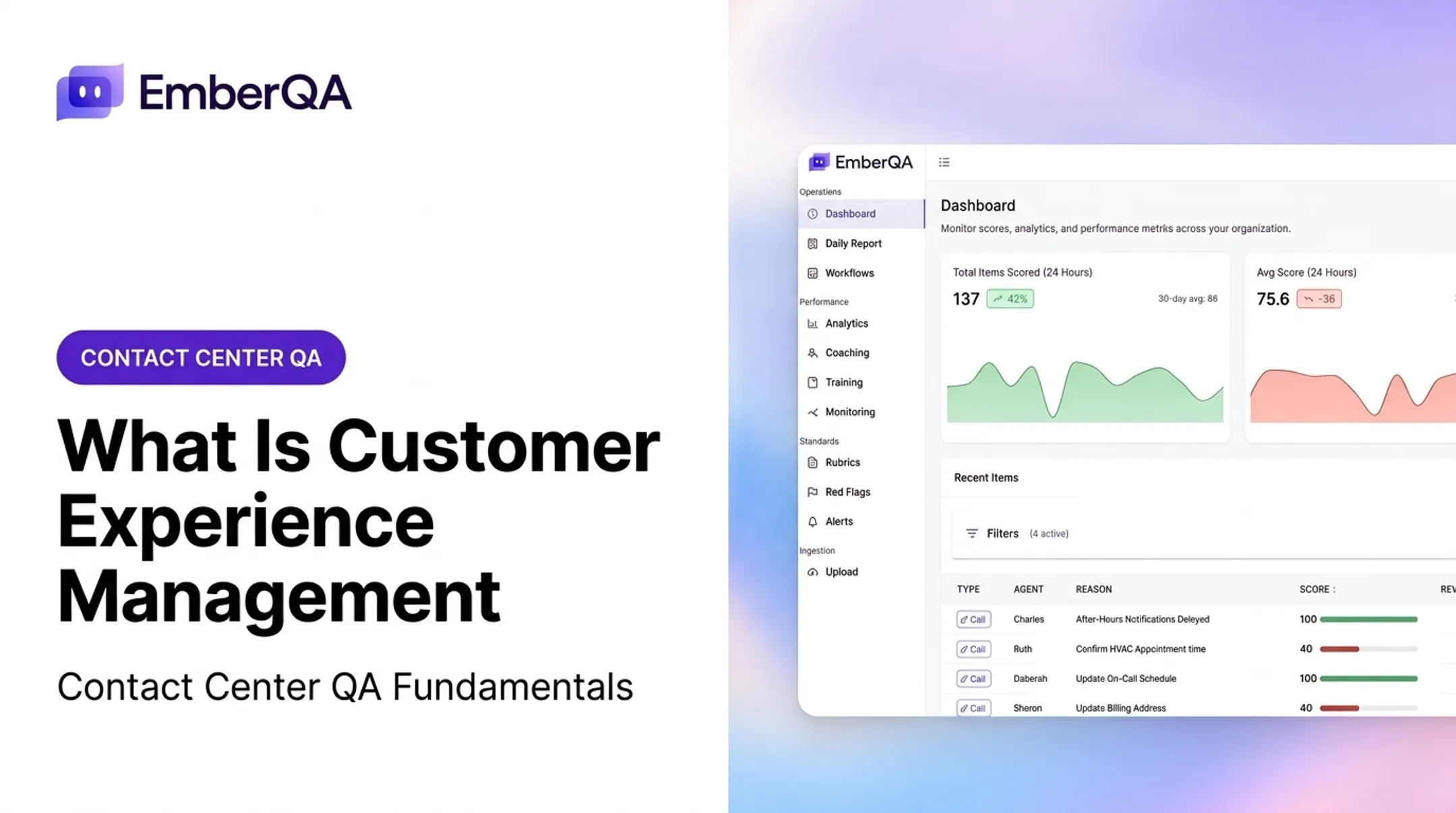
EmberQA builds directly on this model. The AI-powered QA platform:
- Scores calls, SMS, emails, and documents against custom rubrics
- Surfaces red flags for privacy violations, improper advice, and similar risks
- Compares call content against CRM records to catch gaps between what happened and what got logged
ECA is a useful example. The team previously reviewed less than 1% of calls manually. After adopting EmberQA, they moved to scoring 100% of calls automatically, with feedback tied to specific moments in each conversation rather than general impressions.

Spot On Schedulers took a similar path. They use EmberQA to check required steps across every dental scheduling call and compare outcomes office by office.
That kind of searchable, comparable data lets QA leaders spot patterns by agent, team, location, or rubric category, and turn those patterns into targeted coaching instead of generic feedback. If you want to see how the scoring and red-flag detection actually work on real interaction data, booking a demo is the fastest way to evaluate fit.
How to Implement AI Customer Experience Responsibly
Responsible implementation starts before you pick any tool.
- Set measurable objectives and a baseline. Identify the customer problem or quality risk first, then choose metrics that will actually show whether the initiative is working.
- Audit your data and systems. Check interaction recordings, CRM fields, knowledge sources, consent requirements, and integration quality before deployment.
- Define human oversight explicitly. Decide when AI can automate, recommend, flag, or summarize, and when a trained employee has to review or approve.
- Pilot one focused use case. Test outputs against human-reviewed interactions, document false positives and false negatives, and refine before scaling.
- Build ongoing governance. Monitor accuracy, bias, privacy, security, and escalation performance as policies and customer language shift over time.
This mirrors what NIST's AI Risk Management Framework recommends: testing before deployment, testing again during operation, and clearly assigned human oversight roles rather than a "set it and forget it" rollout.
Measurement should cover several dimensions together, not one metric in isolation:
- Customer outcomes
- Agent outcomes
- Operational efficiency
- Quality consistency
Challenges and Best Practices for AI-Driven CX
AI CX comes with real risks if it's implemented carelessly.
Impersonal service is a common complaint. Reserve human agents for emotional, complex, or high-value interactions, and make escalation easy without forcing customers to repeat themselves.
Fragmented systems and stale knowledge produce inconsistent answers. A trusted, well-maintained source of information with clear ownership solves most of this before it starts.
Trust and data use deserve direct attention:
- Be transparent about when AI is involved
- Follow appropriate consent and retention practices
- Control who can access interaction data
- Make the path to a human agent obvious
AI outputs also need continuous evaluation. Customer language, products, and policies change, and a model that worked well six months ago can drift out of step with current reality.
Involve the people who'll actually use the system early: agents, QA teams, compliance staff, and operations leaders. AI implementations that skip this step tend to become one more disconnected tool instead of a workflow improvement.
Start narrow, measure honestly, and scale only after accuracy and trust are proven.
Frequently Asked Questions
How do I use AI in customer experience?
Choose one specific goal, prepare your data and systems, then pilot a single focused use case with human escalation built in. Measure customer and operational outcomes before you scale.
What is AI customer experience?
AI customer experience uses machine learning, NLP, and predictive analytics to understand customer context and interaction history. It personalizes, automates, and improves customer journeys across every channel.
What are examples of AI in customer experience?
Common examples include conversational self-service, intelligent routing, agent assist tools, sentiment analysis, predictive churn insights, and automated quality assurance scoring for calls and chats.
How does AI improve contact center customer experience?
AI speeds up responses and scores every interaction consistently, not just a small sample. That helps QA teams spot service risks and coaching opportunities earlier.
What are the main risks of using AI for customer experience?
Key risks include inaccurate outputs, privacy gaps, fragmented data, bias in scoring, weak escalation paths, and losing the human empathy that complex situations require.
How can businesses balance AI automation with human support?
Let AI handle routine, high-volume tasks like initial scoring or basic inquiries. Keep humans responsible for complex, sensitive, emotional, and high-impact decisions that require judgment.