Sales call tracking software fixes that gap. It connects calls to campaigns, contacts, reps, and outcomes automatically, cutting down on manual entry while giving managers real visibility into what's working.
This guide breaks down five tools worth considering, explains how we evaluated them, and helps you figure out whether you need attribution tracking, CRM-native logging, conversation intelligence, or something else entirely.
Key Takeaways
- Call tracking software captures metadata, recordings, transcripts, and outcomes in a single workflow
- The right platform depends on your primary goal: attribution, CRM logging, outbound productivity, or conversation analysis
- Prioritize CRM integration, recording quality, reporting depth, and compliance controls over flashy extras
- Tracking and QA are different jobs — tracking records interactions, QA evaluates them for coaching and risk
Overview of Sales Call Tracking Software in the US Market
"Call tracking software" gets used as a catch-all term, but it actually covers several distinct functions that often get bundled together.
Four functions often sit under that one label:
- Call tracking: Identifies the source of a call (ad, keyword, or landing page)
- Call logging: Stores the fact that a call happened
- Recording: Preserves the audio
- Conversation intelligence: Analyzes what was actually said
CallRail's glossary draws the same line. Dynamic number insertion swaps the number shown on a website for a tracking number that forwards to your real line. That drives source attribution. It is separate from whether the call gets recorded at all.
How the Workflow Typically Runs
Most platforms follow a similar arc, even if the tools themselves specialize in different pieces of it:
- Before the call: Tracking numbers, dynamic number insertion, and routing rules identify where an inbound call came from and where it should go.
- During the call: Duration, recording, transcription, tags, and sometimes live monitoring get captured in real time.
- After the call: Activity syncs to the CRM, summaries and follow-up tasks get created, and reports feed into coaching or revenue analysis.

This matters most for sales teams, contact centers, BPOs, insurance agencies, and financial services firms: any business where phone conversations are the primary sales or service channel and getting them wrong has real consequences.
One caution: don't lean on unverified adoption stats here. A widely cited "43% of sales teams use AI" figure actually comes from a HubSpot survey of 764 sales professionals worldwide, not a US-specific call-tracking benchmark.
That gap matters for tool selection too. None of the five tools below are interchangeable, and the best one depends entirely on the problem you need to solve.
Top Sales Call Tracking Software Tools
We evaluated each tool for sales-call relevance, tracking depth, recording and analysis quality, CRM connectivity, usability, and fit for different team types. Pricing and features below reflect published vendor details; always confirm current terms before signing.
Salesforce Sales Cloud
Salesforce is the CRM-native option for teams already in that ecosystem that want call activity, transcripts, and pipeline data in one place. It works best as a full CRM with strong calling features when you configure it correctly.
That's the catch. Salesforce edition tiers list Conversation Intelligence, but live voice calling needs Salesforce Voice, an add-on on Sales Cloud, Service Cloud, or Government Cloud. Enterprise and Unlimited include Conversation Intelligence; lower tiers do not.
Best fit: Organizations already running Salesforce that want calling folded into existing workflows without adopting a separate platform.
Limitations: Implementation effort is real, and voice/AI entitlements vary by edition and add-on. Don't assume calling comes free with your CRM license.
| Feature | Details |
|---|---|
| Pricing | $25–$350/user/month across four editions (Starter to Unlimited) |
| Call recording/AI | Requires Salesforce Voice add-on; Conversation Intelligence in Enterprise/Unlimited |
| CRM integration | Native (it is the CRM) |
| Best-fit customer | Existing Salesforce users wanting unified calling and pipeline data |
CallRail
CallRail is built for marketing attribution first, call tracking second. If you need to know which campaign, keyword, or landing page generated an inbound call, this is the category leader.
Its entry-level Lead Tracking plan includes call/text attribution, recording, routing, and transcription. Deeper conversation analysis (sentiment and trend detection) sits on the higher Lead Conversion tiers.
Best fit: Marketing-driven teams that need to prove ROI on ad spend and connect calls back to specific campaigns.
Limitations: Basic transcription is included early, but the more advanced conversation intelligence features cost significantly more.
| Feature | Details |
|---|---|
| Starting price | $50/month + usage (5 numbers, 250 minutes) |
| Attribution depth | Strong: dynamic number insertion (DNI), campaign/keyword tracking |
| Recording/transcription | Included at entry; premium sentiment analysis at $150+/month |
| CRM integrations | HubSpot, Salesforce, and others |
| Best-fit customer | Marketing teams needing campaign-level call attribution |
HubSpot Sales Hub
HubSpot's appeal is simplicity: calling, automatic activity logging, contact records, and follow-up tasks all live inside the same CRM your reps already use daily.
Calling minutes are pooled across the account, not assigned per rep, and the allowance depends on your subscription tier. Recording review and transcription need a Professional or Enterprise seat. The promotional $10 Starter price often advertised does not include full calling functionality.
Best fit: Teams already using HubSpot CRM that want native calling without adding a third-party tool.
Limitations: Attribution depth doesn't match dedicated tools like CallRail, and minute allowances can catch teams off guard if usage isn't monitored.
| Feature | Details |
|---|---|
| Pricing | $10 (promotional Starter), $100 Professional, $150 Enterprise per seat/month |
| Native calling | Yes, with optional recording |
| Recording/transcription | Requires Professional or Enterprise |
| CRM workflow | Native, automatic logging |
| Best-fit customer | HubSpot-native teams wanting integrated calling |
CallTrackingMetrics
CallTrackingMetrics (CTM) combines attribution, routing, and conversation intelligence into one configurable platform. It's a good fit for agencies and multi-location operations that need rules-based call flows rather than a one-size-fits-all setup.
CTM's routing engine considers factors like site visits, caller history, and demographics — useful if you're managing complex, multi-location call flows. It also charges for AI usage separately: transcription runs $0.02/minute and AskAI queries run $0.01/question, on top of the base subscription.
Best fit: Agencies and multi-location businesses needing configurable routing plus attribution in one platform.
Limitations: The subscription fee alone doesn't reflect total cost. Usage charges for transcription and AI features add up fast at volume.
| Feature | Details |
|---|---|
| Pricing | $65–$1,999/month depending on tier and billing cycle |
| Routing | Rules-based, factoring in visitor and caller data |
| AI analysis | Metered separately (transcription, AskAI) |
| Integrations | Salesforce, HubSpot, Microsoft Dynamics 365, Google Ads |
| Best-fit customer | Agencies and multi-location operations needing flexible call flows |
Gong
Gong isn't a call-tracking tool for ad attribution; it doesn't track which campaign drove a call. It is a conversation intelligence platform focused on what happens after the call connects: objections, buying signals, talk-time ratios, and coaching opportunities.
Pricing follows that purpose: per-user licenses plus a platform fee, with no published flat rate. You'll need a quote.
Best fit: Sales teams focused on coaching and deal analysis rather than marketing-source attribution.
Limitations: No documented dynamic number insertion or campaign-attribution feature. Skip it if marketing ROI is your primary question.
| Feature | Details |
|---|---|
| Pricing | Per-user + platform fee (quote required) |
| Recording/transcription | Automatic, built for sales-call analysis |
| Conversation intelligence | Strong — objection tracking, topic analysis, coaching |
| CRM integrations | Salesforce, HubSpot |
| Best-fit customer | Sales teams prioritizing coaching and conversation analysis over attribution |

How We Chose the Best Sales Call Tracking Software
We focused on whether each platform turns raw call data into something usable, not just brand recognition. Here's what we weighed. Tracking and attribution. We looked for:
- Dynamic number insertion
- Campaign and keyword tracking
- Inbound and outbound coverage with outcome tagging Recording, transcription, and analysis. We checked whether:
- Transcripts are searchable
- Sentiment or keyword analysis is native, or only available as a paid add-on CRM and workflow integration. We checked for:
- Native, bidirectional sync (not one-way exports)
- Automatic activity logging without manual entry
- Custom field mapping and pipeline updates
- API or webhook support for custom workflows Routing, reporting, and scalability. We weighed:
- IVR and skill-based routing
- Live monitoring and custom dashboards
- Clean scaling across distributed or multi-location teams Security, privacy, and compliance. Federal law under 18 U.S.C. § 2511 generally permits recording with one party's consent, but roughly 11 states require all parties to consent, according to the Reporters Committee for Freedom of the Press. A tool that works fine in Texas can create legal exposure in California. Verify consent workflows, retention controls, and relevant certifications before rolling out across state lines. Usability and total cost. Onboarding time, rep adoption, per-user fees, minute charges, and AI add-on costs all factor into real total cost, not just the advertised sticker price.
Common Selection Mistakes to Avoid
- Choosing a feature-heavy platform without a defined use case
- Comparing list prices while ignoring usage fees (minutes, transcription, AI queries)
- Skipping CRM compatibility checks before signing a contract
- Never testing actual call quality before committing to volume
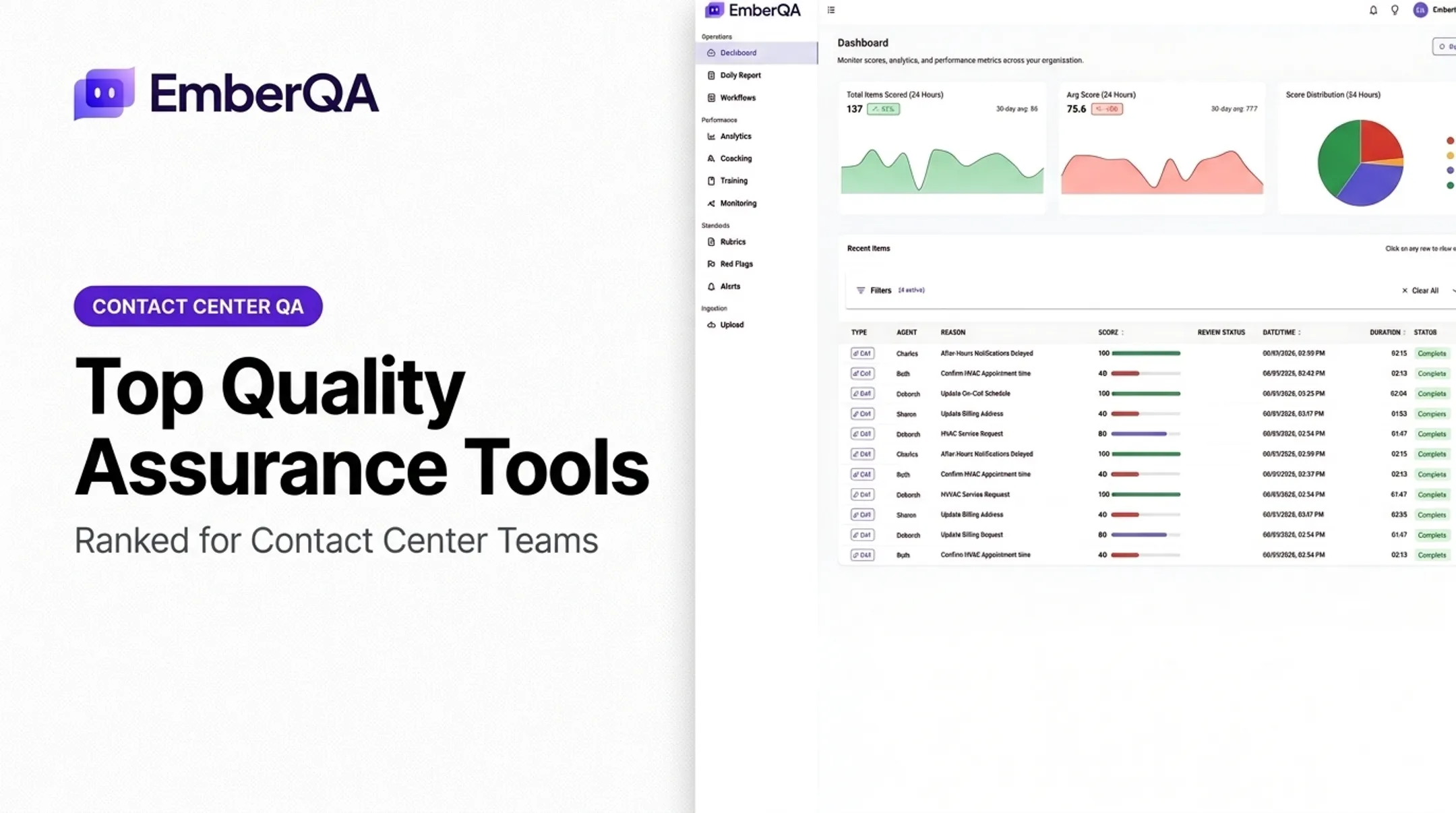
- Treating automated summaries as a substitute for human QA review That last mistake is easy to miss. Call tracking tells you a conversation happened and where it came from. It does not tell you whether the rep followed script, missed a compliance disclosure, or handled an angry customer badly. For contact centers, that is a separate workflow built for quality assurance, not attribution. A platform like EmberQA does not track marketing sources or route calls. It scores recorded interactions against custom rubrics, flags compliance risks in real time, and turns recurring patterns into coaching. If your team has more call volume than anyone can review by hand, tracking alone will not solve that problem.

Conclusion
There's no single "best" sales call tracking tool. The right pick depends on the problem you're solving:
- Campaign attribution: CallRail or CTM
- CRM-native calling: Salesforce or HubSpot
- Conversation intelligence: Gong
Before committing, test your shortlist with real calls and real workflows. Compare data accuracy, rep adoption, integration performance, and total cost, not just the number on the pricing page.
If your team's biggest challenge isn't finding calls but reviewing them at scale, that's a different problem. Contact centers handling hundreds or thousands of calls a week can't manually review more than a fraction of them.
EmberQA scores every interaction automatically, surfaces red flags before they become compliance problems, and turns recurring patterns into coaching your managers can act on.
Frequently Asked Questions
What are the four stages of a sales call?
Most frameworks describe preparation, opening/rapport, discovery and qualification, and presentation or close with agreed next steps. Huthwaite International's SPIN Selling research names them slightly differently: Preliminaries, Investigating, Demonstrating Capability, and Obtaining Commitment.
What is the best software for tracking sales calls?
It depends on your priority. CallRail or CTM for marketing attribution, Salesforce or HubSpot for CRM-native logging, Gong for conversation intelligence. Match the tool to the problem, not the other way around.
What is the best sales call recording software?
The right choice depends on recording quality, consent workflows, storage limits, transcription accuracy, and CRM sync. Always verify current legal requirements for your operating states before rolling out recording broadly.
What is the 70/30 rule in sales?
It's commonly described as prospects talking 70% of the time while sellers talk only 30%. Gong's analysis of 326,000 calls found actual seller talk ratios closer to 57–62%, so treat 70/30 as a guideline, not a strict standard.
How does sales call tracking software work?
Tracking numbers or telephony integrations capture call metadata, recordings, and transcripts, then sync that activity to your CRM. Reports built from this data support attribution analysis, coaching, and follow-up automation.
Is sales call tracking software worth it for contact centers?
Yes, when call volume or compliance exposure makes manual review impractical. Tracking and routing solve a different problem than quality assurance, so most contact centers need both evaluated as separate but connected workflows.